Password Vault Support in the Kron PAM Desktop Client
If the user has sufficient portal privileges and permissions, the user can list both Vault Account Groups and Vault Accounts that are bound to these groups over the Kron PAM Desktop Client. Moreover, the user can search the Vault Accounts by using the filters.
For the details of the password vault, please refer to the Password Vault Section in theReference Guide.
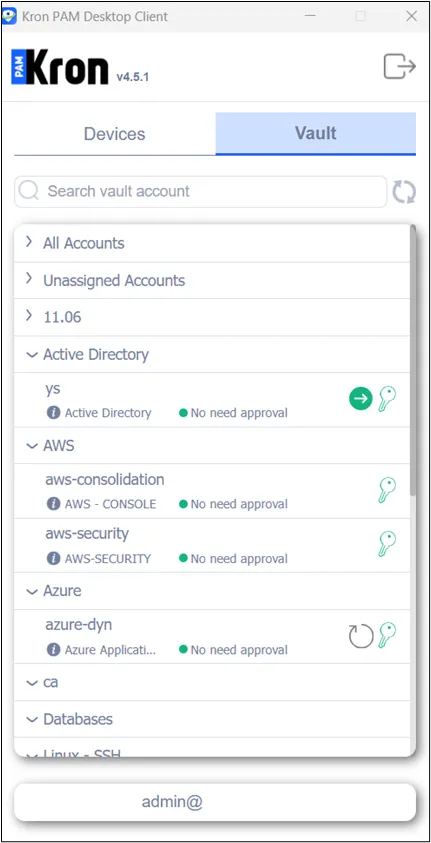
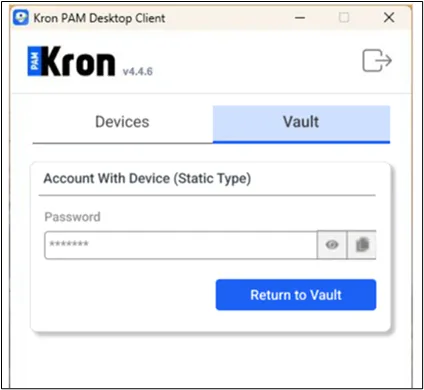
If there is no approval flow for the static vault account, the user clicks the Check out button to check out the passwords/SSH keys, etc, depending on the Vault Configuration.
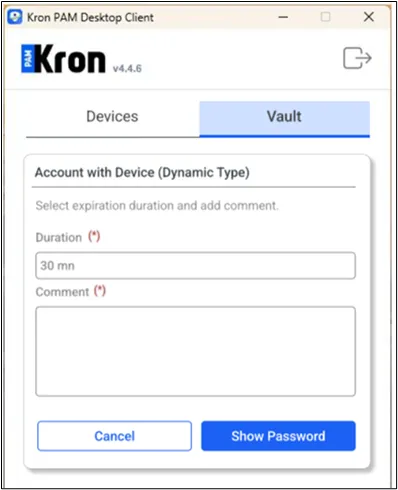
If there is no approval flow for the dynamic vault account, once the user clicks the Check out button, they should select the duration and write a comment before checking the password out.
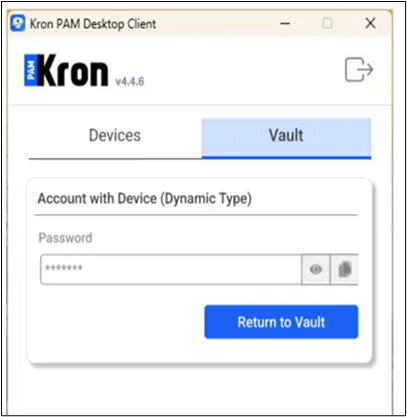
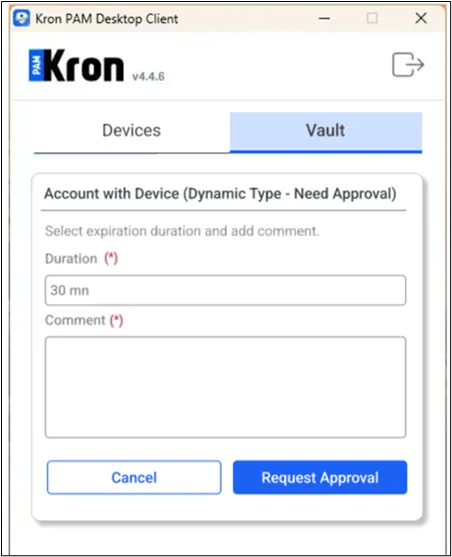
If there is an approval flow for the dynamic or static vault account, before checking the password out, the requestee should send an approval request. To do so, the user should click the Check out button. This time, it leads to another screen, and after the user enters duration and comments on this screen, the user should click the Request Approval button.