Check Out Password
1 min
1. Navigate to Secrets. 2. Open the Vault section. 3. Select the account for which you wish to see the password. 4. From the Select Action menu, select Check out Password. A pop-up appears to select an expiration time and specify the reason for accessing the password.
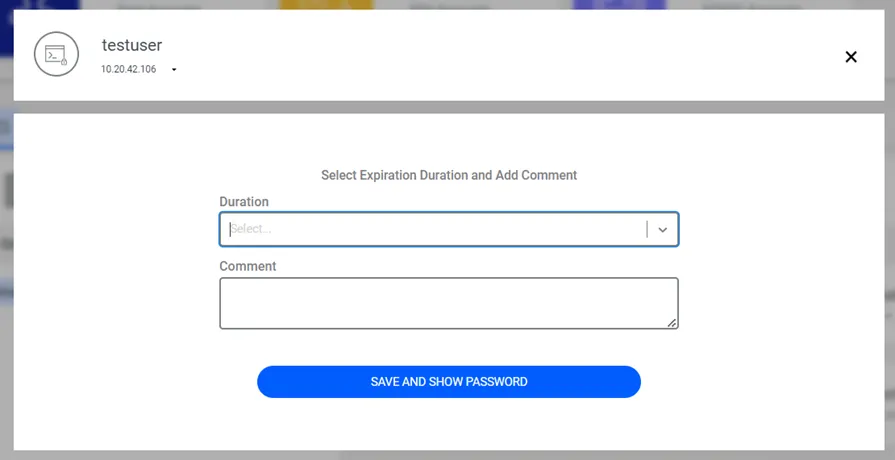
Select Duration and Add Comment
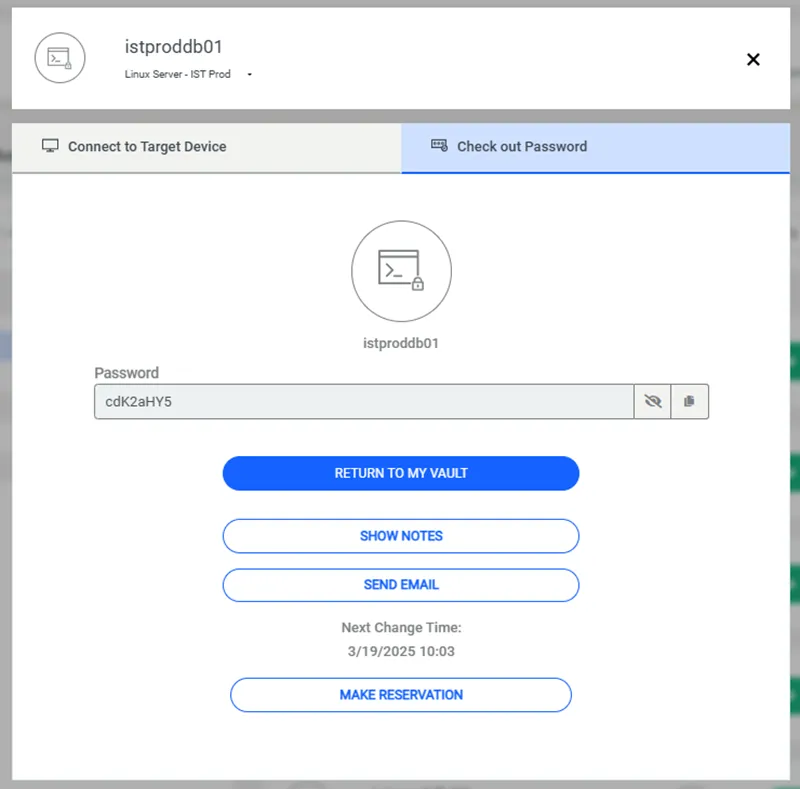
Check out Password
• The password can always be viewed for static accounts. • If another user has checked out the password, an error message appears informing that another user has the password. • If the allow.seen.by.multiple.user property is set, users can see the Account password for dynamic accounts at the same time. • When the account’s password access time expires, the password is automatically reset for dynamic accounts.