Password Management
3 min
Kron PAM Mobile Client Application allows users to see and reset passwords on the Kron PAM Mobile Client Application without opening the Kron PAM Web GUI. To use password management, the user should log in to the Kron PAM server on the Kron PAM Mobile Client Application and then follow the steps below:
- Open the Password Management tab. The user will see the accounts stored in the vault.
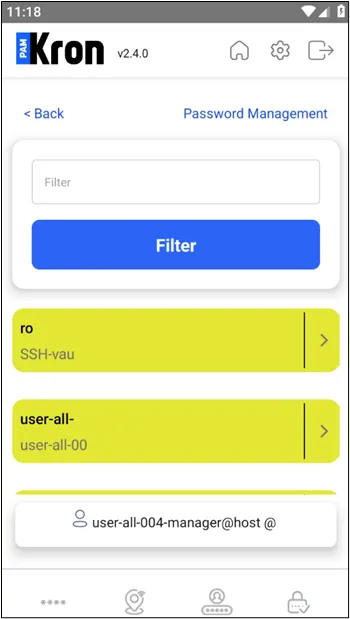
Password Management
- The user should click the Details button, which is located at the rightmost part of the account.
- If the account has been configured with a dynamic strategy, the user might click the Reset Password button to reset the generated password.
- If the user wants to see the generated password, they should click the Show Password button.
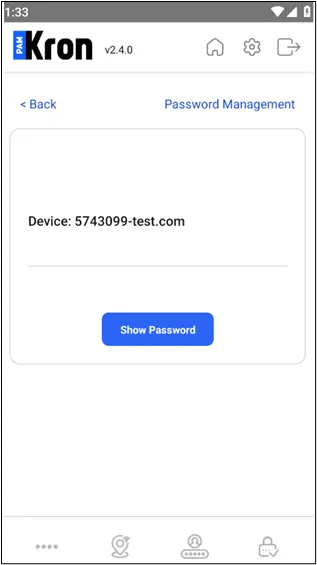
Show the Password
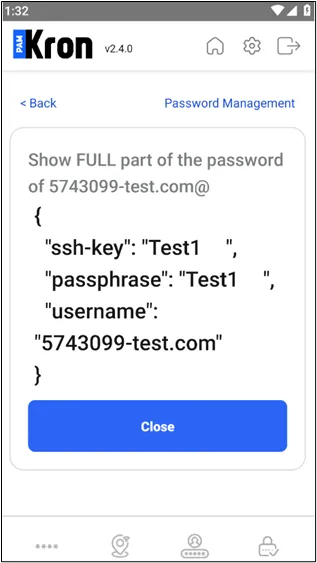
Show the Password
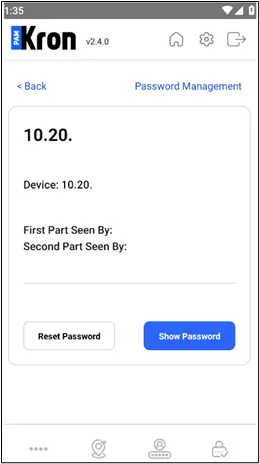
Reset the Password
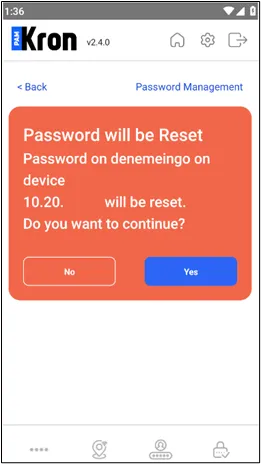
Reset the Password
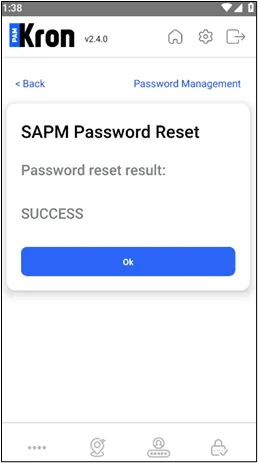
Reset the Password