Changing the Kron PAM Desktop Client Language and Tabbed View Usage
0 min
Follow the steps below to change the language and tabbed view usage of Kron PAM Desktop Client:
- OpentheKron PAM Desktop Client.
- On the login screen, click the Settings button.
- Select the language from the Language drop-down.
- Set the Use tabbed view for connection windows option to On to allow Kron PAM Desktop Client to handle sessions on multiple tabs. Otherwise, Kron PAM Desktop Client handles a single session in a tab.
- Click the Save button.
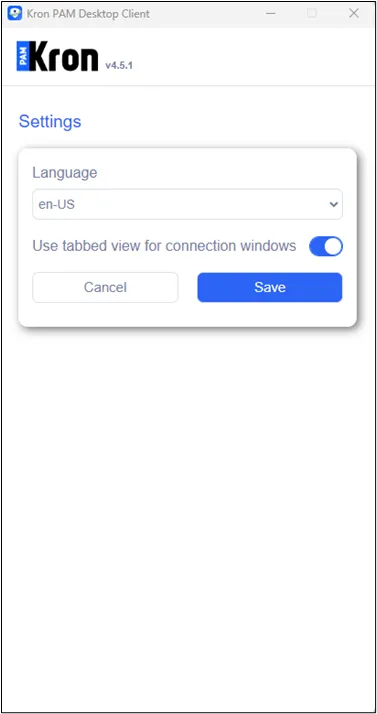
Change Language and Tabbed View Usage