Setting Up Kron PAM Desktop Client
1 min
Step 1: Download the Kron PAM Desktop Client.
- Open the Kron PAM Web GUI in a browser.
- Click the Download for Windows, for Mac OS, or Linux button depending on the operating system (Download for Linux button only becomes visible on Linux OS).
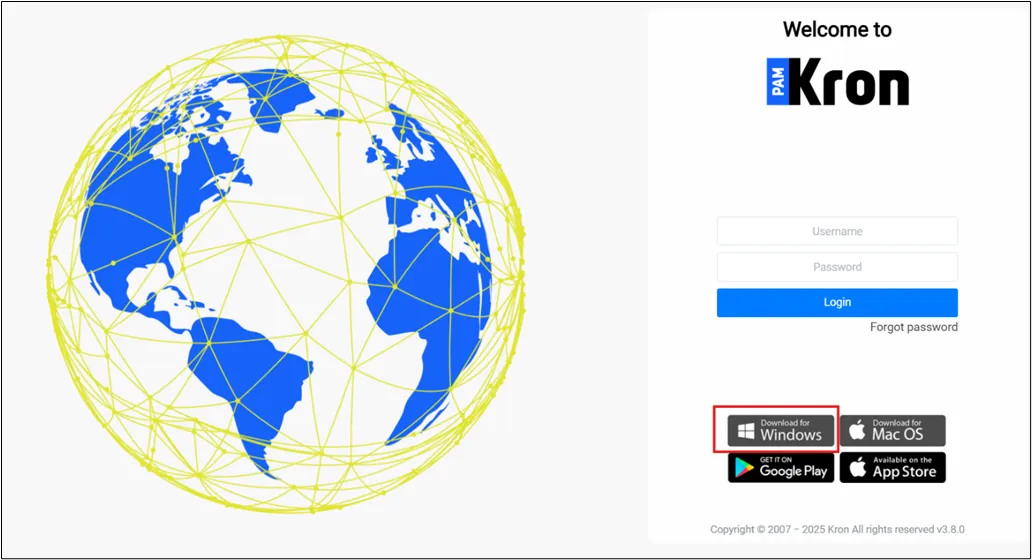
Download the Kron PAM Desktop Client on the Kron PAM Login Screen
Step 2: Set up the Kron PAM Desktop Client.
- Execute the installer file depending on the operating system (for Windows OS, the installer file is Krtsc_sc_4.5.xxx.exe, for macOS, the installer file is Krtsc_sc_4.5.xxx.dmg, and lastly for Linux OS, the installer file is Krtsc_sc_4.5.xxx.deb).
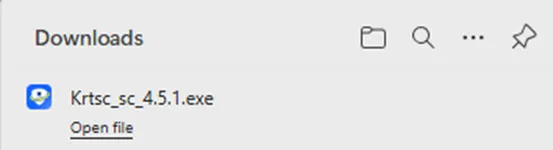
- The installer asks which users will be allowed to use the Kron PAM Desktop Client. Either all users or current users can be selected, and after that, press the Install button.
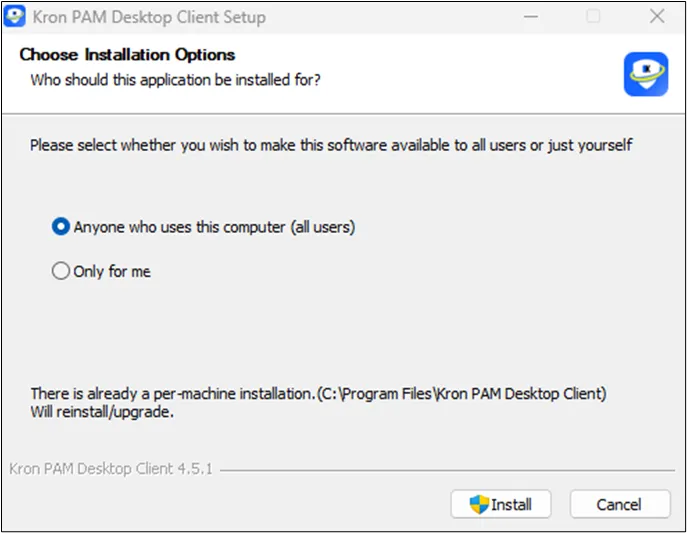
User selection for the installation of Kron PAM Desktop Client
- The Kron Pam Desktop Client is ready to be used when the installation is completed.
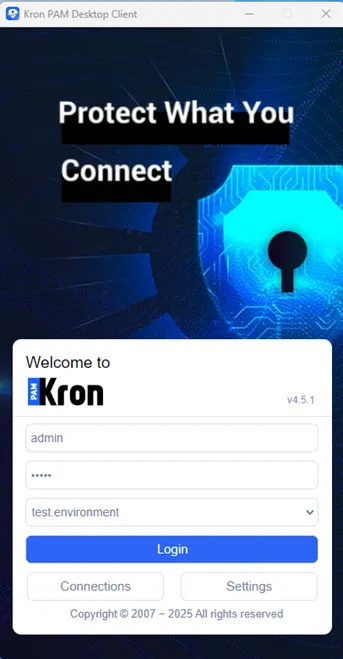
Kron PAM Desktop Client Interface