Categorizing Frequently Used Devices
3 min
The devices can be categorized by users under the Favourites tab to find them easily from an enormous number of devices. To do so, firstly, the favorite folders are created by users, and then the favorite devices are added to the related folders.
Step 1: Create a favorites folder.
- Log in to the Kron PAM Desktop Client.
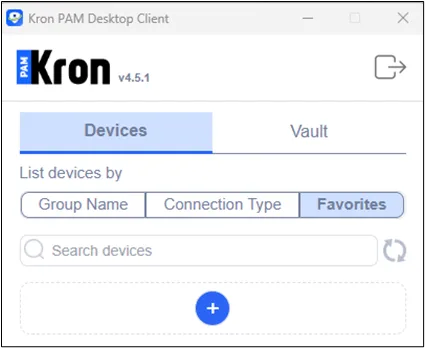
- Open the Favorites tab.
- Click Add (+). Enter the Folder name and Save.
Now, the favorite devices can be added to this folder.
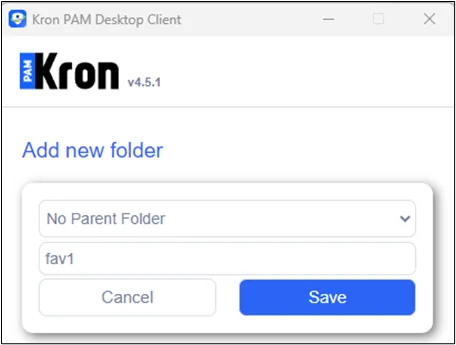
Add new folder
- Go back to the Device Group screen and click on the desired device group to list its devices.
- Click on the empty star icon next to the favorite device. The Add to Favorites pop-up opens. Save the device to the folder you created.
The empty star will turn into a full star, and the device will be added to your favorites folder.
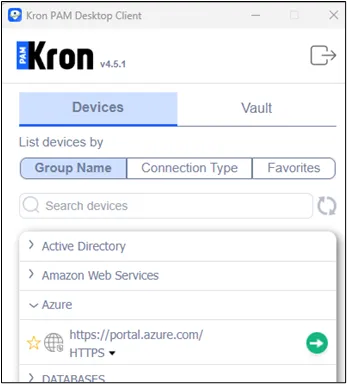
From the Device Group tab, click on the star icon
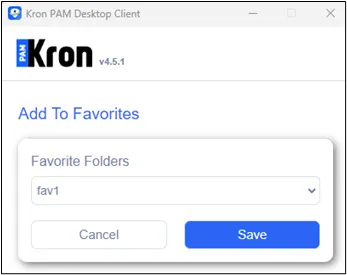
Now, the user can go back to the Favorites tab and access their devices from the folder you created.
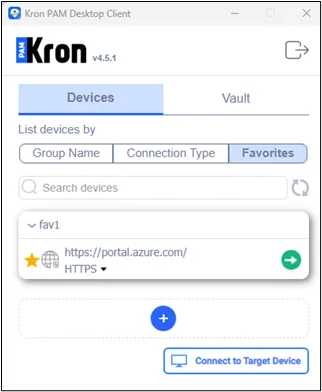
Find your the favorite devices under the Favorites tab