Enabling and Disabling PIN Code
2 min
Enabling a PIN code helps users protect their tokens from others.
To secure the Kron PAM Mobile Client Application with a PIN code:
- Tap on Settings and then on Enable Pin Code.
- Enter the desired PIN code twice, and the Kron PAM Mobile Client Application will save it.
Now the user will need to enter their PIN code to open and use the Kron PAM Mobile Client Application.
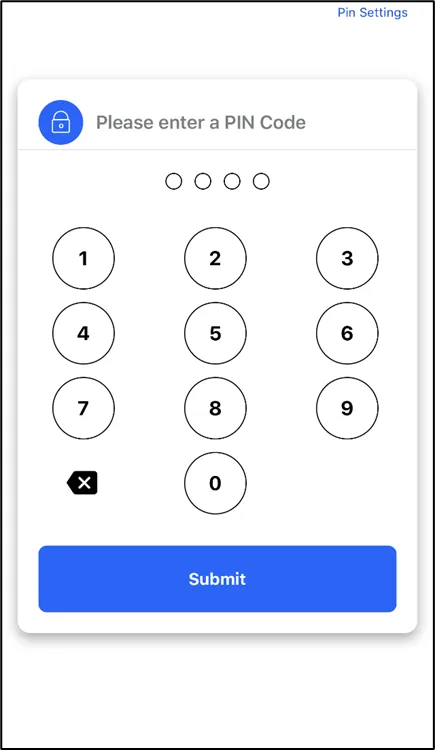
Set and use your PIN code.
To disable the PIN code:
- Tap on Settings and then on Disable Pin Code.
- Enter the PIN code that has been created, and the Kron PAM Mobile Client Application will disable the PIN code.
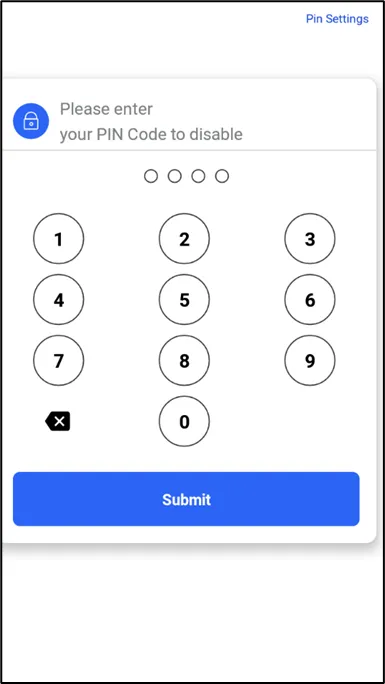
Disable your PIN code