Offline Token
1 min
Follow the steps below to add an offline token:
- Log in to Kron PAM Web GUI.
- Navigate to Administration > Multi-factor Authentication > User Token Management. To generate a new QR, select the Actions button and click the Send Manual Registration Key button. You can select at least one of the send token options (Via SMS, via Email, or Via Access Link) and click the SEND button.
- Open the Kron PAM Mobile Client Application. Log in to the Kron PAM server.
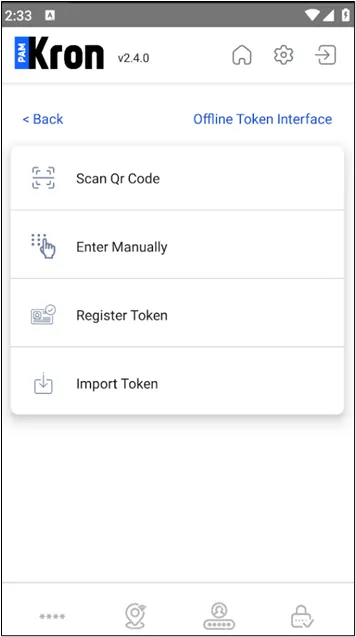
- Navigate to Offline Token >Scan QR Code, Enter Manually, Register Token, or Import Token.
- Generate a token by any of the following:
- Scanning the QR code – the user must allow the Kron PAM Mobile Client Application to access and use the camera.
- Entering the key manually with the account name.
- Registering the token (OTP should be set for the user.)
- Importing the token
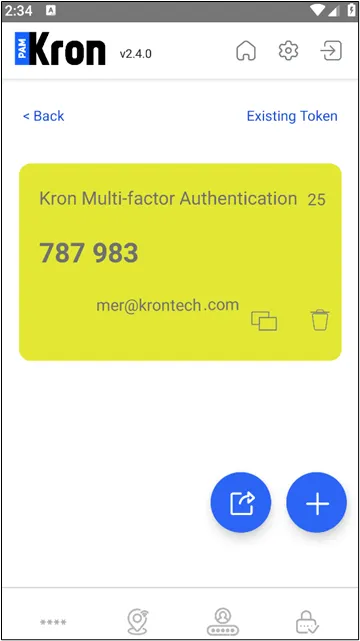
The user will see the generated tokens on the Offline Token screen after generating the token.
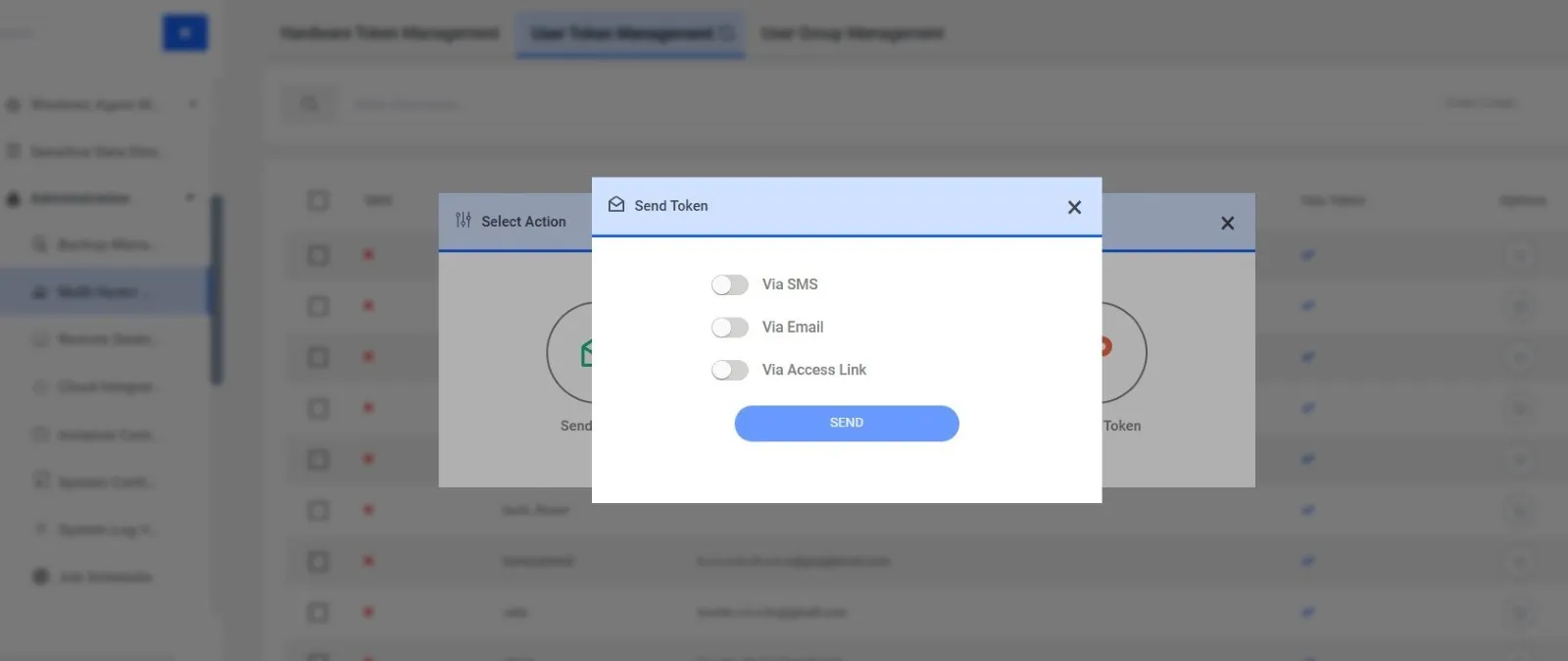
Sending a QR Code via User Token Management