Kron PAM Remote Privileged Access Management
The Kron PAM Remote Privileged Access Management (RPAM) contains a web portal that users can access remotely (SSH, RDP, container-based HTTP/HTTPS sessions) and manage devices in the internal network.
The available session types depend on the realm and portal functions assigned to your user account by the administrator.
The Kron PAM Remote Privileged Access Management consists of the RPAM Portal and the RPAM Connector.
The RPAM Portal is a web-based access layer designed to serve privileged users, such as third-party contractors or remote employees, who require controlled access to internal corporate systems.The RPAM Connector acts as a controlled intermediary between the externally accessible RPAM Portal and the internal Kron PAM infrastructure.
When the administrator sends a RPAM invitation to selected users, those users receive an email with a URL and a passcode. When the access time has started, users can click on the URL, enter the passcode first, then enter the Kron PAM user password and start working.
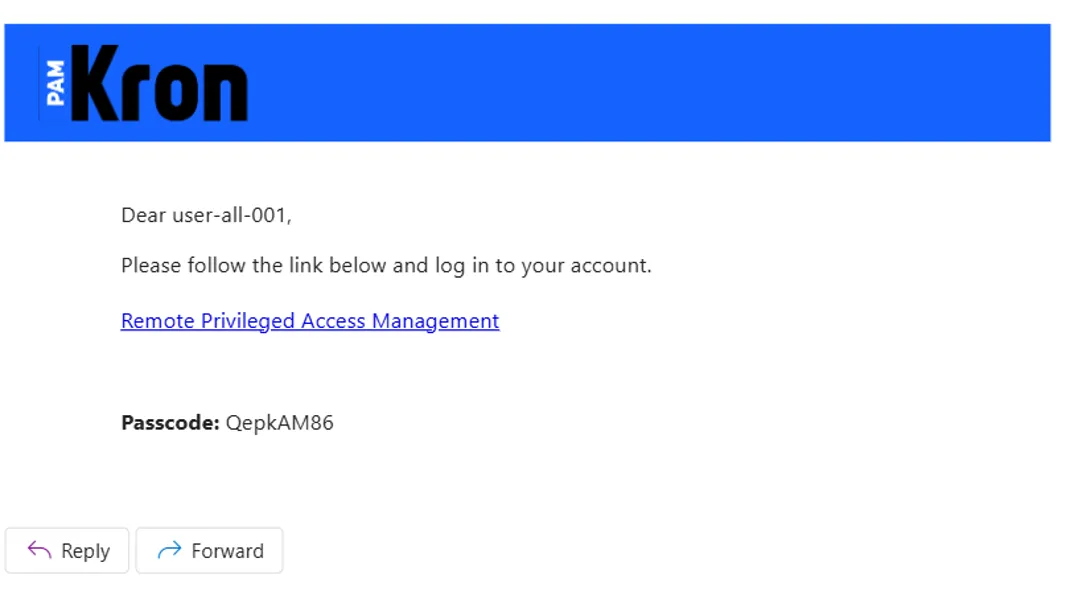
- Click the link in the mail (Remote Privileged Access Management).
- Enter the passcode.

- Then enter the user's Kron PAM password.

If you enter the wrong password, the portal displays the following message: "Wrong password. Please enter the correct Kron PAM's password."
The SAML option is available only if your administrator has enabled SAML integration under Integrations > SAML Configuration.
To log in with SAML instead, on a non multi-tenant Kron PAM server:
- Click Login with Different Methods.
- Click "Login with Azure Entra" button to continue with SAML-based authentication.
To log in with SAML instead, on a multi-tenant Kron PAM server:
- Click Login with Different Methods.
- Enter your tenant name and click Get Available Methods. To return to the login page instead, click Cancel.
- Click "Login with Azure Entra" button to continue with SAML-based authentication.
- Users can access to internal network by double-clicking.
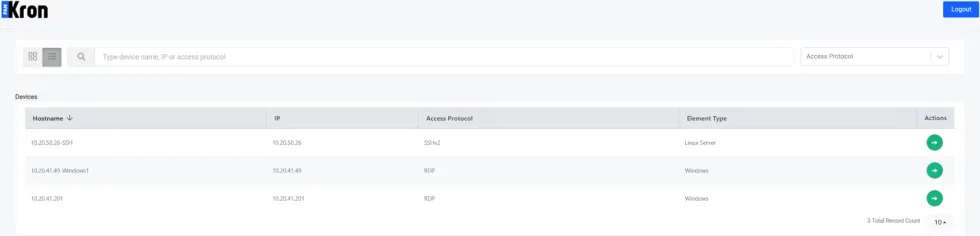
- Device connection will initiate in a new window.
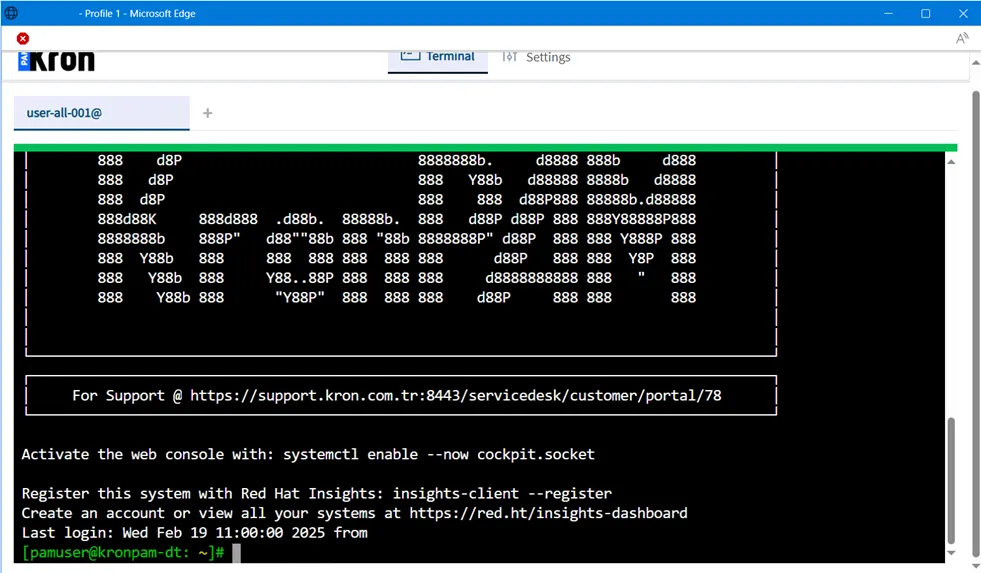
- If the connection time has not started, you can not access the remote server.

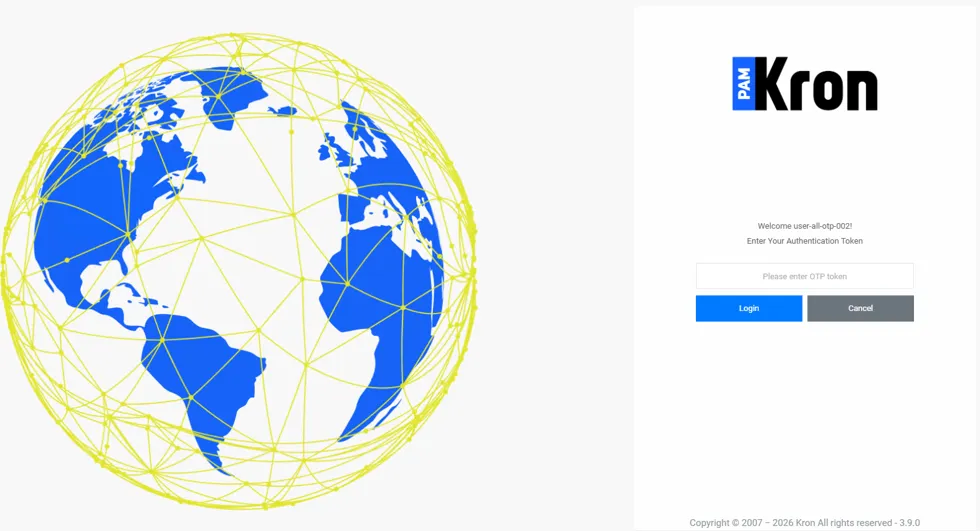
- If the OTP parameter (rap.client.otp.enabled) is set to true, after entering the Kron PAM user’s password, the user must enter the OTP value, which is accessible on the Kron PAM Mobile Client Application or email.