Changing the Desktop Client Language
1 min
Follow the steps below to change the language of Kron PAM Desktop Client:
- Open the Kron PAM Desktop Client.
- On the Login screen, click Settings.
- Select the language from the Language drop-down.
- (Optional) Toggle the Use Native Resolution option On to override your Windows Desktop zoom levels and establish RDP connections with your monitor’s native resolution. Otherwise, the zoom level will apply to your RDP connections.
- Click Save.
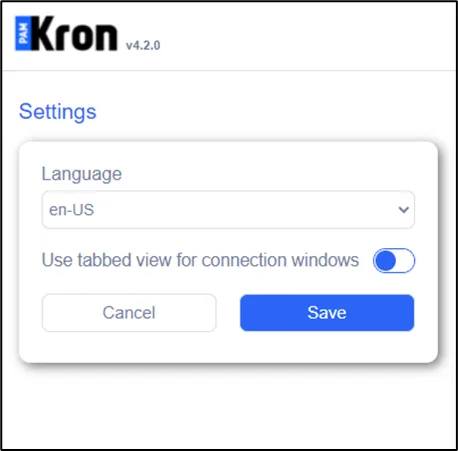
Change Language