Translating...
1 min
Follow the steps below to log in to your target device via Kron PAM Server:
- Open the Kron PAM Desktop Client.
- Enter your Username and Password, select the Server, and Login.
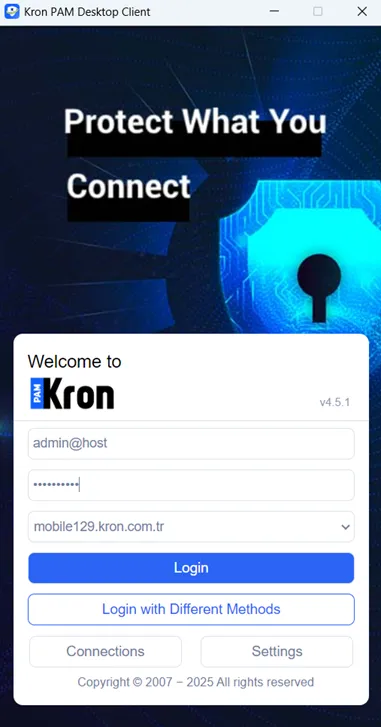
Log in to the Kron PAM Server
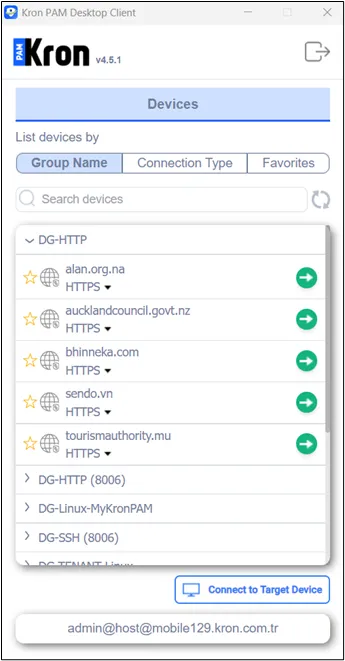
To list devices on Kron PAM Desktop Client, the user should have either desktop.device.group.moduleVisibility or aioc.device.group.moduleVisibility. The former only allows users to list devices on Kron PAM Desktop Client (but not on Web GUI), whereas the latter allows users to list devices on Kron PAM Desktop Client and list/edit/remove devices on Web GUI.
- From the Device tab, press the Make a Connection button on the far right of the target server.
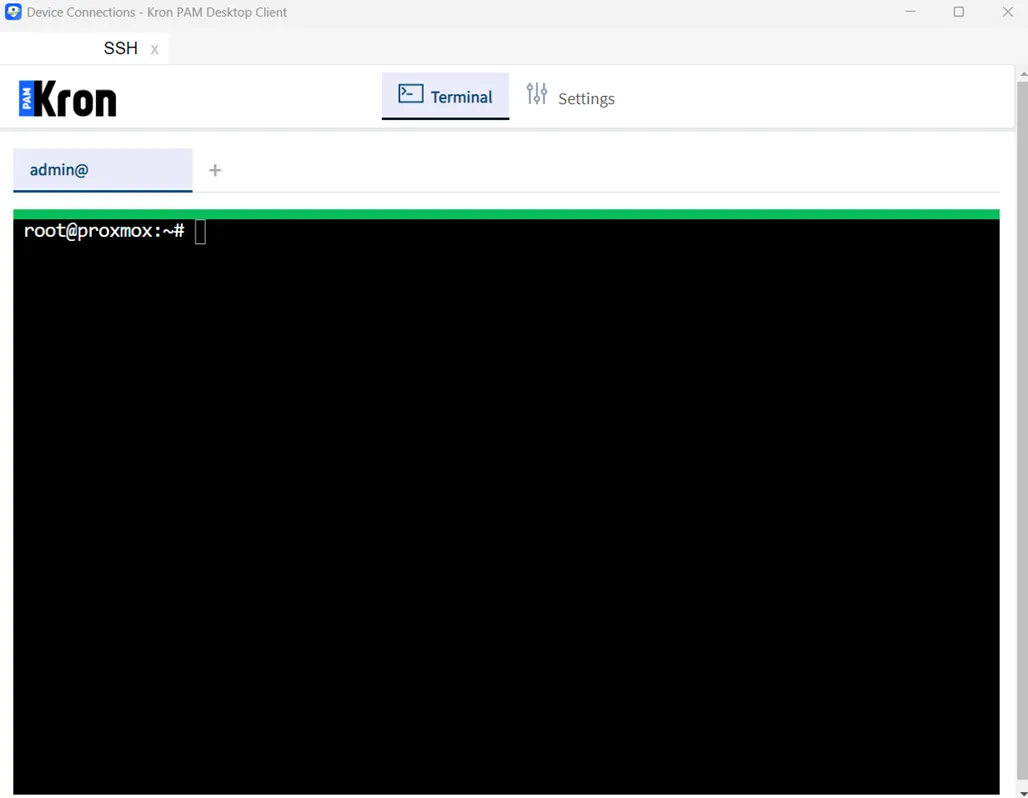
- After pressing the Make a Connection button, the session will be opened.