Translating...
5 min
The Kron PAM Secure Remote Access is a web portal that vendors can access remotely (SSH or RDP proxy) and manage devices in the internal network.
When the administrator sends an invitation to vendors, vendors receive an email with a URL and a passcode. When the working time has started, vendors can click on the URL, enter the password first, then enter the Kron PAM user password and start working.
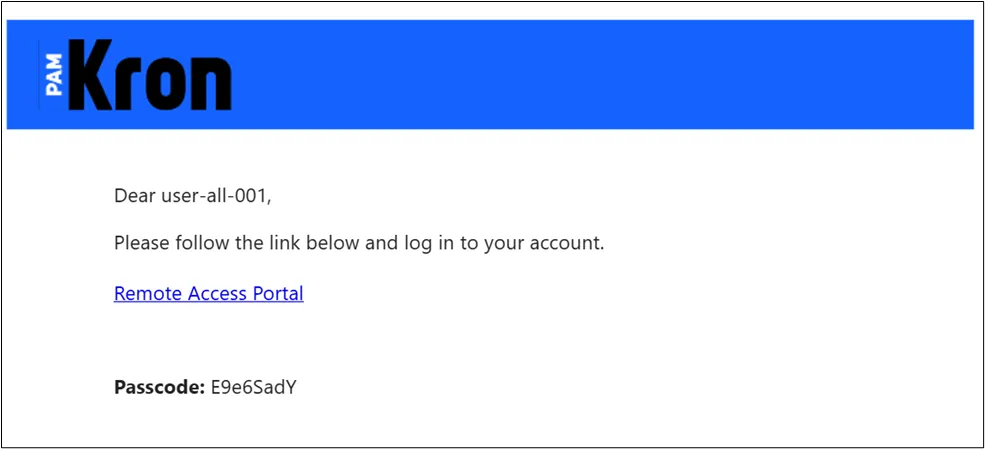
Mail Example for Invitation
- Click the URL in the mail.
- Enter Passcode.
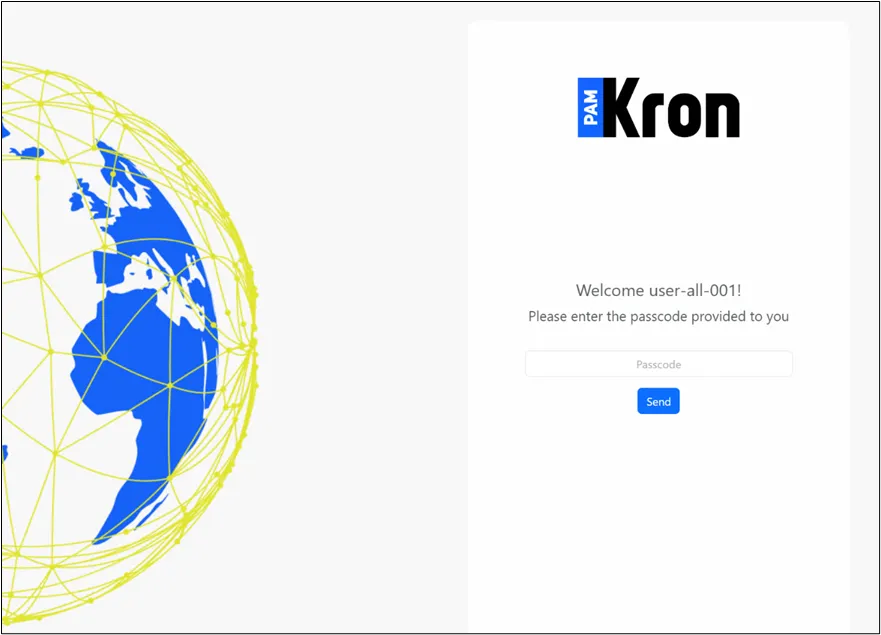
Portal Passcode Page
- Then enter the user's Kron PAM password.
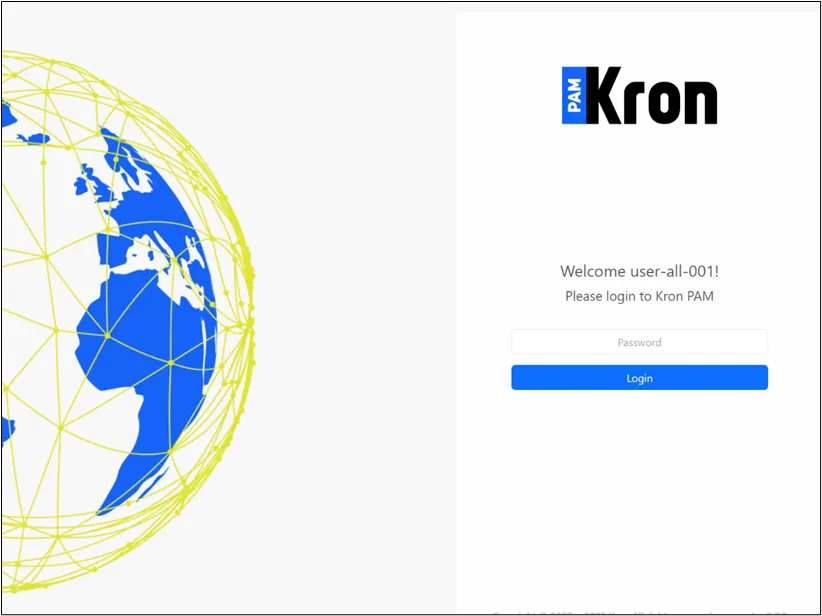
Portal Login Page
- Vendors can access to internal network by double-clicking.
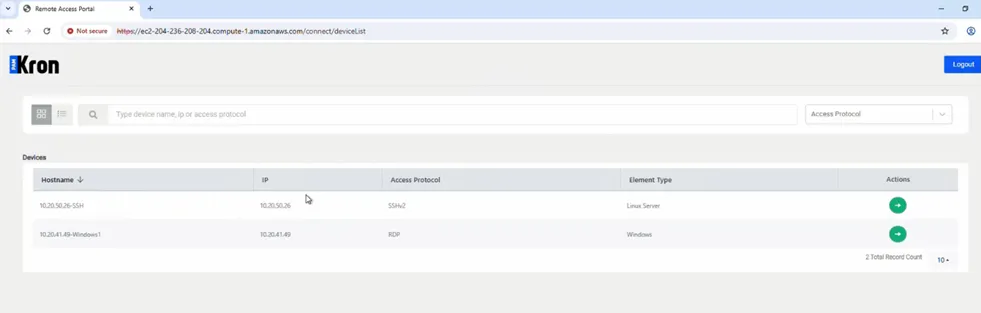
Device List
- The server will open in a new tab.
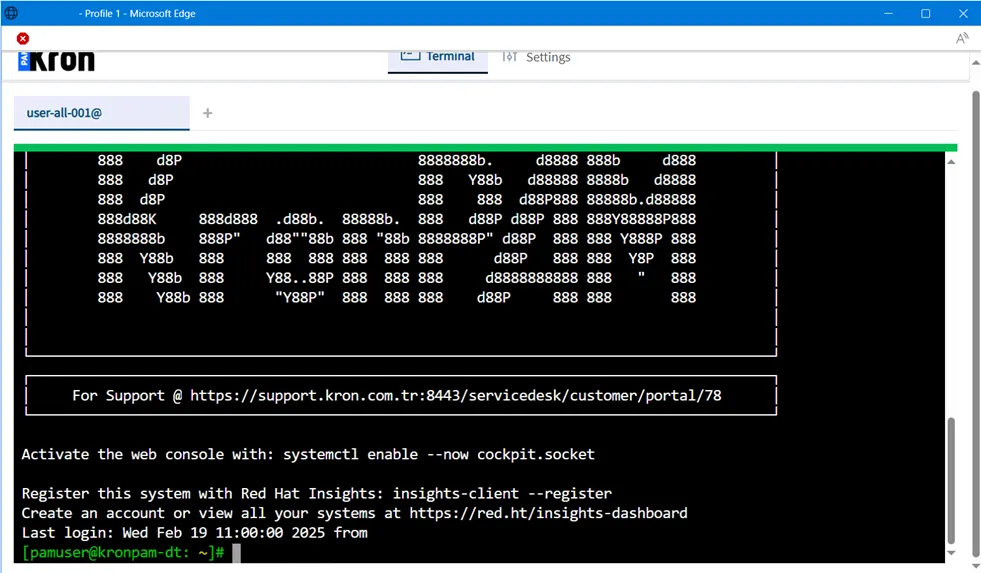
SSH to the internal network
- If the connection time has not started, you can not access the remote server.
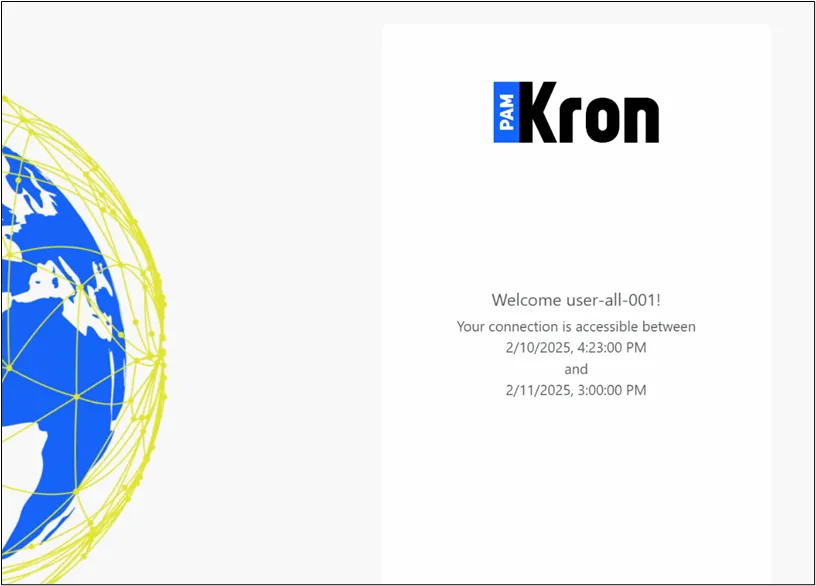
Waiting Connection Time
- If the OTP parameter (rap.client.otp.enabled) is set to true, after entering the Kron PAM user’s password, the user must enter the OTP value, which is accessible on the Kron PAM Mobile Client Application or email.
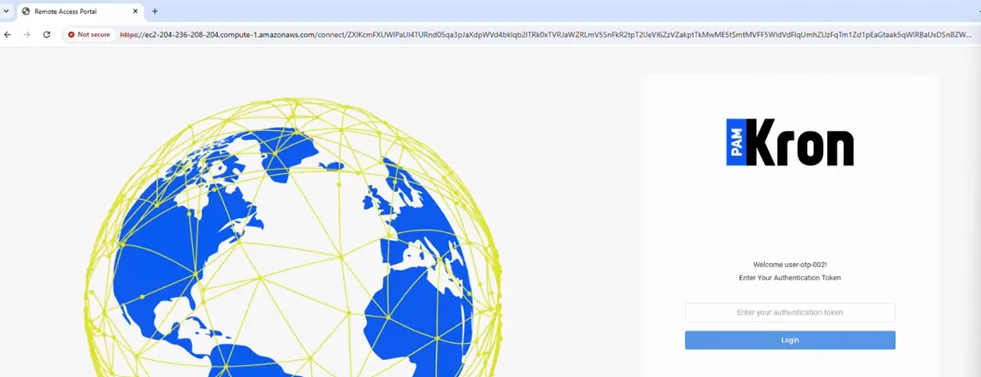
OTP Screen on the Remote Access Portal