Translating...
1 min
Windows Authentication can be used to log in to the Kron PAM Desktop Client. The required settings are explained in Section Windows Authentication on the Kron PAM Desktop Client.
The user doesn’t need to enter his/her username and password if the Windows authentication feature is set for the Kron PAM Desktop Client. Simply, the user presses the Login with Different Methods button, enters the target tenant’s name, and presses the Windows Authentication button to enter the Kron PAM server without entering his/her username and password.
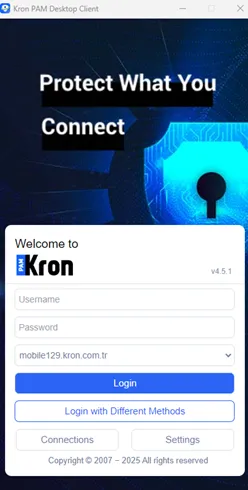
Login with Different Methods
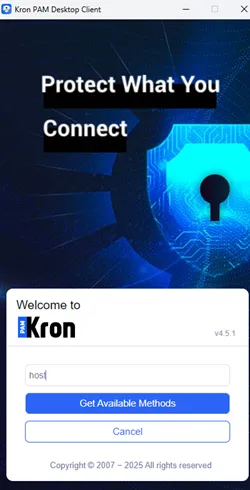
Get Available Methods
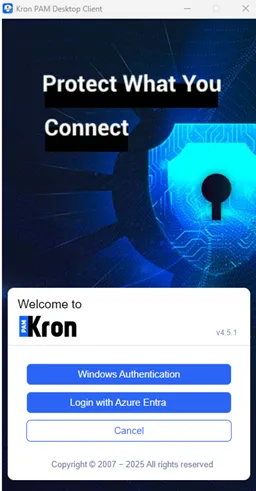
Windows Authentication