Vulnerability Scanner Report
The Vulnerability Scanner Report helps monitor security vulnerabilities in database systems by tracking known CVEs (Common Vulnerabilities and Exposures) in databases like PostgreSQL, Oracle, MSSQL, and others.
- Navigate to Vulnerability Scanner.
- Open the Report Configuration tab.
- Fill out the necessary fields to create a report configuration. The report job can be executed manually or can be scheduled to run periodically.
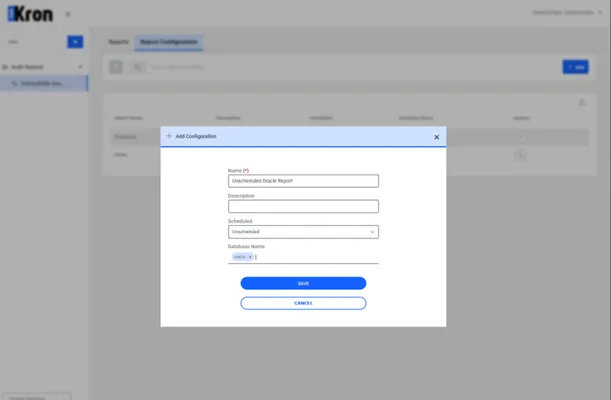
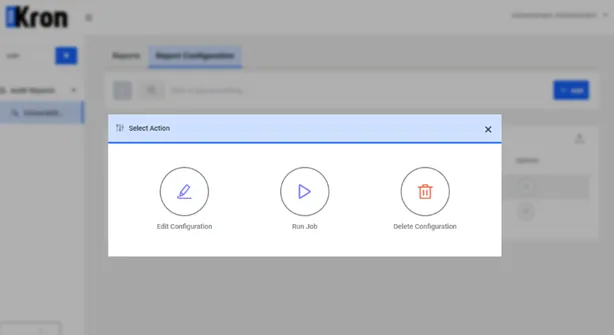
To execute the report manually, click the Options pop-up menu button and select Run.
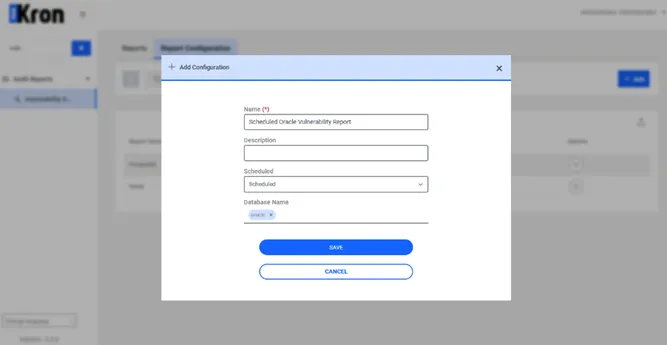
Vulnerability Scanner Scheduled Reporting: Scheduled reports in the Vulnerability Scanner allow for regular, automated scanning based on predefined schedules. This ensures ongoing surveillance of CVEs within registered database systems, facilitating timely responses to potential vulnerabilities.
- Navigate to Vulnerability Reports.
- Open the Report Configuration tab.
- Click on Add Scheduled Configuration.
- Fill out the necessary fields to define the scan settings and schedule.
The Job Scheduler is used to manage, and trigger scheduled tasks automatically based on defined conditions, which can include specific times or events.
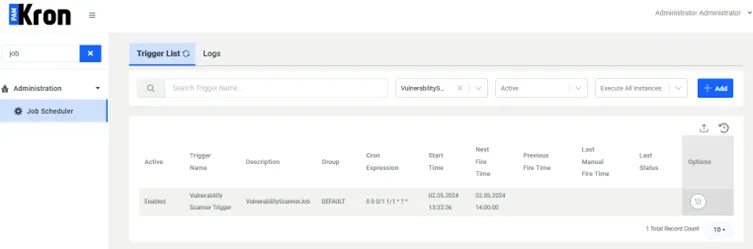
- Go to Administration > Job Scheduler.
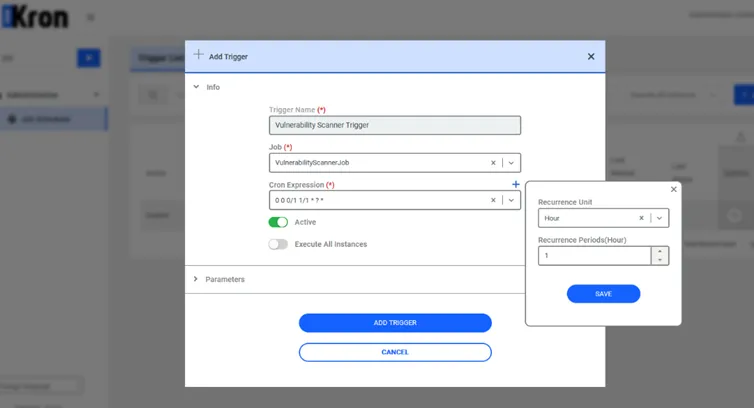
- In the Trigger List sub-page, click Add Trigger.
- Select VulnerabilityScannerJob.
- Add a Cron Expression for the job to run at a recurrence unit of 1 hour.
- Ensure the Active button is toggled to enable the job.
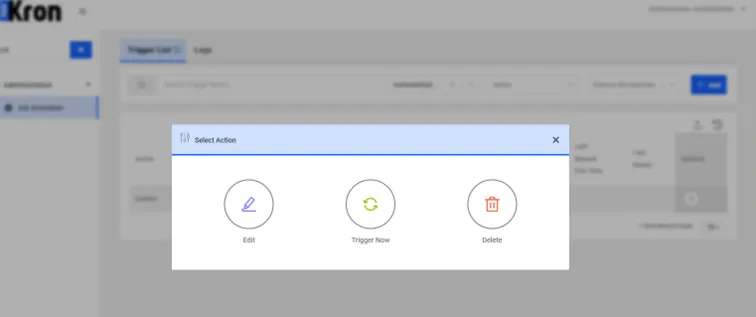
To ensure scheduled jobs function correctly, manually trigger and set cron expressions in the Job Scheduler. Access this via Administration > Job Scheduler, where you can activate the VulnerabilityScannerJob. Confirm execution by checking immediate feedback for manual triggers and validate cron expressions by observing scheduled runs.