Add Vault Account
1 min
This section explains the process of configuring and using Vault dynamic accounts for secure database connections with Kron DAM.
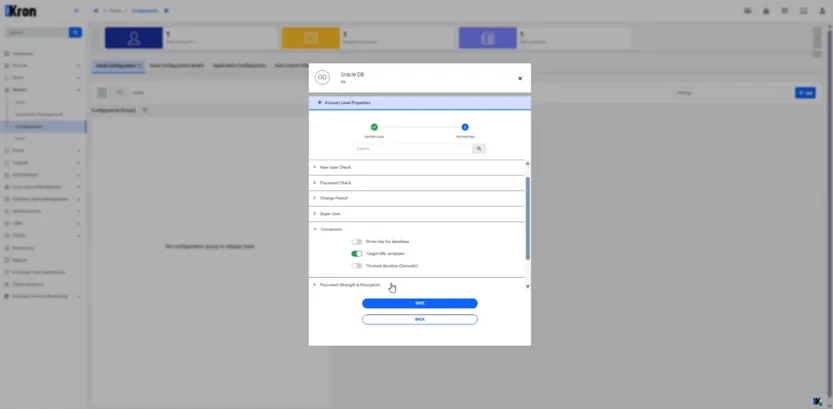
- Enabling Vault Target URL Template
- To begin integrating Vault with database configurations:
- Go to the Vault section and open the Configuration page.
- Select the desired database and click Edit Configuration.
- In the Miscellaneous section, click on Account Level Properties.
- Enable the Target URL Template feature in Connection and save it.