Creating a Notification Target
1 min
- Open the Notification Targets tab and click New Notification Target.
- Provide a descriptive Name and select a Type (MAIL or SMS).
- Enter one or more destination values (e-mail addresses or phone numbers).
- Click Save. The new target appears in the target list and becomes available for selection in policy configurations.
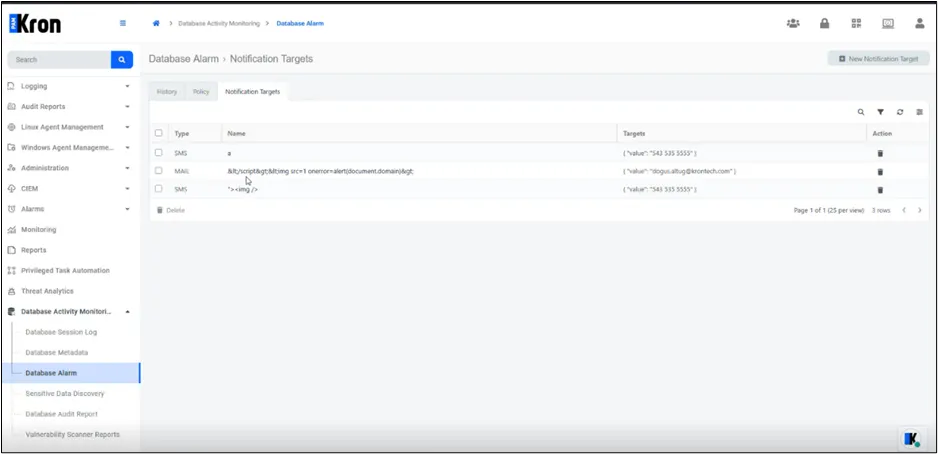
Notification Targets Tab
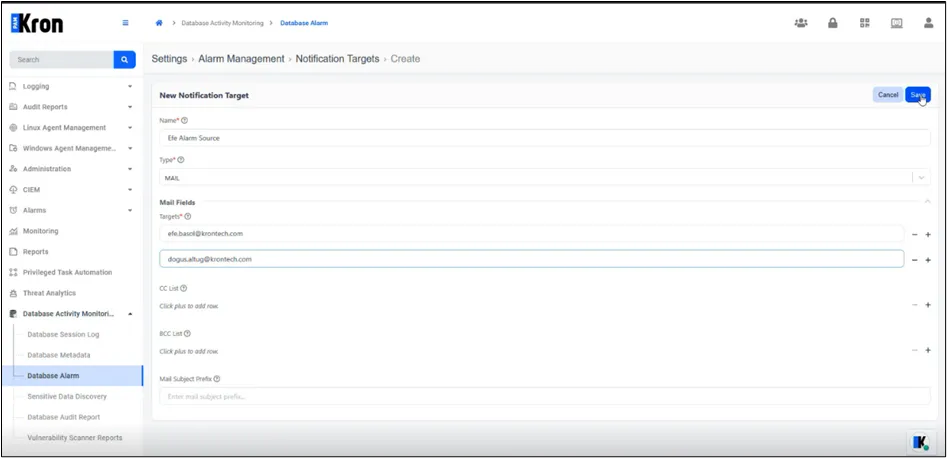
Create Notification Target Form