Creating a Vault Account
2 min
- Go to the Vault screen.
- Click the +Add button to create a new dynamic Vault Account.
- Select dynamic as the account type, fill the required fields, and after filling the configuration part, click the settings button that appears near the configuration.
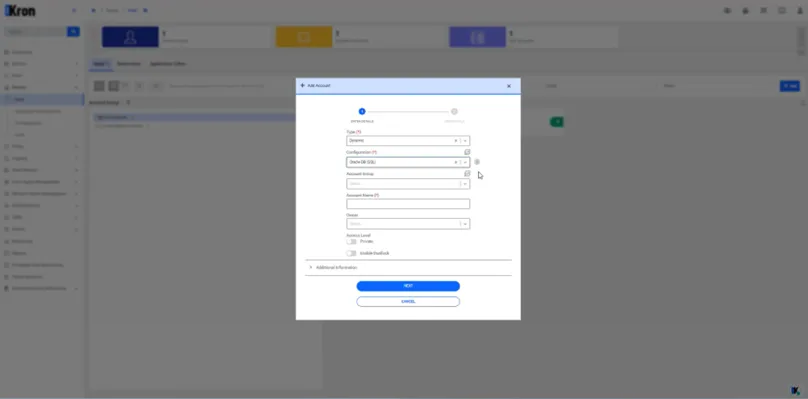
Dynamic Vault Account Creation
- Enter the target URL template and click save, then click Next.
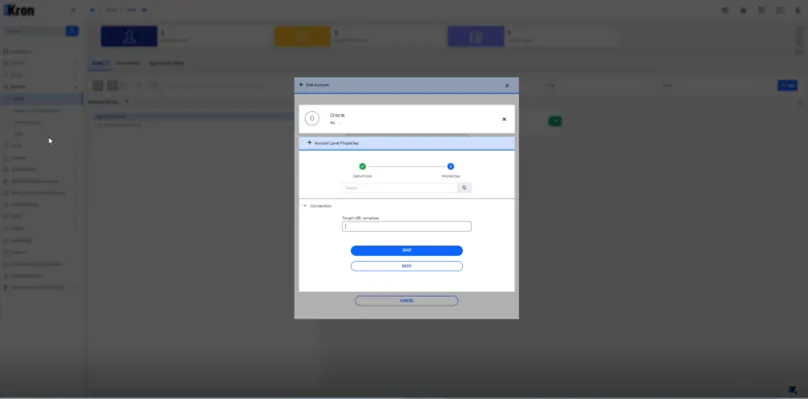
Target URL Template Page
- Fill out the required fields:
- Host ID: The identifier for the target database host.
- Change Period: Time interval for password rotation.
- Username and Password: Credentials to be provisioned for dynamic access.
- Click Save to complete the Vault account creation.