Online Mode
1 min
Online Token
To use this feature, you first connect your Single Connect to your mobile application. When a new token is triggered by Single Connect, a notification including the token will appear on the mobile application. After receiving the notification, navigate to Online Token and use the generated token.
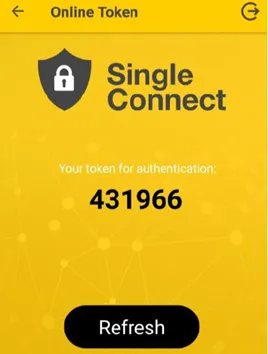
Online Token
- If you are have not logged in to your Single Connect, it will direct you to the login screen, and then it will try to generate an online token connecting to that Single Connect.
- If your user does not need token generation, it will not generate any token and open an error screen. Try refreshing and receive the token if it is to be generated.