Password Management
1 min
Single Connect Mobile Application allows you to see and reset your passwords on your app without opening your Single Connect web GUI. To use the password management, you should log in to your Single Connect on your app and then follow the steps below:
- Open Password Manager. You will see a text box showing Single Connect’s and the user’s information.
- Slide the box to the left, and you will see two buttons: Reset Password and Show Password.
- Select Reset Password to reset generated password.
- Select Show Password to see generated password.
- A new page opens for you to select the duration during which the generated password will be valid. Password can be valid for 30 minutes, 2 hours, or 24 hours.
- Type in a comment and select Show Password. The generated password appears.
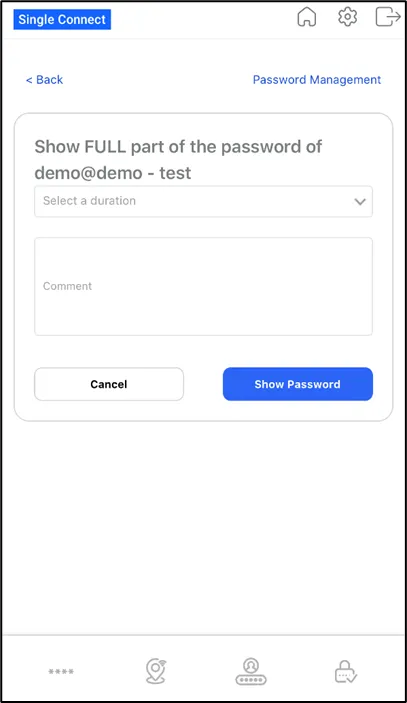
Show Full Password
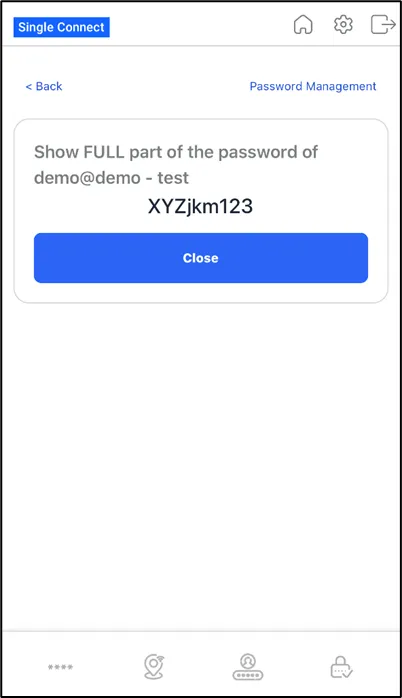
Full Password