Connecting to the Target Device via Desktop Client
1 min
Follow the steps below to log in to your target device via Single Connect Desktop Client:
- Open the Single Connect Desktop Client.
- Enter your Username and Password, select the Server from the dropdown list and then log in.
- From the Device Group tab, search for the target device in the search box and then double click on the target server you want to connect.
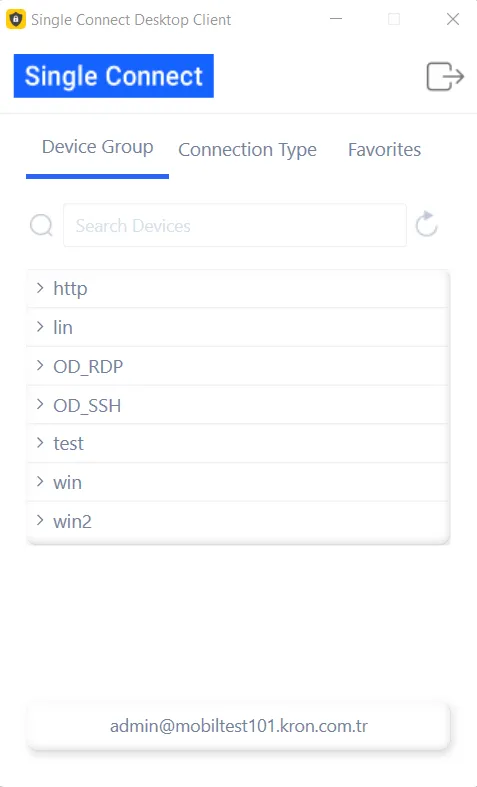
You will connect to your target server using the Single Connect Desktop Client. Go Forward/Go Back and Refresh buttons are on top of the screen.