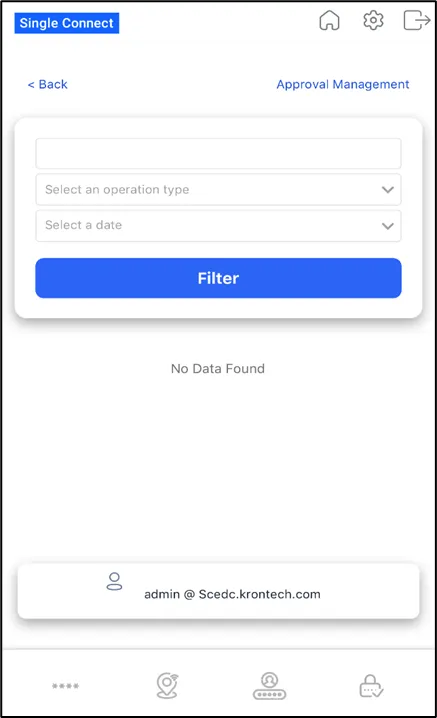
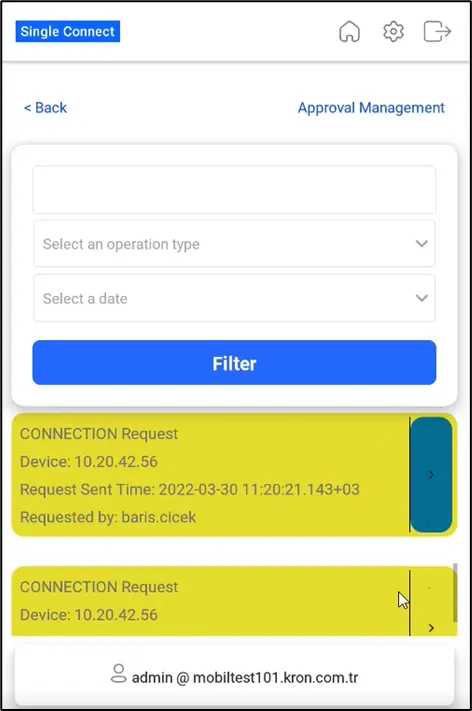
Approval Management
1 min
Single Connect Mobile Application allows you to manage all passwords and approvals using a single app, so you don’t need to open your email to approve/reject any command, connection, or password request. In other words, you will see the command, connection, or password requests on this interface.
To use approval management in the mobile app, you should first login to your Single Conect and then follow the steps below:
- Open Approval Management on your app. A few search options will appear. You can search by:
- entering a keyword.
- selecting the type of approval request.
- selecting the time interval.
- You will get the search results as information boxes. Slide the approval request box to the left, and you will see two buttons: Approve and Reject.
- Select the desired option for the approval request.