Replay Configuration
Using the object storage agent, you can replay data from object-based, S3-compatible on-prem or cloud environments through the Kron Telemetry Pipeline. You can transform and reformat this data using any pipeline configuration you choose.
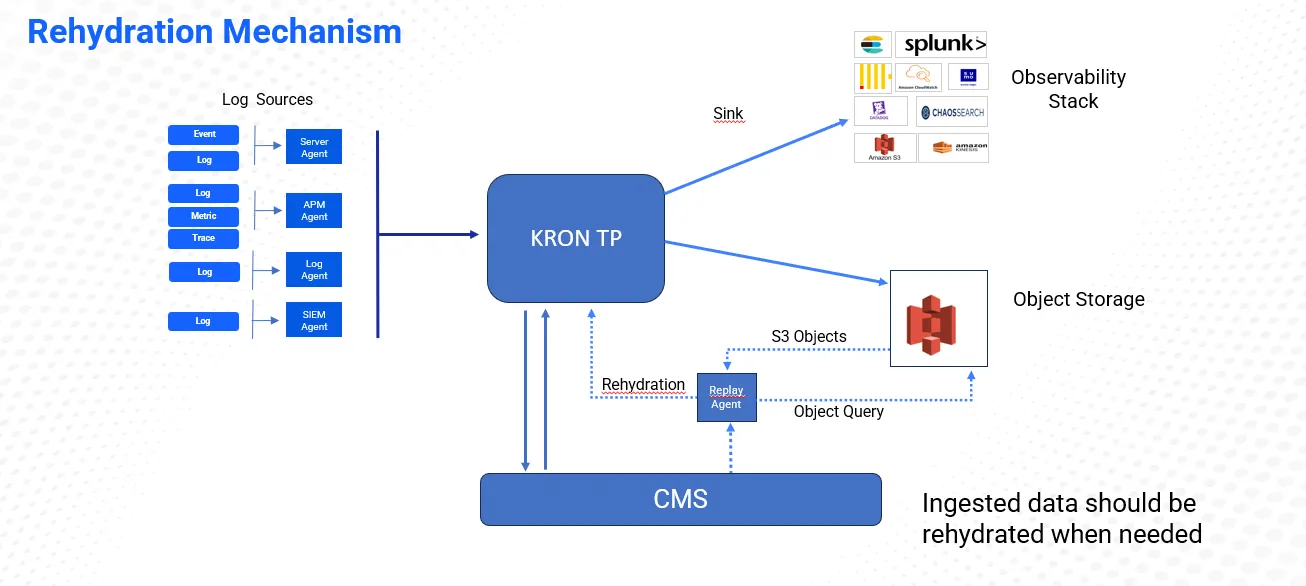
To do this, first install the replay agent on a Linux server and point it to the correct Git URL. Then, go to the UI and create a "S3 Replay source" (this will be used for selecting the replay source). Also a file type source should be added. The path entered in the File source must match the path configured during the agent setup.
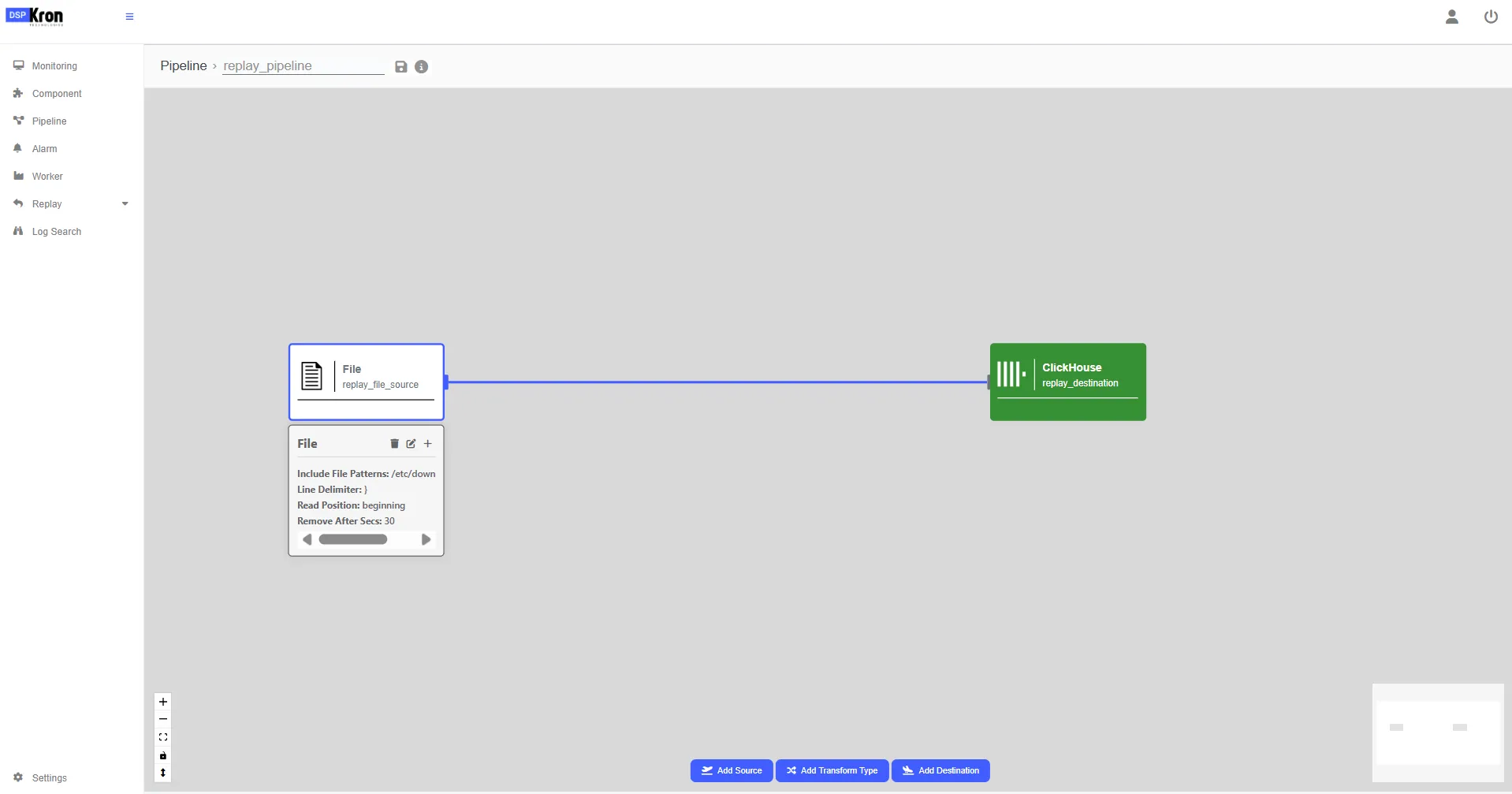
After all of these create a replay pipeline with the file source created. After this point any configuration can be done on top of this source. Do not add a different source. Later this pipeline will be selected on replay process.
Replay Pipeline example:
Navigate to Storage section which is under the replay section.
Click on the Change Storage and select the storage you want to proceed with.
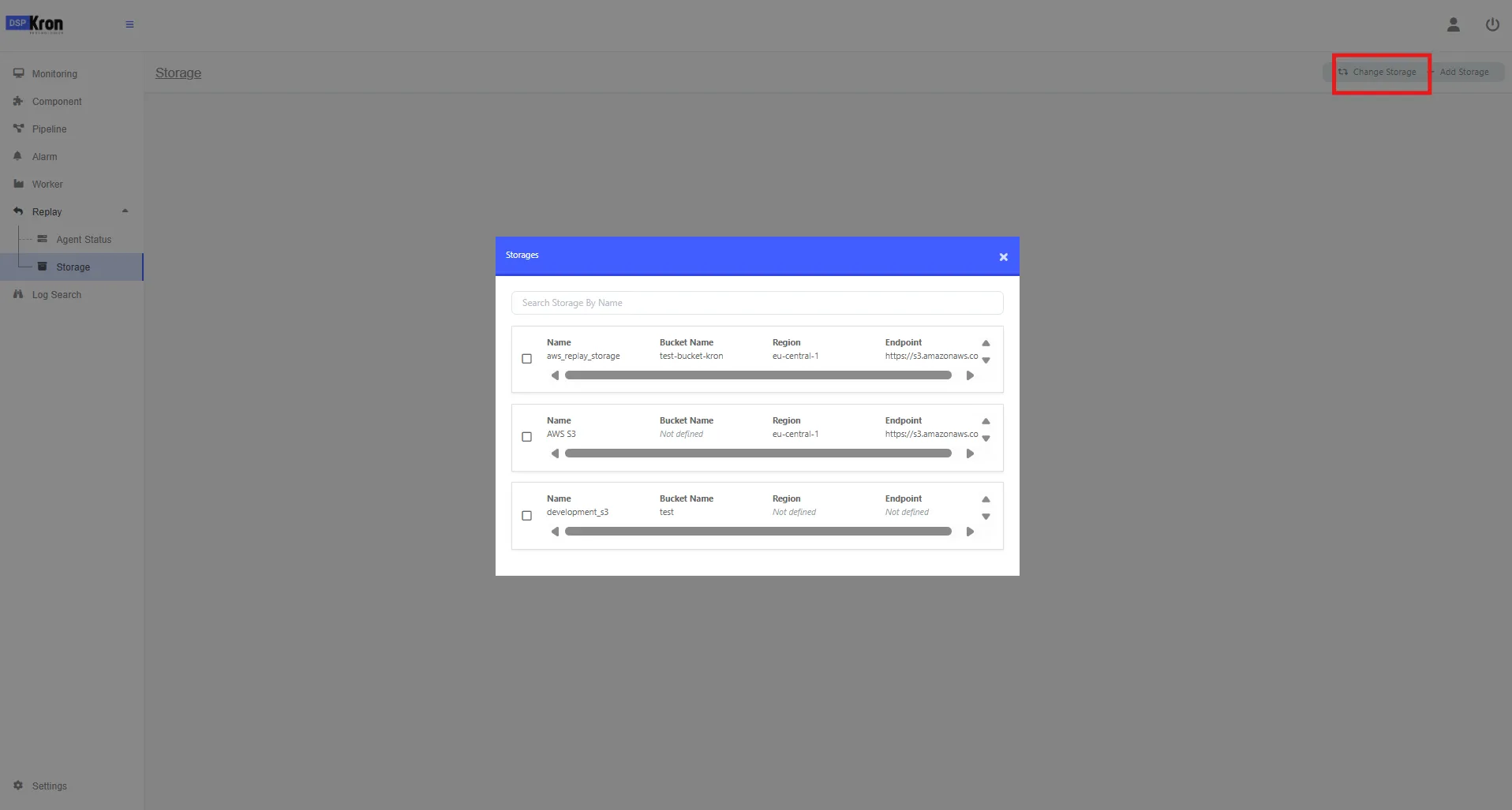
When selected all files should be listed in relevant source.
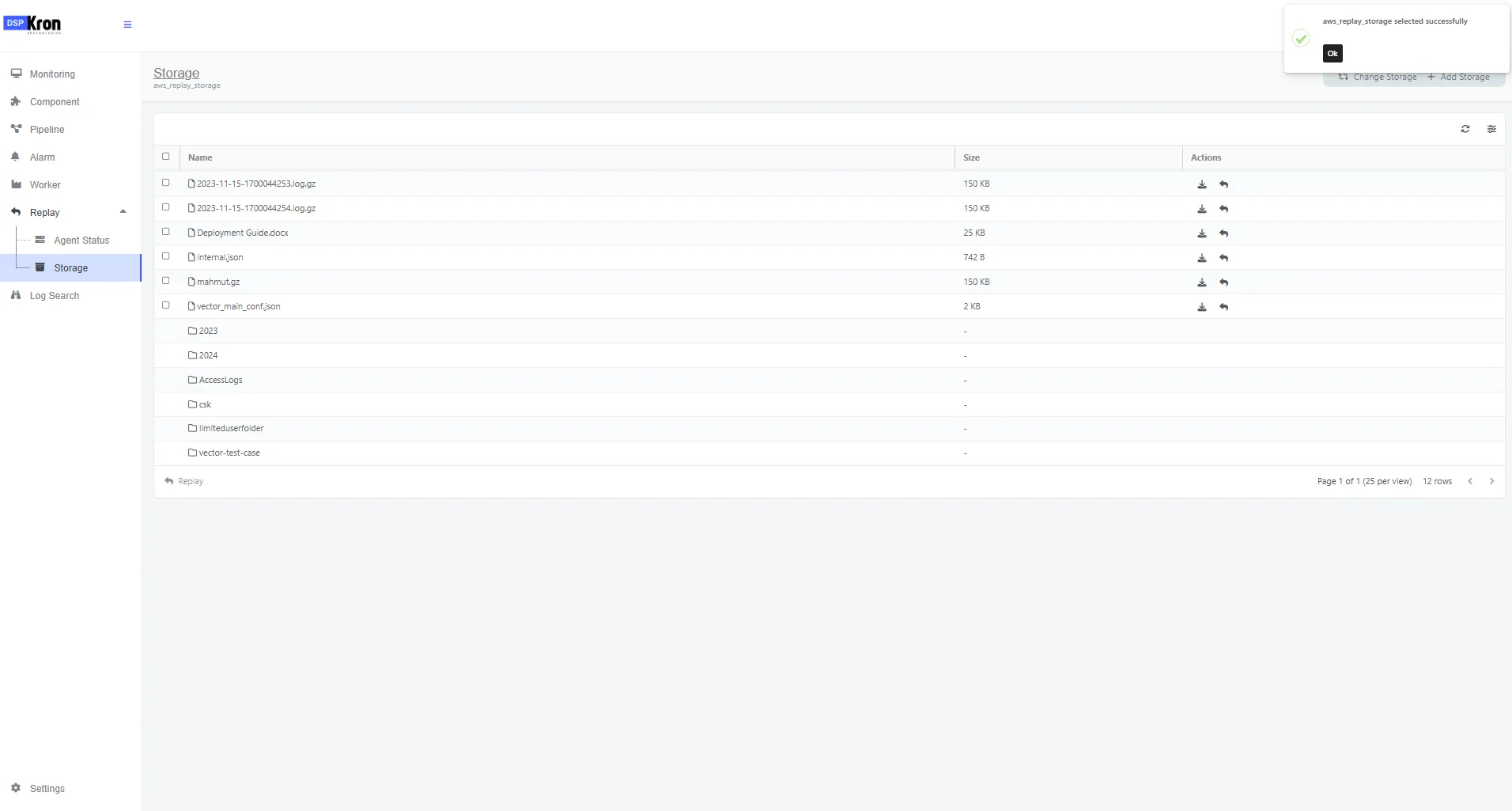
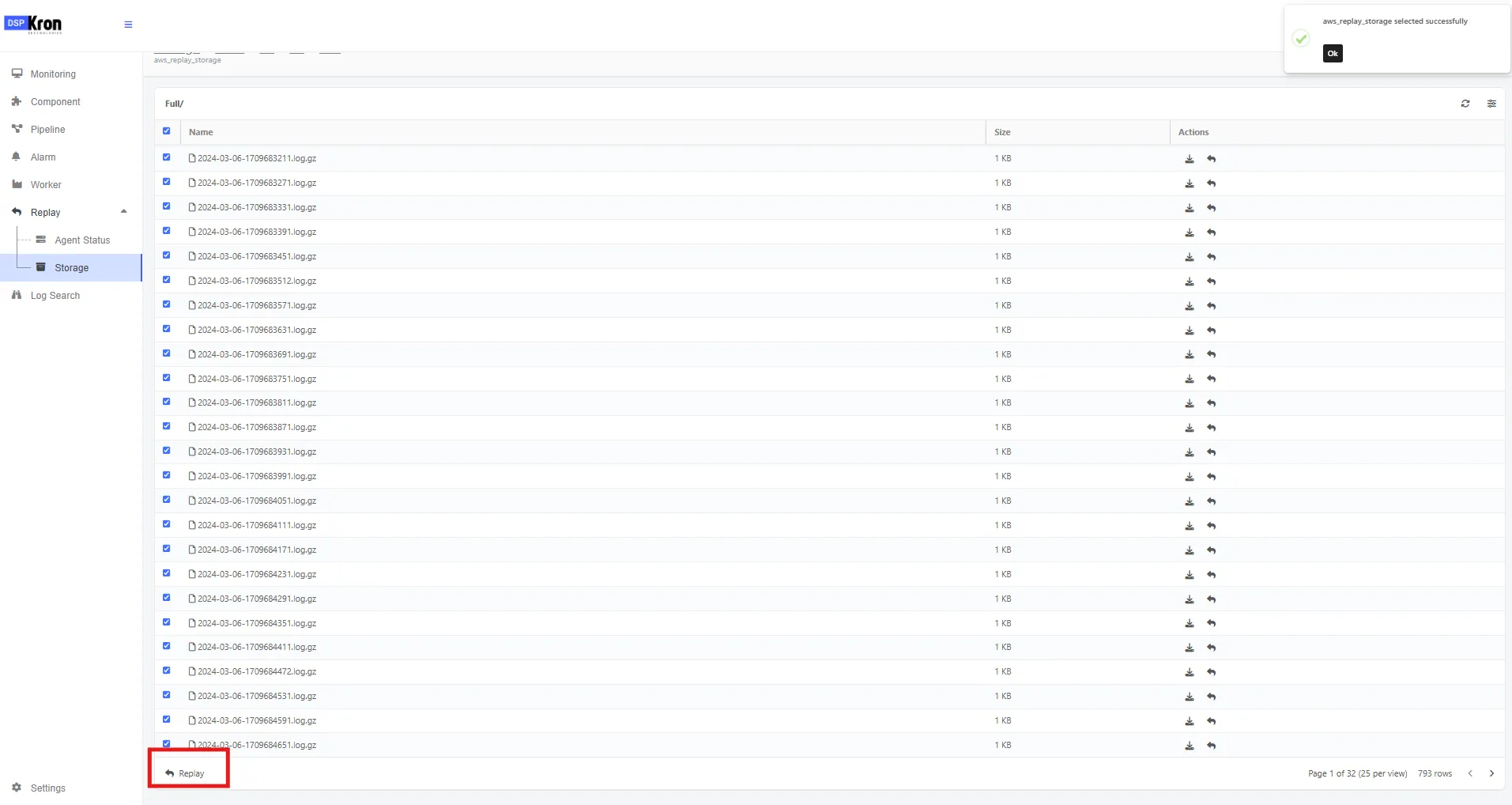
Select the object(s). And click replay
Select the pipeline, double click or move the pipeline to the right.
Click Start Replay
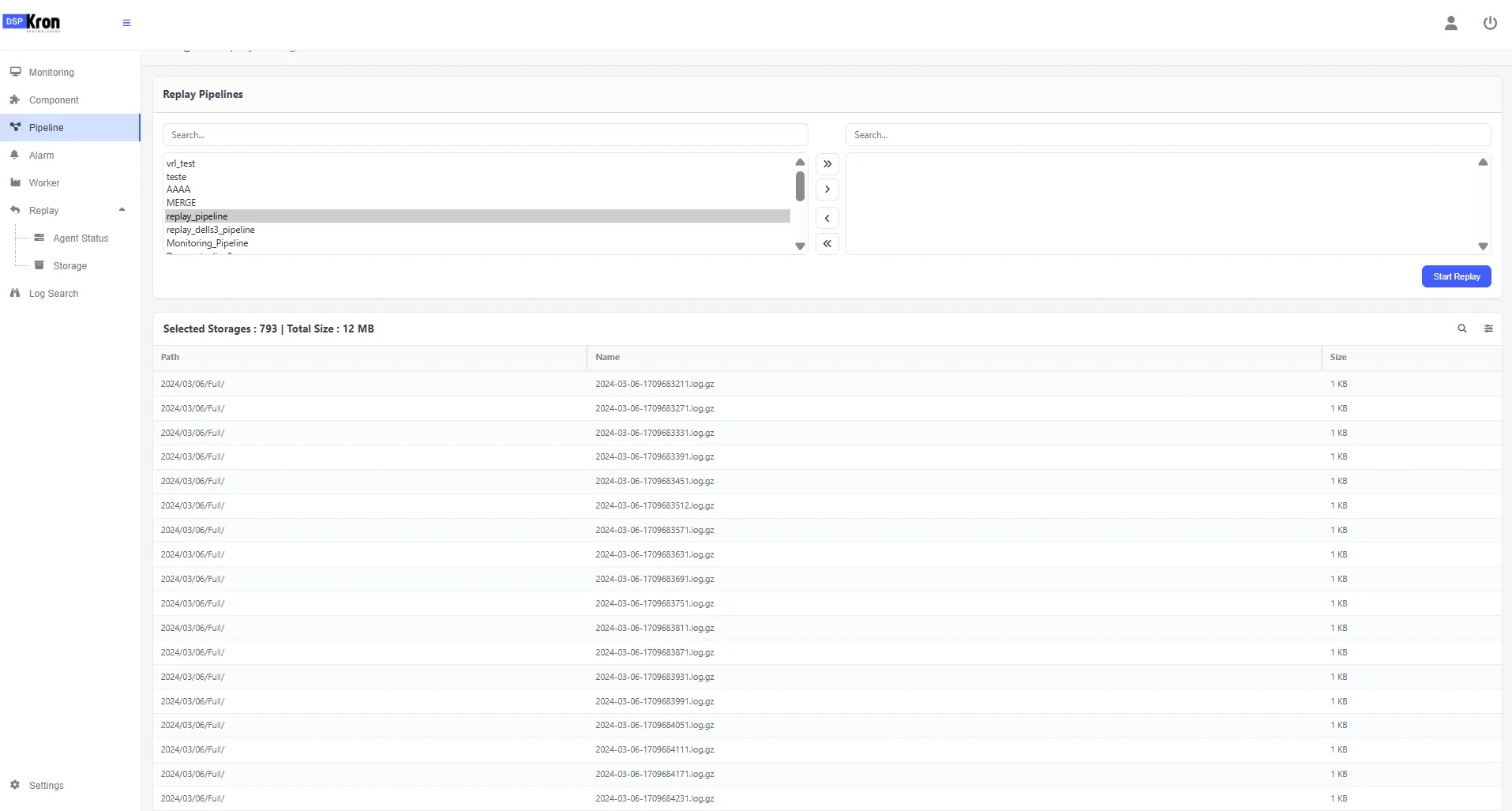
Replay should start.
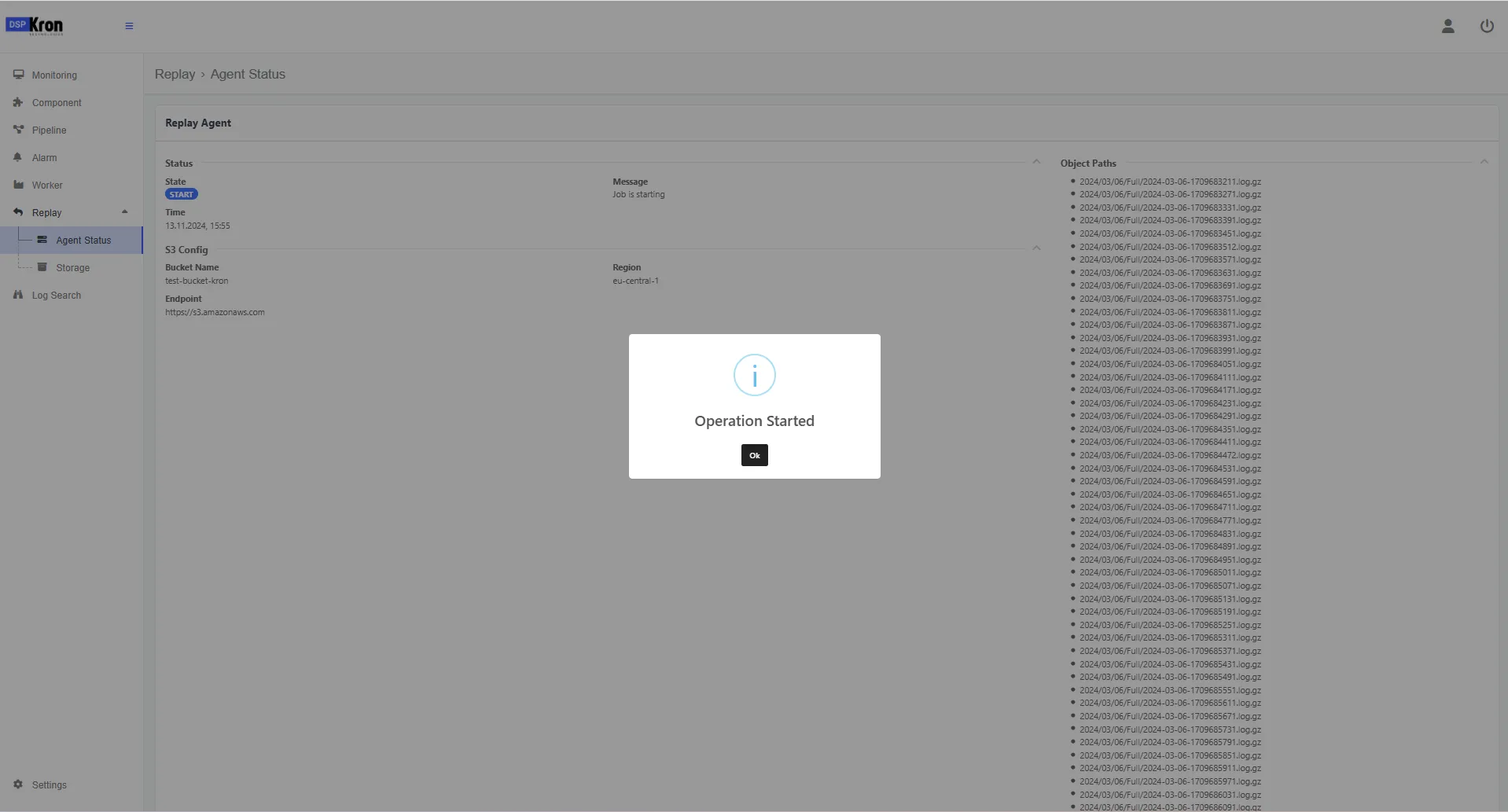
Agent status can be checked under the replay menu. When the job is over status should change to done.