Web Portal Access
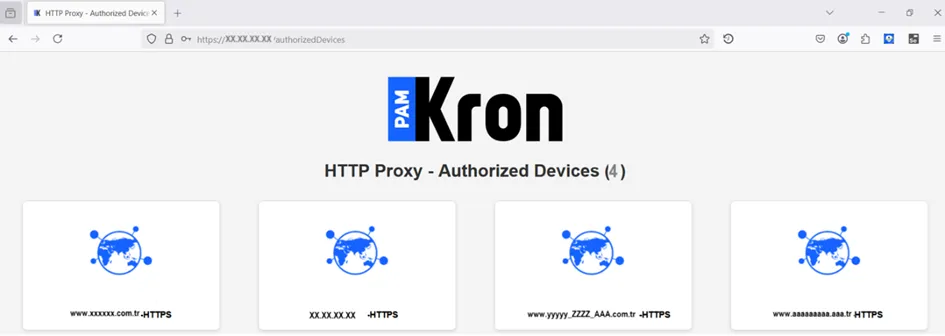
Users may find it difficult to keep track which web pages they have access to, particularly within extensive environments in which hundreds of web portals exist. After successfully accessing the HTTP Proxy, all web portals accessible to the end user can be displayed in one window, similar to the regular web GUI and the desktop client. To achieve this, access to the HTTP Proxy authentication page must be successful first. Then, by visiting the address below, all web portals with access privileges are listed on the same browser tab:
<HTTP_PROXY_PROTOCOL>://<HTTP_PROXY_ADDRESS>authorizedDevices
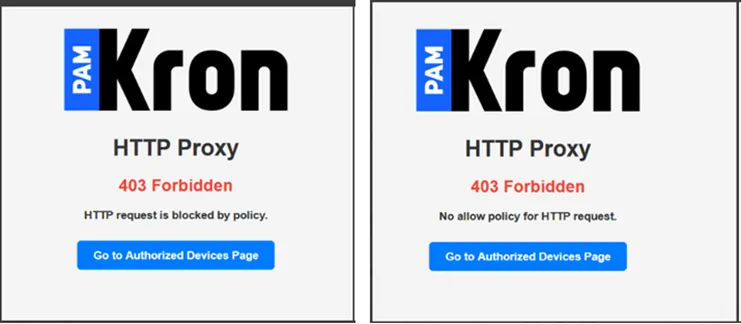
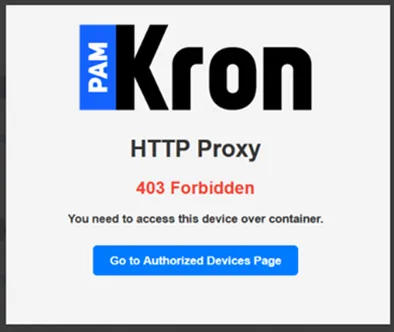
This web portal page can also be accessed through the error screen by clicking the Go to Authorized Devices Page link when an unsuccessful attempt has been made.
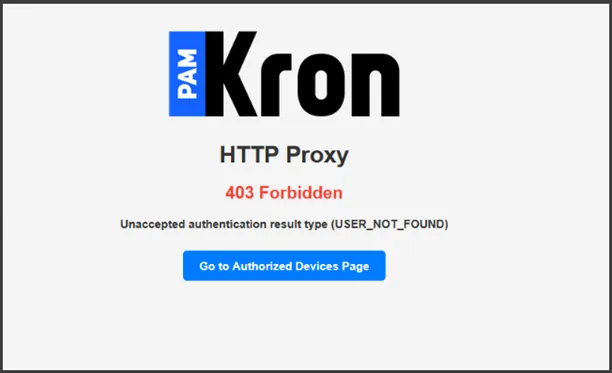
If the end user enters a URL to access an undefined device/website from the browser's address bar, an error message will be displayed on the screen indicating that the relevant device is not defined.
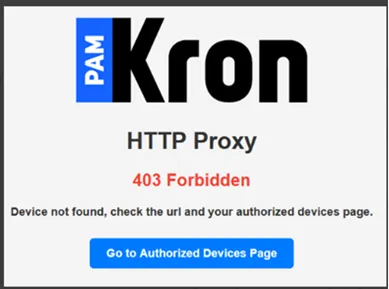
When the end user wants to access a device/website that has been given access only through the container by typing the relevant web address into the address bar, the warning message that the device access must be done through the container appears on the screen as below.
If the device/website that the end user wants to access is defined as Deny on the policy, a warning message will be displayed to the user.