User Management
This section covers the creation of users, user groups, and properties of both users and user groups.
To view the users, navigate to the Users section in the left-hand pane. There are two available display styles: card view (default) and list view. By default, users are shown in card view. To switch to list view, click the list view icon located next to the filter icon. This will display the users in a tabular format.

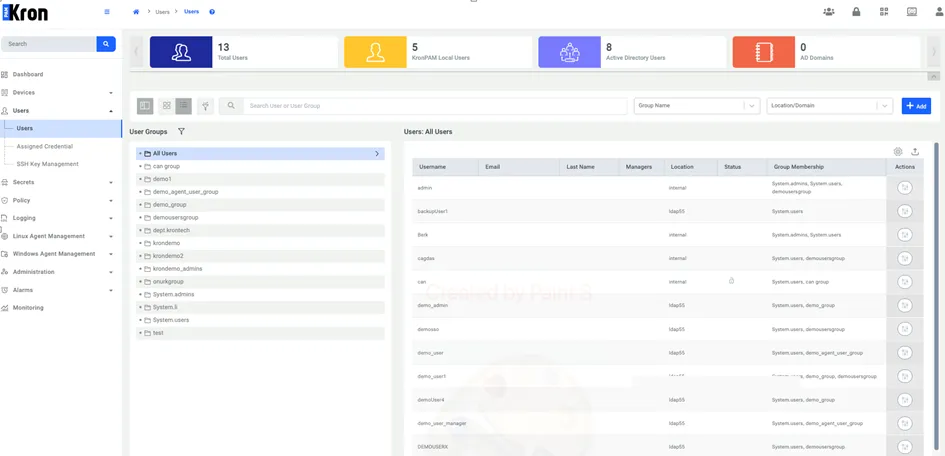
In the list view mode, you can customize the visible columns using the gear icon. When you click the gear icon, a configuration panel appears as shown below. From there, you can select or deselect the user properties you want to display. You can choose up to eight properties at a time; selecting more is not allowed. Default configs can be applied by choosing the “Restore default” option.

If you customize the column settings in the user list view, your preferences will be remembered for the duration of the session. When you navigate away from the page and return later within the same session, the list view will reflect your previously selected configuration.