Deleting a Password Vault Group
Existing Vault Groups can be deleted from the Vault screen. To delete a group:
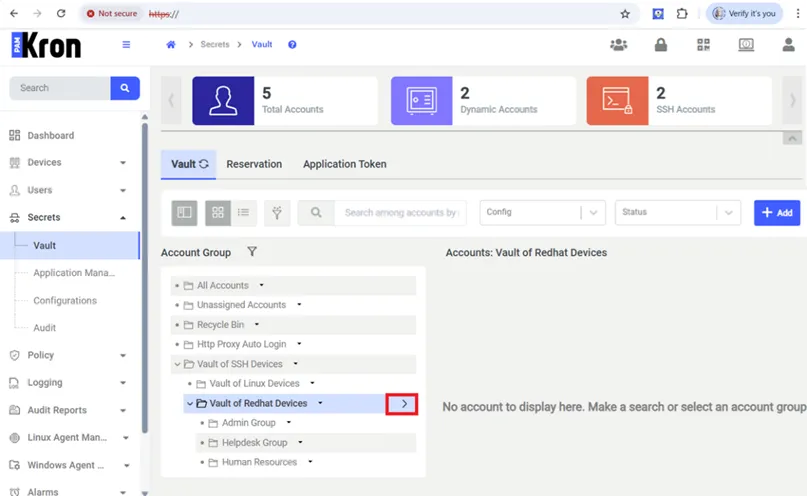
- Navigate to Secrets > Vault.
- Open the Vault tab.
- Find the desired group in the group tree, and click the the Options button that appears when you hover the mouse cursor over the name of the group.
- Select the Delete Group option from the menu.
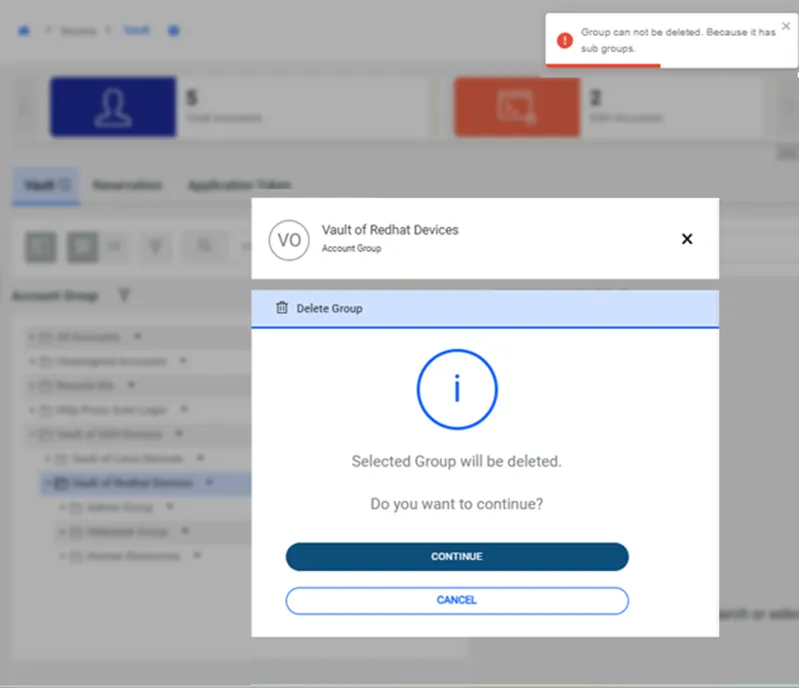
- Confirm the dialog box.
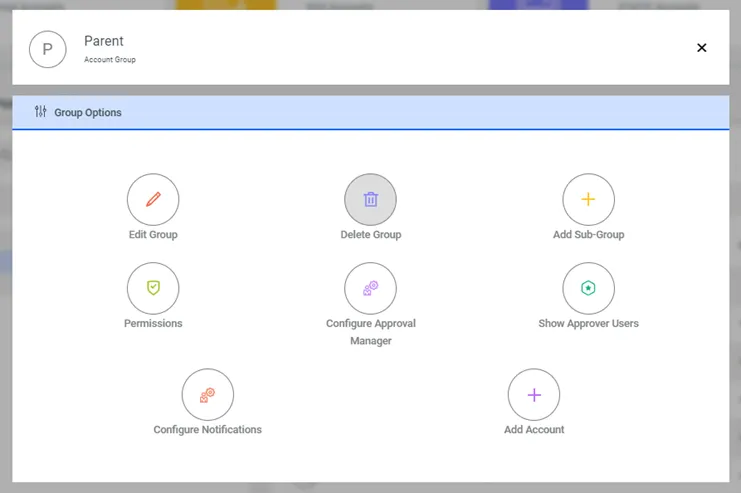
Delete Password Vault Group
When you try to delete a Vault group that has at least one subgroup, the system warns that such parent groups as in the screenshot below cannot be deleted.