Adding a Vault Account to a Group
Once a Password Vault Group is created, individual accounts can be added to the group.
- Navigate to Secrets > Vault.
- Open the Vault tab.
- Find the desired group in the group tree, and click the the Options button that appears when you hover the mouse cursor over the name of the group.
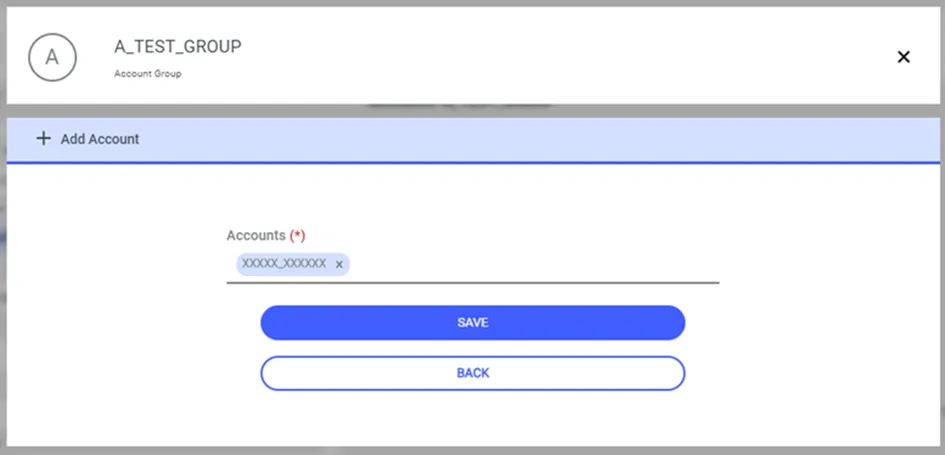
- Select the Add Account option from the menu.
- Write the name of the account, and choose the correct one from the choices shown by Kron PAM.
- Click Save.
Alternatively, accounts can be added to groups from the account edit screen.
- Navigate to Secrets > Vault.
- Open the Vault tab.
- Edit the desired Password Vault account.
- Select the Group Name from the auto-complete box.
- Click Save.
If the sapm.group.required parameter is defined, The Add Account option will not appear since each account will be in a group.