Editing a Password Vault Group
Existing Password Vault Groups can be edited from the Vault screen.
To edit a group:
- Navigate to Secrets > Vault.
- Open the Vault tab.
- Find the desired group in the group tree, and click the the Options button that appears when you hover the mouse cursor over the name of the group.
- Edit any fields you wish to modify, and click Save.
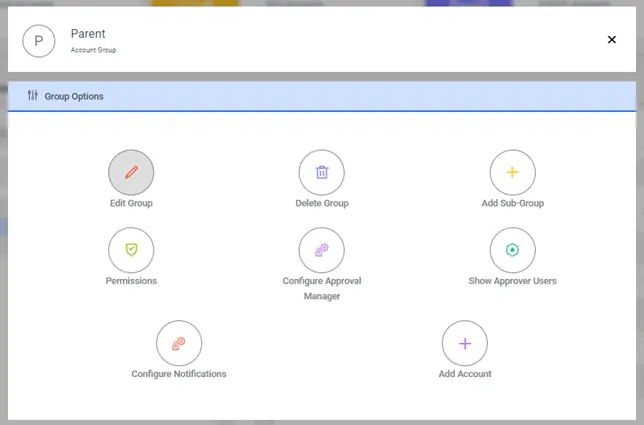
Edit Password Vault Group