Configuring SSO Token Generation for Oracle and MSSQL Databases
5 min
Follow the steps below for your specific database environment to generate an SSO token:
For Oracle Databases:
- Log in to the Kron PAM GUI.
- Navigate to the Device Options menu for the relevant Oracle database.
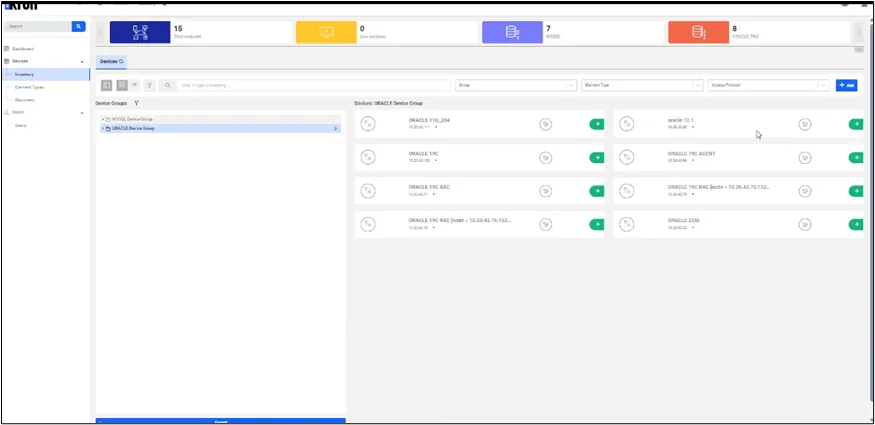
Device Group Inventory
- Click on Generate Password.
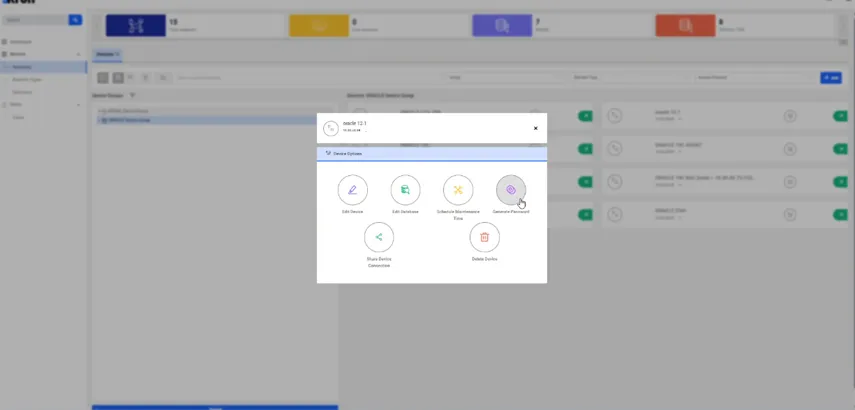
Generate Password Screen
- Select the token validity period:
- 5 minutes
- 30 minutes
- 2 hours
- 24 hours
- Copy the generated password
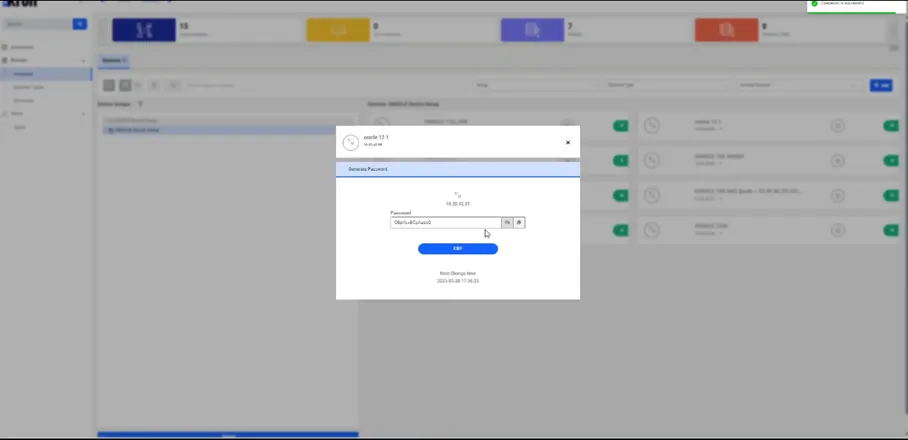
Token Display Screen
- Use the token as the password when connecting to Oracle.
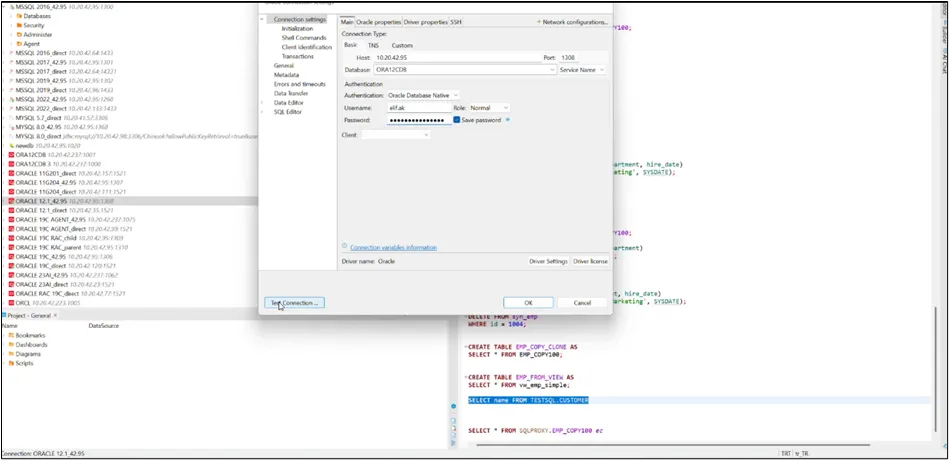
Connection Using SSO Token
For MSSQL Databases:
MSSQL SSO supports both LDAP and non-LDAP users. LDAP users authenticate to Kron DAM via LDAP and access the MSSQL database through the shared credential assigned to the User Group, while non-LDAP users connect to the database directly using their database credentials.
Non-LDAP:
- Go to Users and assign this user to the relevant user group.
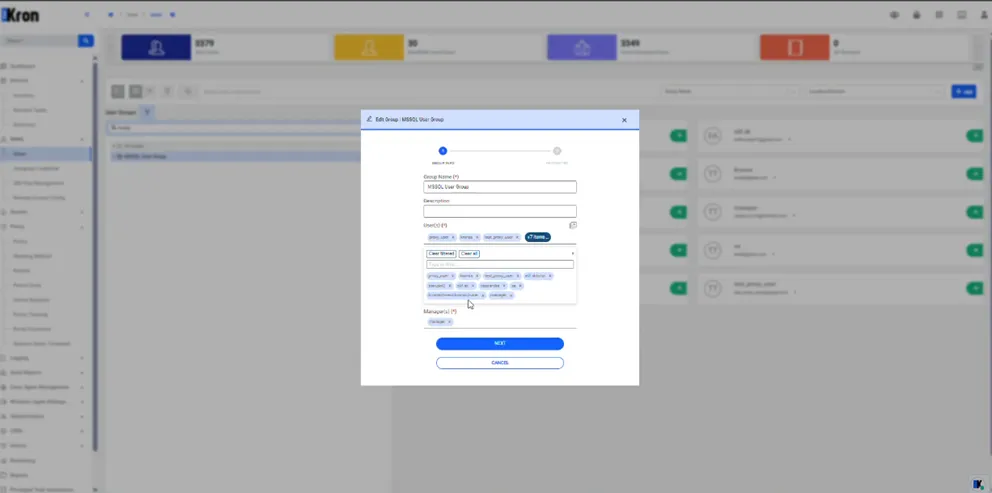
User Group Configuration
- Once users are properly assigned to the realm and the configuration is complete, they can connect to the MSSQL database via SSO.
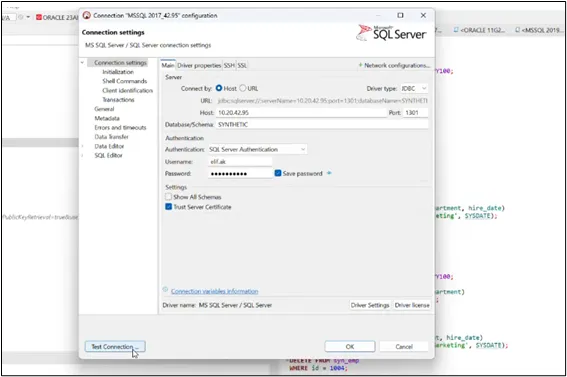
Connection Using Shared Credential