Source & Destination Configuration
Source Configuration
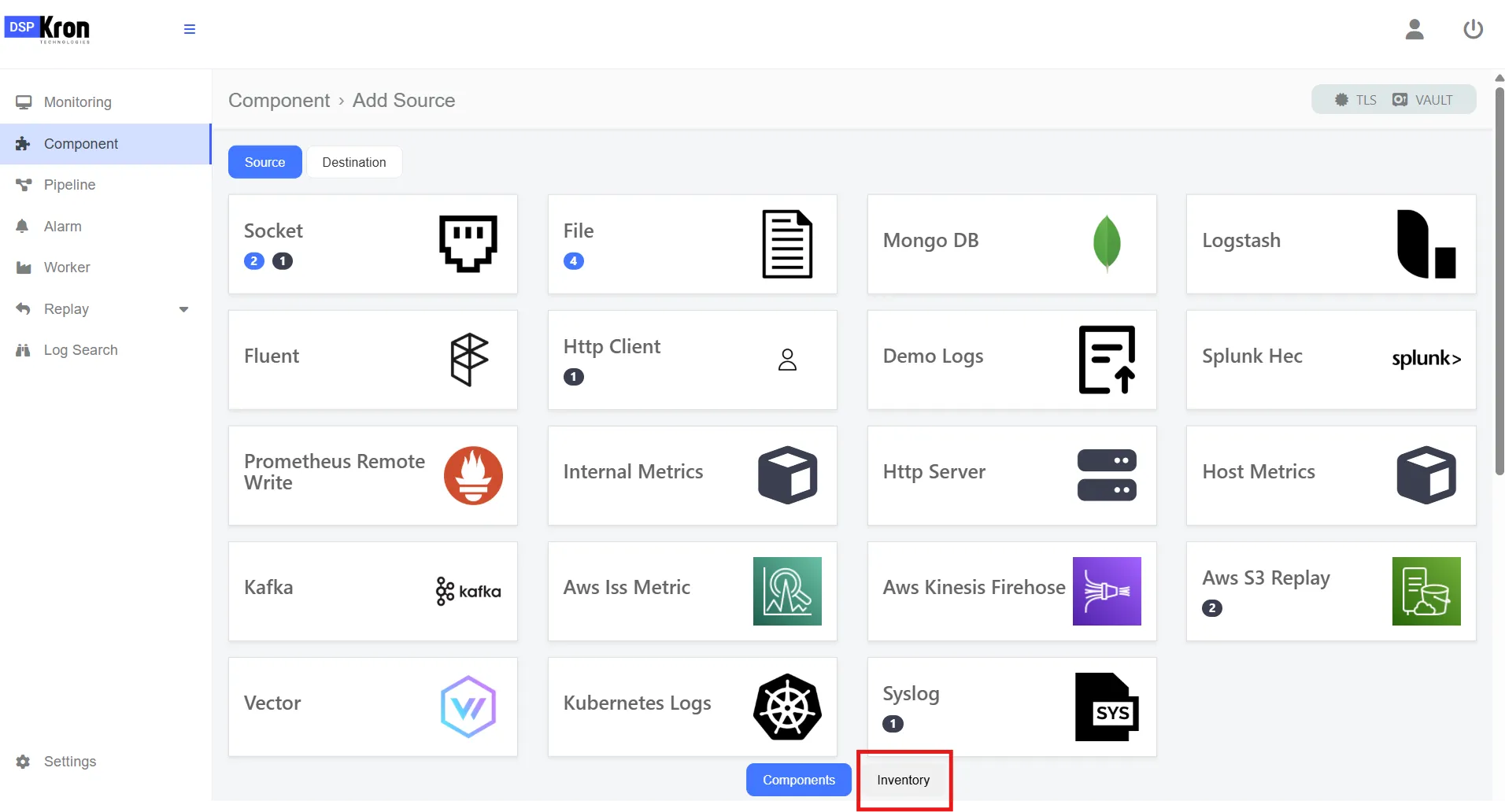
- Go to the Components page.
- Click on the Source tab.
- Select the source type you would like to add.
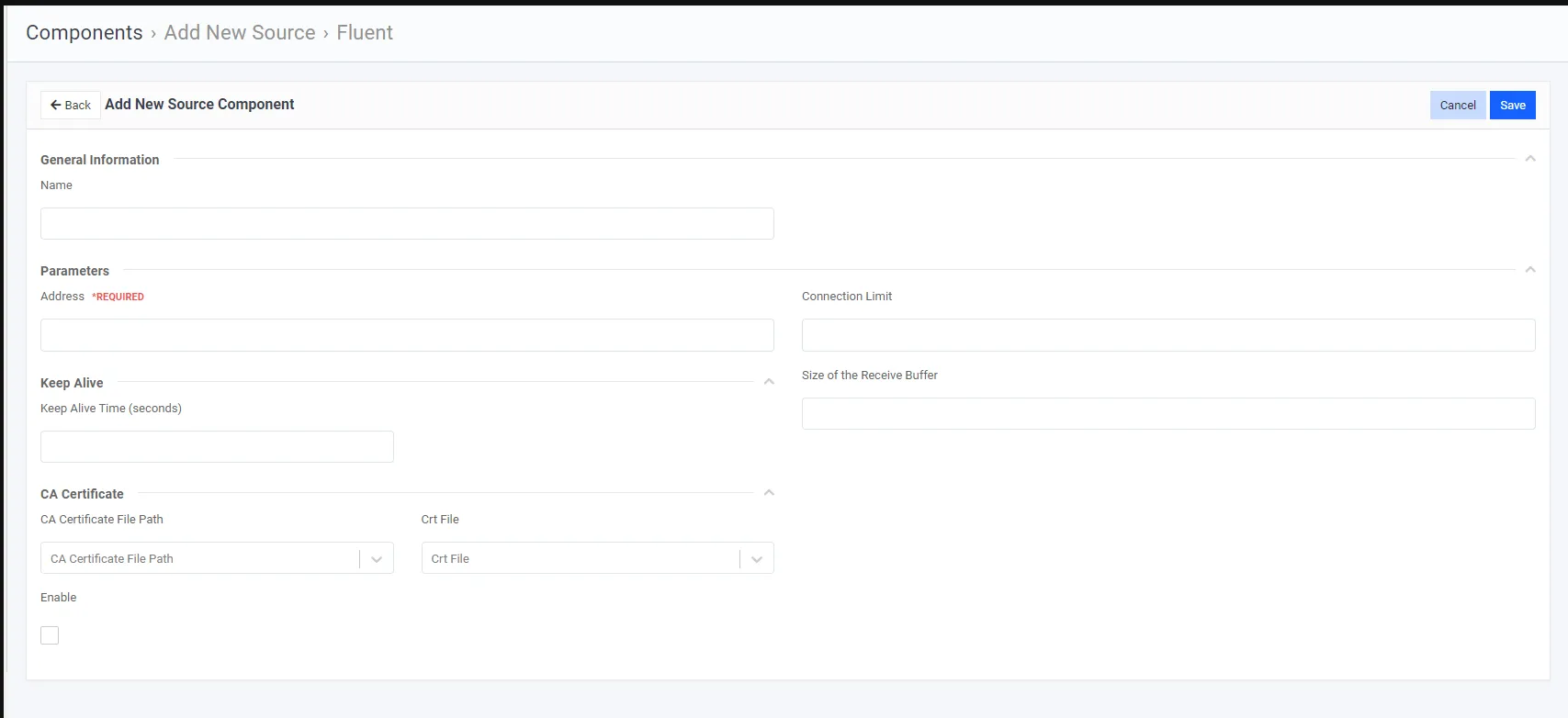
- Enter the required and optional parameters. Which can vary depending on the selected source.
- Click the Save button.
Destination Configuration
-
- Go to the Components page.
- Click on the Destination tab.
- Select the destination type you would like to add.
- Enter the required and optional parameters. Which can vary depending on the selected destination.
- Click the Save button.
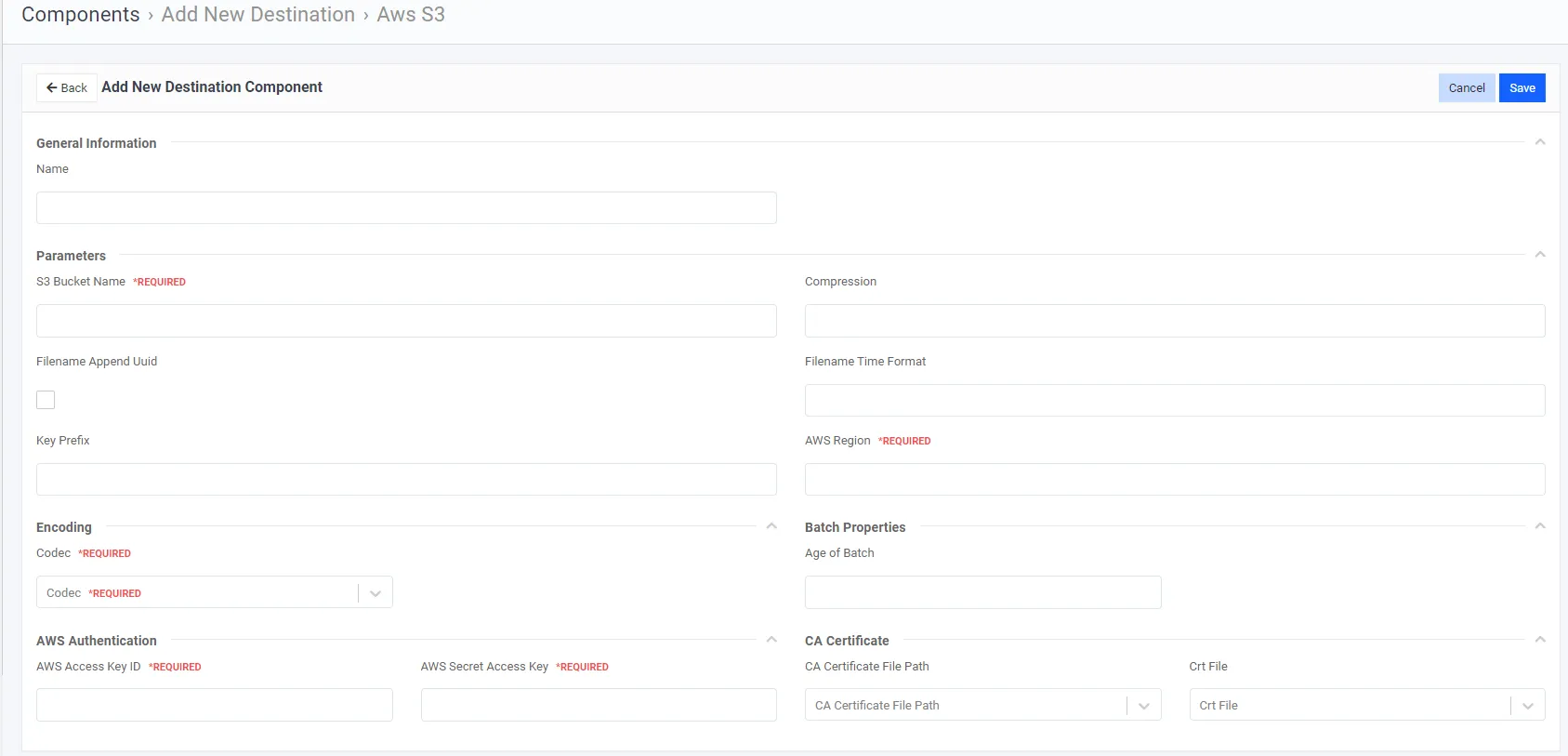
Required Fields For AWS S3
Editting an added source
- Click on the Component menu.
- Click Inventory.
- Added sources and destinations should be listed.
- Components can be listed an editted through here.