Traffic Analyzer
11 min
Traffic Analyzer
Viewing Devices
To view device traffic on Traffic Analyzer, Fallow the steps bellow.
- Login to Single Monitor Web GUI
- Navigate to Traffic Analyzer.
- Click on the devices IP address.
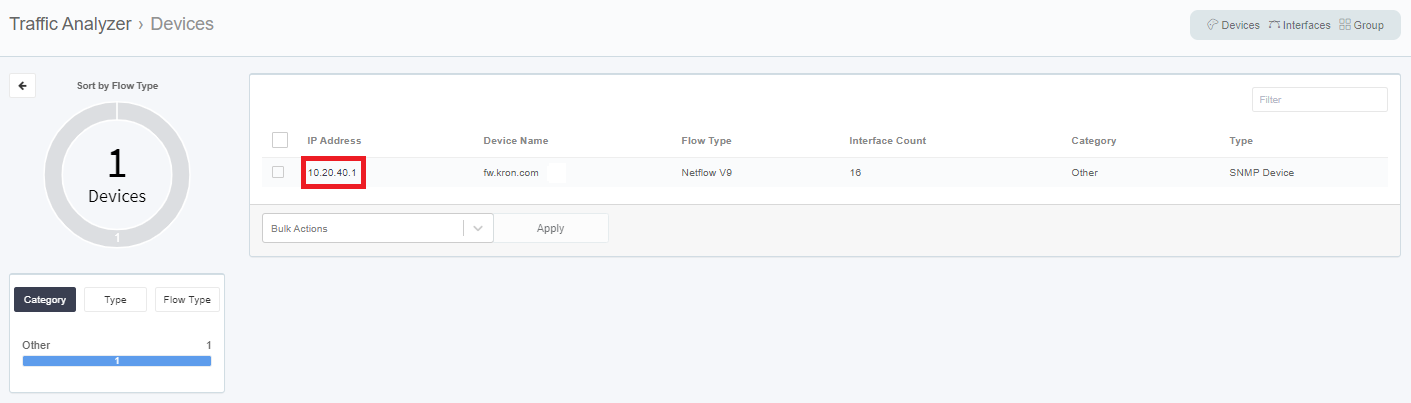
View Device
Viewing Interfaces
To view Interfaces and their traffic, fallow the steps bellow.
- Login to Single Monitor Web GUI
- Navigate to Traffic Analyzer.
- Click on the interfaces from top right corner.
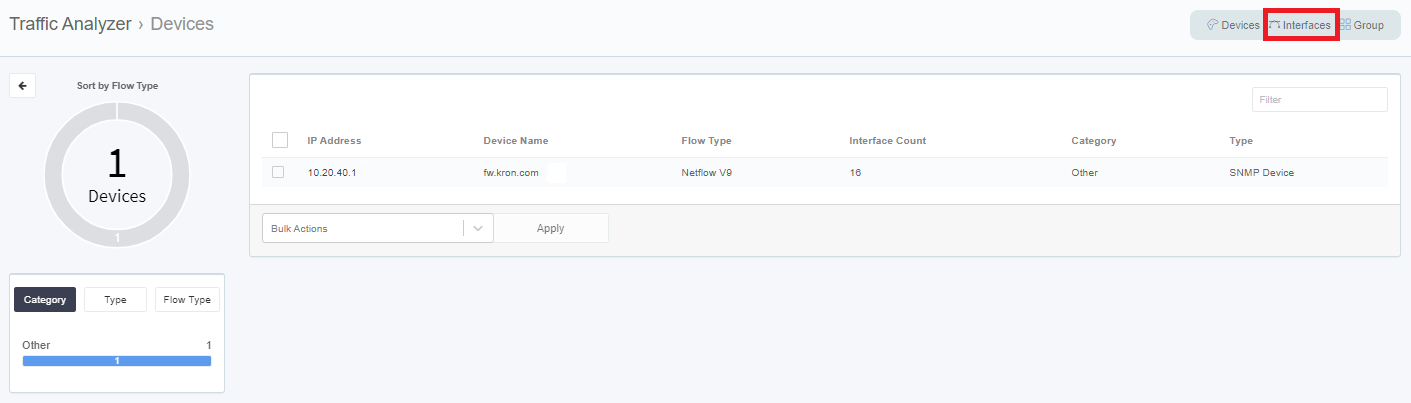
View Interface
Application Details
To view Application Details, fallow the steps bellow.
- Login to Single Monitor Web GUI
- Navigate to Traffic Analyzer.
- Click on the IP address of the device.
- Click on Application to view Application Details.
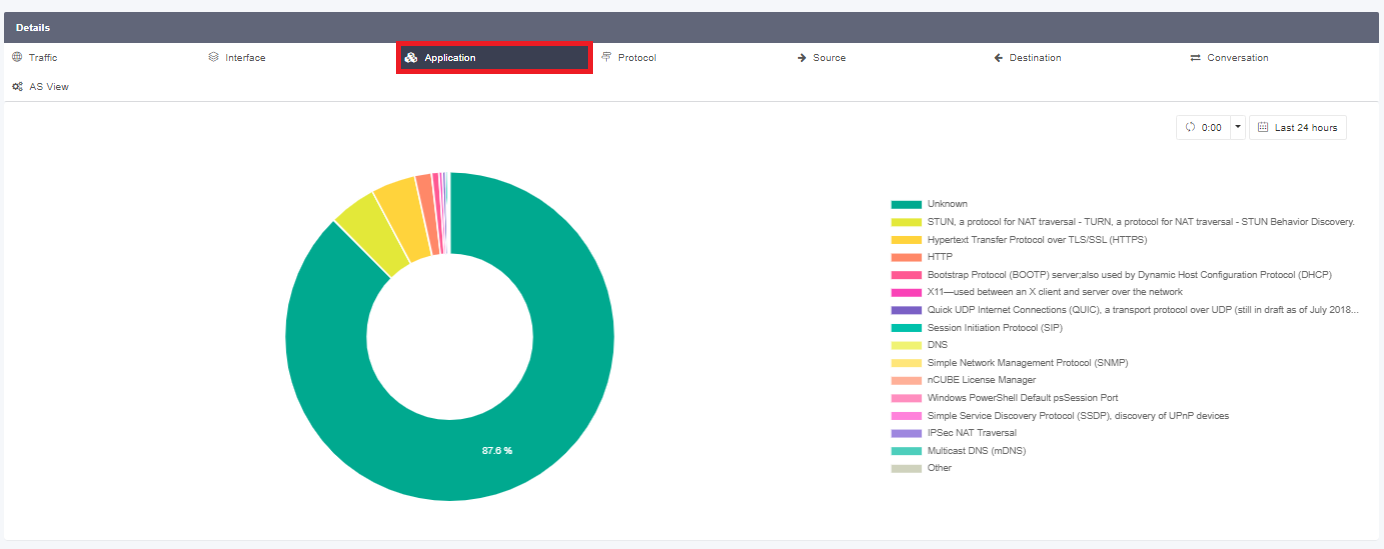
Application Details
Traffic Details
To view Traffic Details, fallow the steps bellow.
- Login to Single Monitor Web GUI
- Navigate to Traffic Analyzer.
- Click on the IP address of the device.
- Click on Traffic to view Traffic Details.
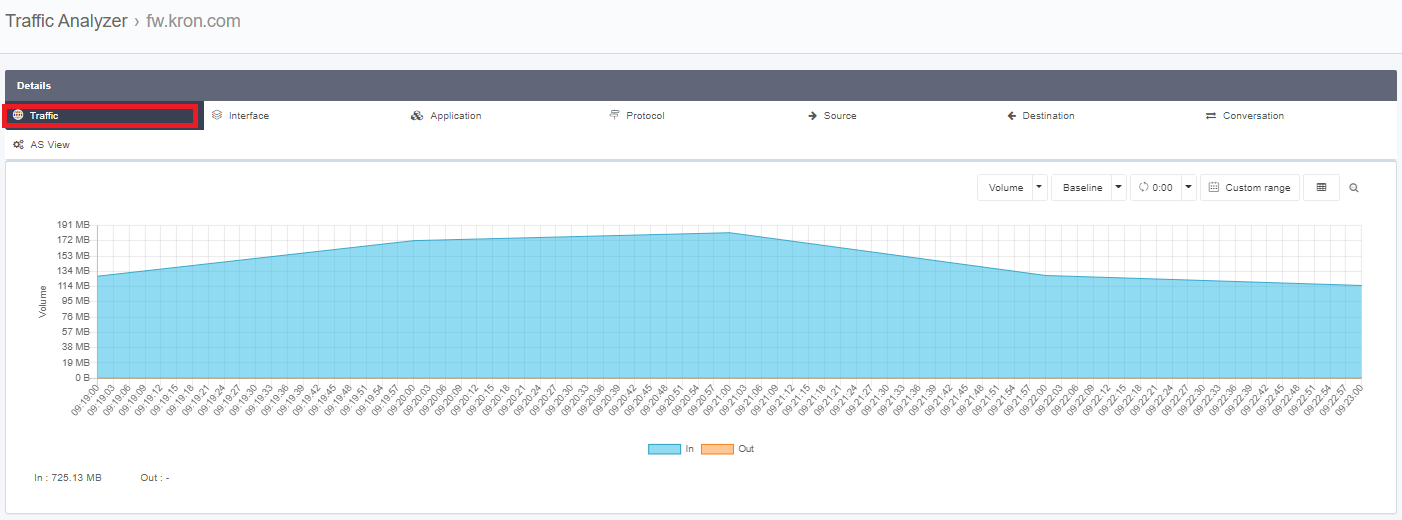
Traffic Details
Interface Details
To view Interface Details, fallow the steps bellow.
- Login to Single Monitor Web GUI
- Navigate to Traffic Analyzer.
- Click on the IP address of the device.
- Click on Interfaces to view Interface Details.
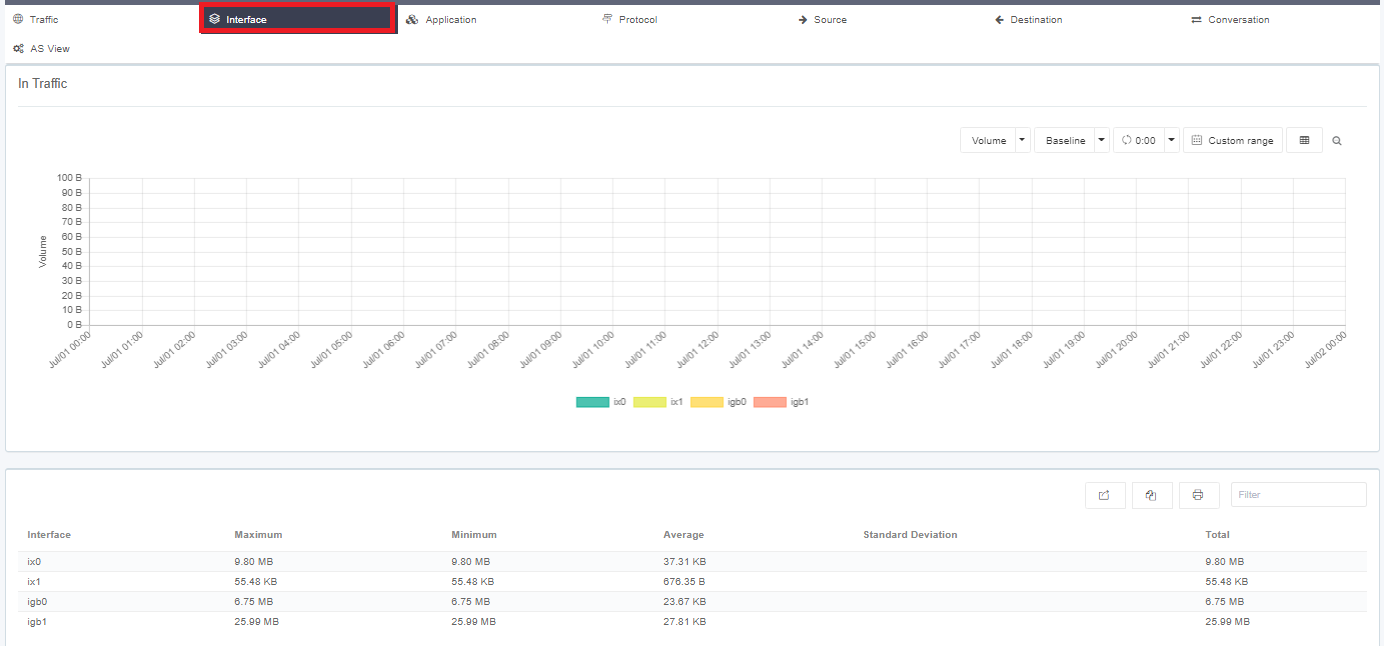
Interface Details
Protocol Details
To view Protocol Details, fallow the steps bellow.
- Login to Single Monitor Web GUI
- Navigate to Traffic Analyzer.
- Click on the IP address of the device.
- Click on Protocol to view Protocol Details.
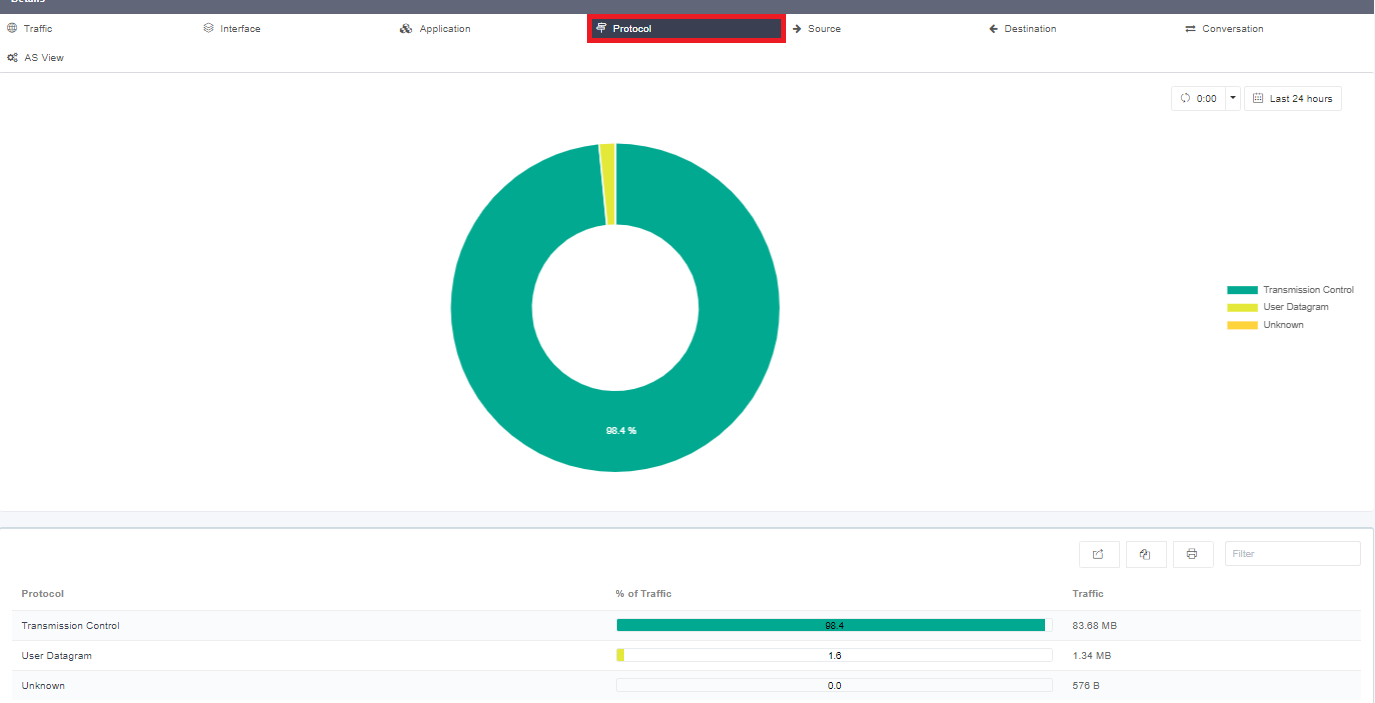
Protocol Details
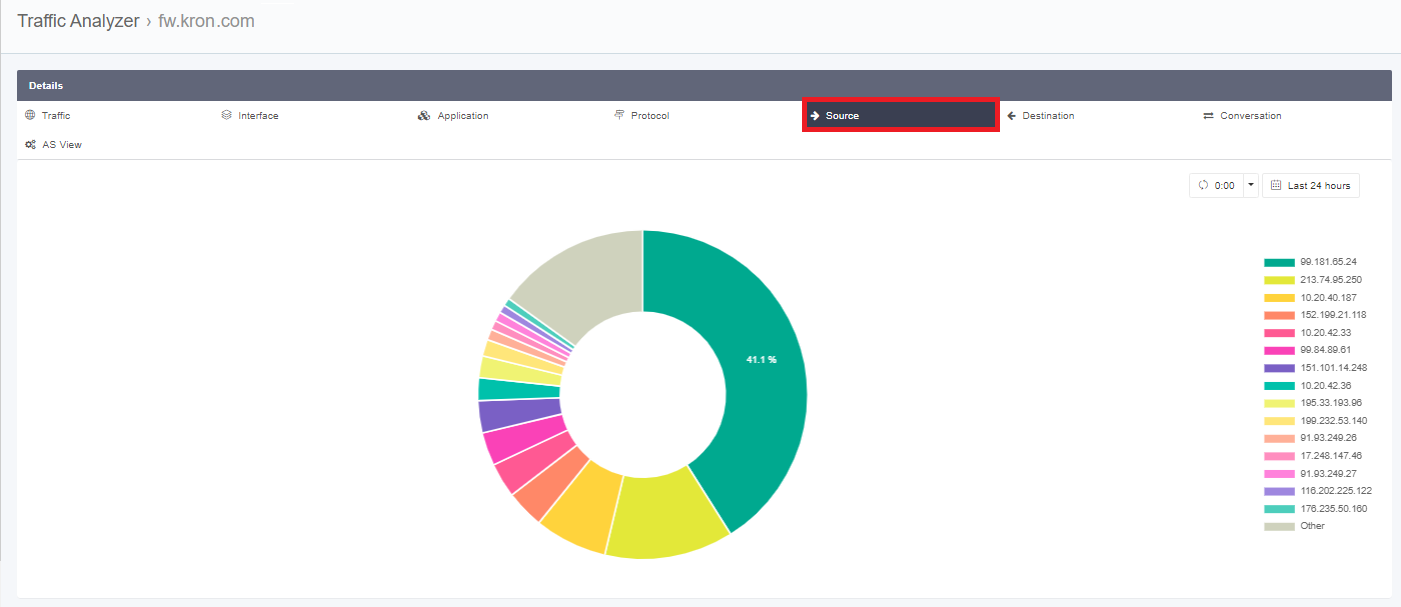
Source Details
To view Source Details, fallow the steps bellow.
- Login to Single Monitor Web GUI
- Navigate to Traffic Analyzer.
- Click on the IP address of the device.
- Click on Protocol to view Protocol Details.
Conversation Details
To view Conversation Details, fallow the steps bellow.
- Login to Single Monitor Web GUI
- Navigate to Traffic Analyzer.
- Click on the IP address of the device.
- Click on Conversation to view Conversation Details.
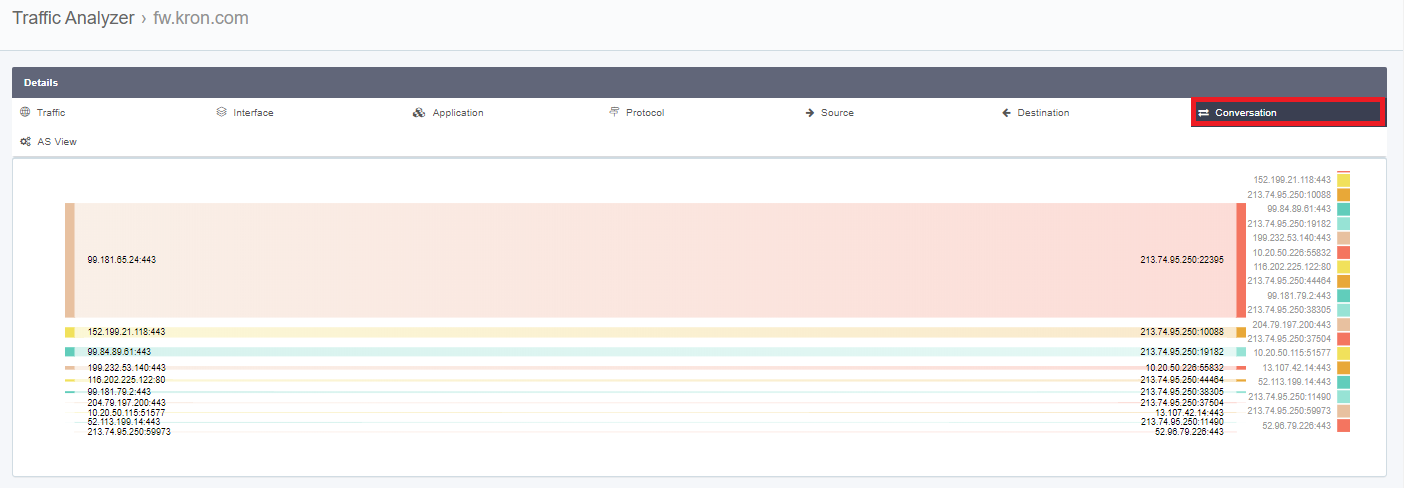
Conversation Details