Dashboard
7 min
Dashboard
Adding New widgets
For adding New widgets fallow the steps bellow.
- Login to Single Monitor Web GUI.
- Navigate to Dashboard.
- Click on the add Dashboard button which is located on the top right corner.
- By using the add row and add widget button adjust the dashboard. Customize the dashboard layout by sending widgets to the right or left with arrows located on each widget.
- Click to the plus sing to add the widget.
- Here setting widget type is essential because if data type does not match with the widget type there might be problems on displaying the data.
- Click save after filling required fields.
- The dashboard can be visualized from All dashboards section on the Dashboard tab.
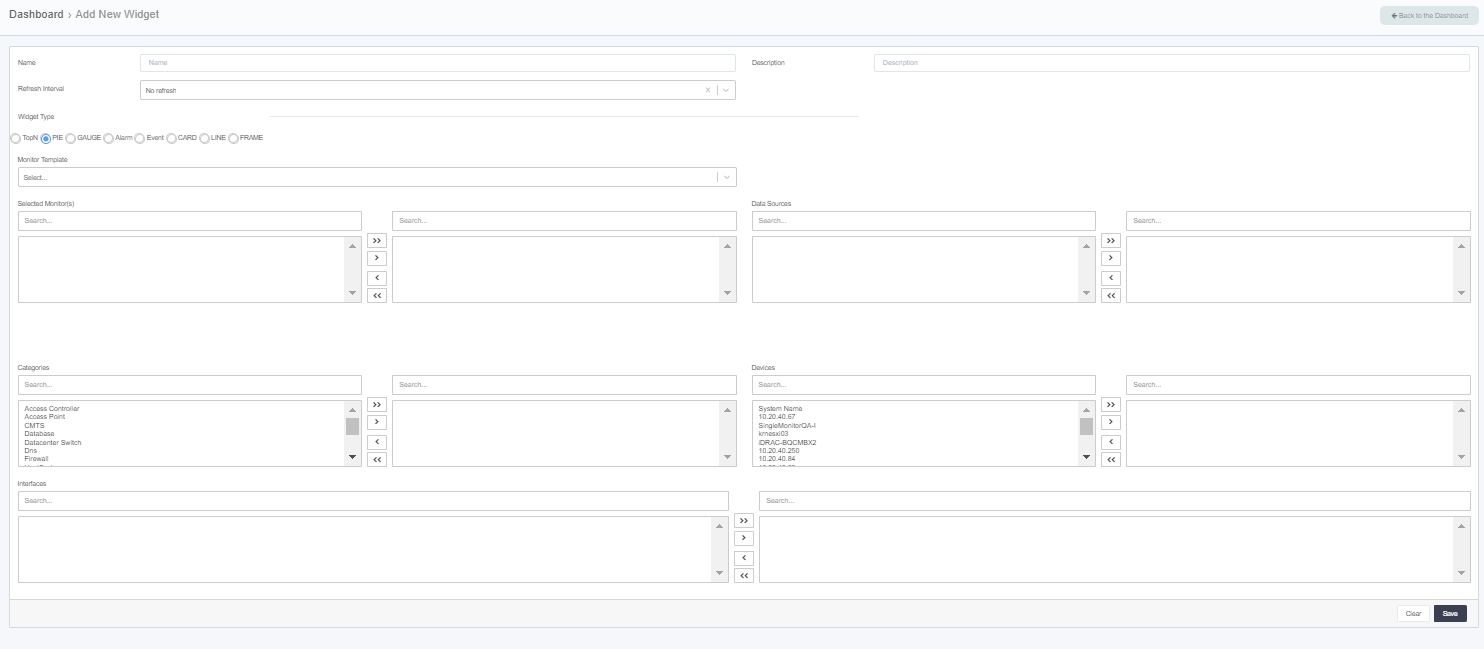
Dashboard
Deleting Dashboard
To delete a dashboard, fallow the steps bellow.
- Login to Single Monitor Web GUI.
- Navigate to Dashboards.
- Go to all dashboards from the top right corner for listing available dashboards.
- Locate the dashboard that will be deleted.
- Usage the garbage icon which is located on the far-right corner of the dashboard.
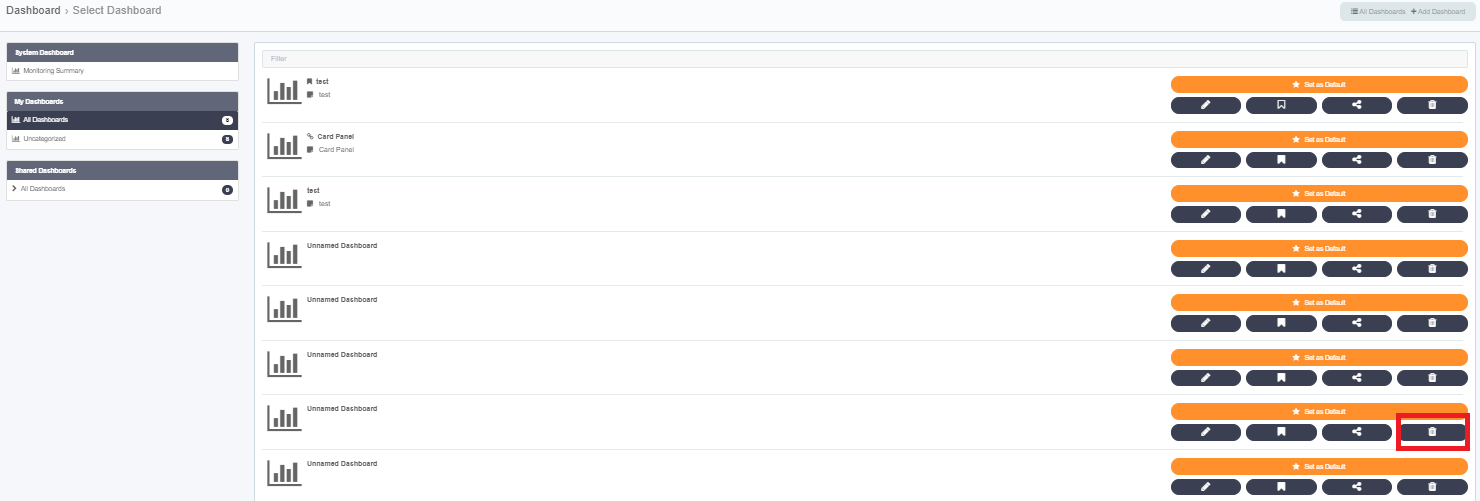
Deleting Dashboard
Setting Default
To set a dashboard as default, fallow the steps bellow. Setting a dashboard as default makes the dashboard the splash screen. So, whenever logged in to SM this dashboard will come up.
- Login to Single Monitor Web GUI.
- Navigate to Dashboards.
- Go to all dashboards from the top right corner for listing available dashboards.
- Locate the dashboard that will be set as Default.
- Use the Set as default button which is orange.
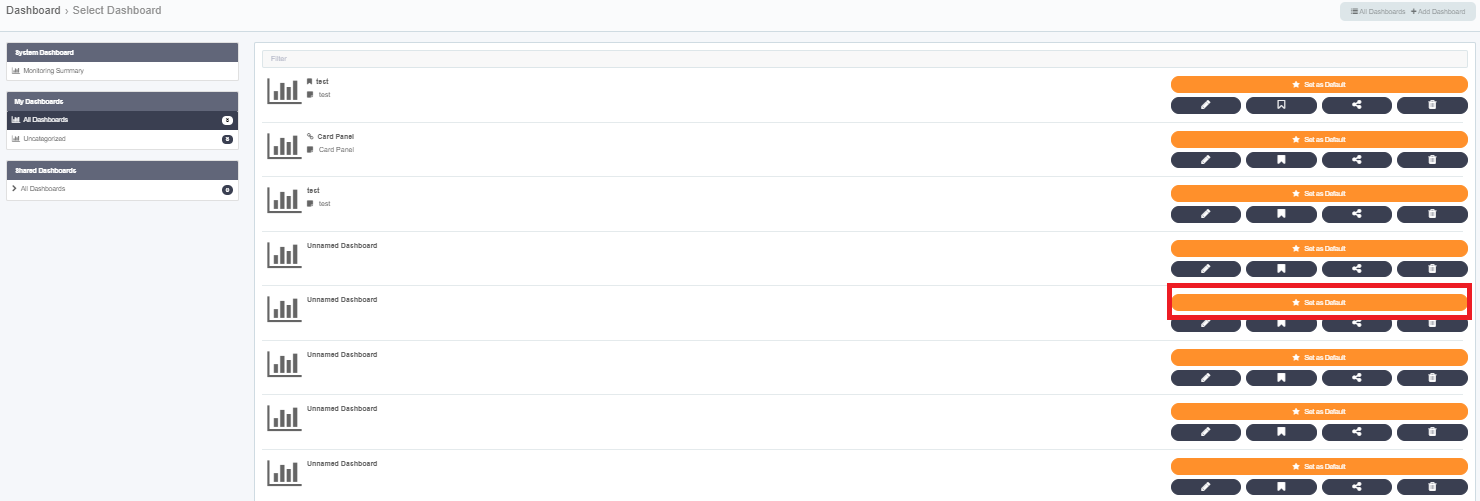
Setting
Sharing Dashboards
To share a dashboard, fallow the steps bellow. This is a function for admins to create a dashboard and share it a user with limited access
- Login to Single Monitor Web GUI.
- Navigate to Dashboards.
- Click on the all dashboards to list dashboards.
- Locate the dashboard that will be shared. Use the share button to share the dashboard which looks like three connected dots.
- Select the user click ok.
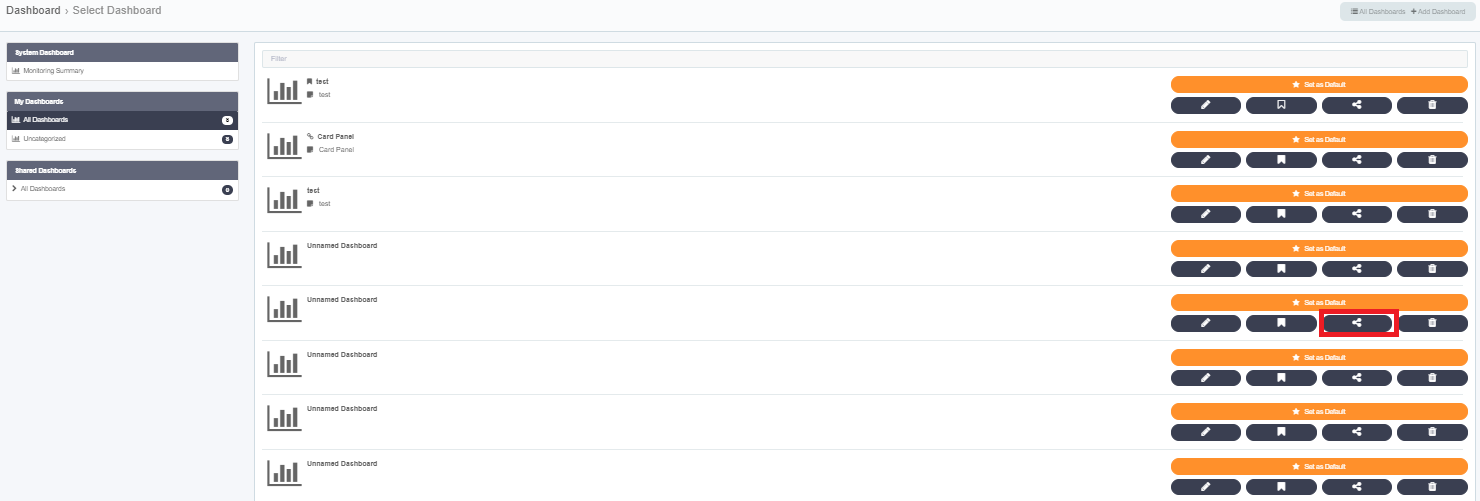
Sharing Dashboard
##Editing Dashboards
To ????
- Login to Single Monitor Web GUI.
- Navigate to Dashboards.
- Click on the all dashboards to list dashboards.
- Locate the dashboard that will be edited. Use the pen button to edit the dashboard.
- After changes made click save.
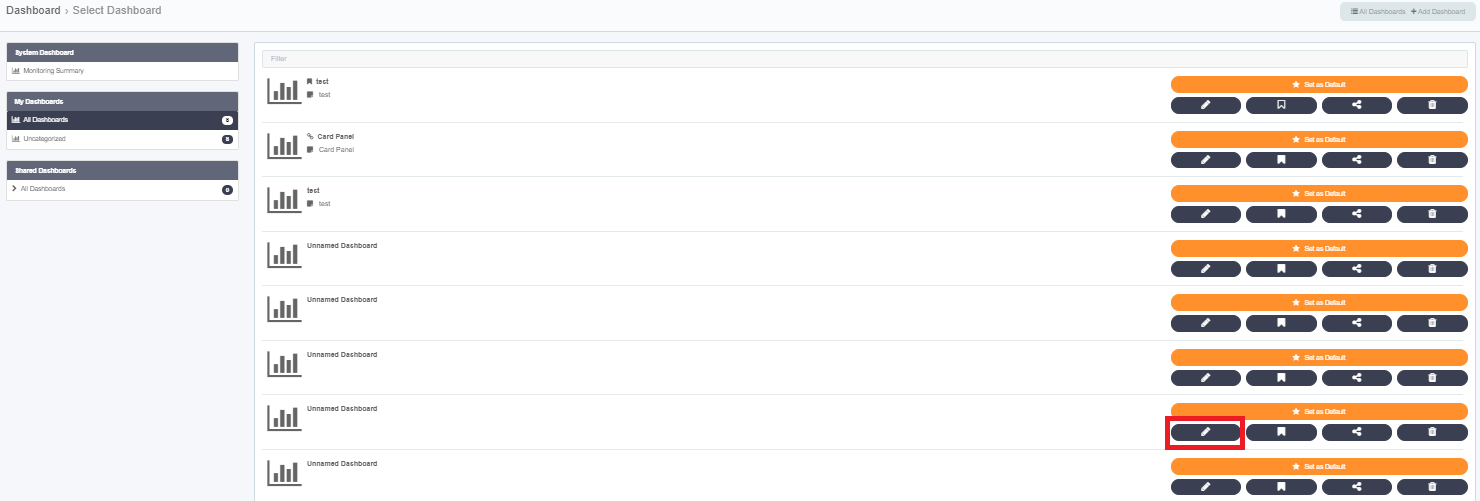
Edit Dashboard