Checking System Logs
1 min
Kron PAM provides real-time access to portal and core management logs through the System Log Viewer. This interface captures all system-level operations, error events, service activities, and job execution outputs, enabling administrators to quickly diagnose issues and verify system behavior.
To access the current system logs, navigate to:
Administration → System Log Viewer.
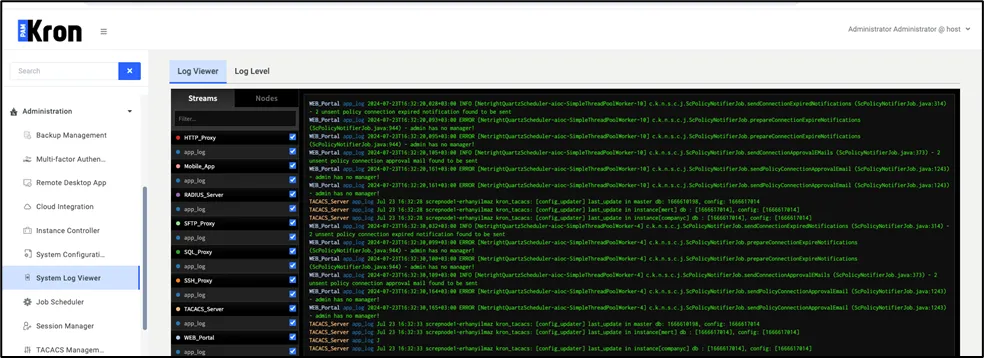
System Log Viewer
To access more granular diagnostic information, you can increase the log level of specific components. Navigate to the Log Level tab, locate the relevant component, and adjust its log level to capture more detailed error and debug outputs. Check Increasing Log Levels from System Log ViewerIncreasing Log Levels for details.
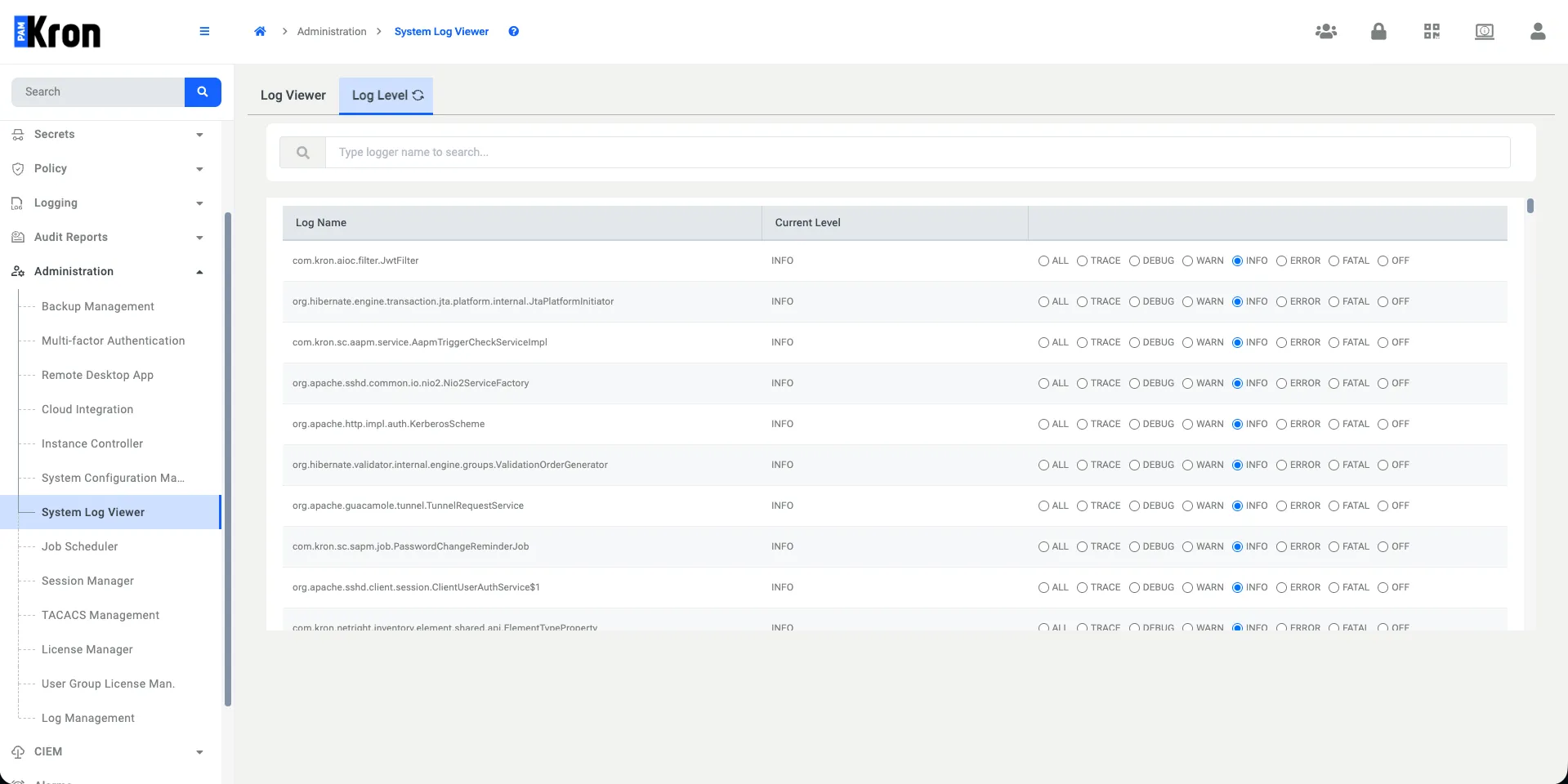
Log Level