Using Keystroke for User Behavior Analytics
Keystroke tracking is utilized to understand the behavior of users on the Kron PAM Login screen and cannot be activated unless MFA is enabled for the User Group.
- Keystroke tracking information will be reset if MFA Users do not log in to the Login screen within a certain number of day. This number of days can be defined by parameter.
- The user's Username and Password keyboard typing speeds and accuracy will be checked and measured with a threshold value. If the user does not exceed the threshold value, they will log in without the need for MFA.
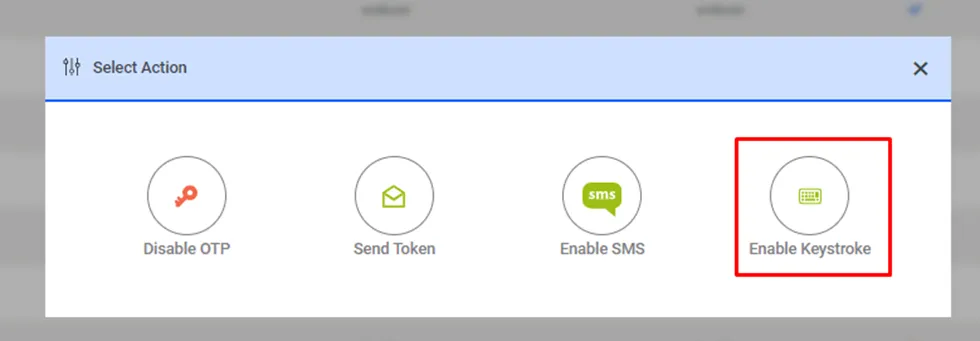
To enable Keystroke:
- Navigate to Administration > Multi-Factor Authentication > User Group Management.
- Click Options.
- Click Enable OTP for the user group.
- When Enable OTP is clicked, the Enable Keystroke button will become active.
- Click Enable Keystroke.
Keystrokes can be tracked locally or sent to another device for analysis. The following parameters in System Config Manager are necessary:
Parameter Name | Description | Sample Parameter Value |
|---|---|---|
keystroke.last.login.success.before.days | If the user doesn't have any MFA authentication login(login success with the token) last N days, keystroke prediction is not enabled | Default value: 15 |
keystroke.api.url | Keystroke Server API URL | |
keystroke.username.threshold | Username prediction success threshold. The prediction distance must be under the threshold. | Default value: 0.5 |