SFTP Proxy Assigned Credential & User Session Usage
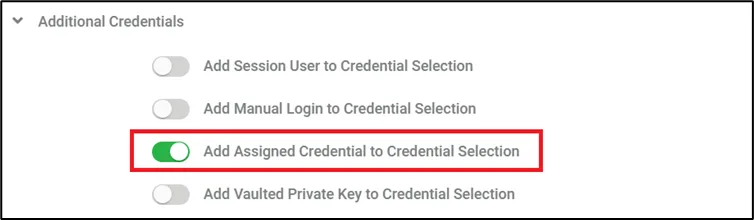
The Assigned Credential and Session User login options are available for SFTP Proxy as well as other proxies.
The method of usage of these stored credentials differs from other proxies due to SFTP's technical limitations. Therefore, there will be neither pop-up nor redirection of the static page which contains the username part of the credentials.
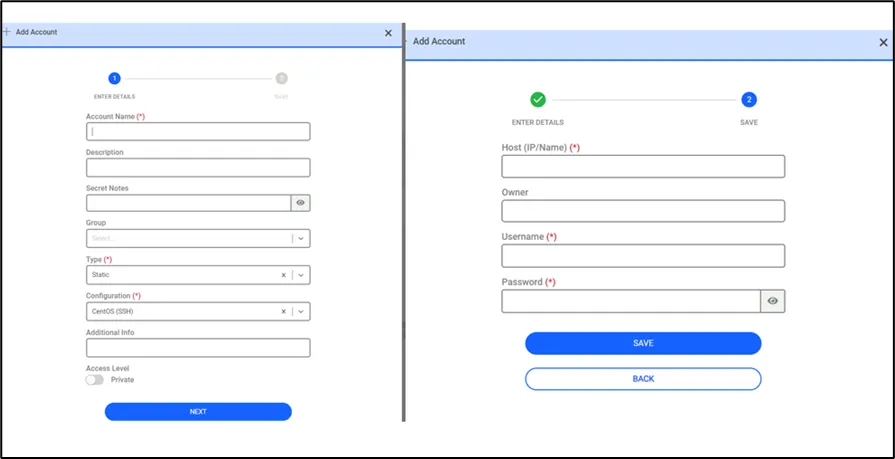
To use such credentials, they must be created as described in the Assigned Credentials and Session User (LDAP/AD User) Connection sections.
After the relevant definitions are made, when more than one credential is assigned to the target device, the local SFTP client should list the assigned credentials (see images below).

To list only the accounts matching the relevant domain when listing users from the Vault before the SFTP session, the following steps are necessary:
- Navigate to Secrets > Configuration
- Choose Active Directory > Miscellaneous
- Open the Connection > Fill LDAP base DN according to the domain.
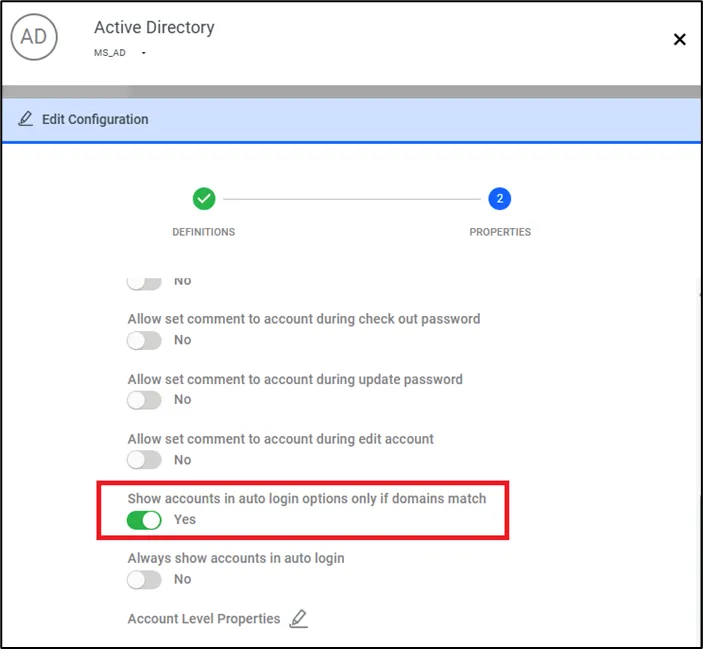
- Set Show accounts in auto login options only if domains match
- Navigate to Devices > Inventory > Related Device > Custom Properties
- Add auth.domain parameter key with LDAP domain name