Session Number Limitation of a User on SFTP
To ensure that all users have fair access to proxy resources and to enhance the efficiency of resources, it is possible to limit the number of active simultaneous sessions for each PAM user. If a user is part of multiple user groups, the session limit will be based on the lowest limit set among those groups.
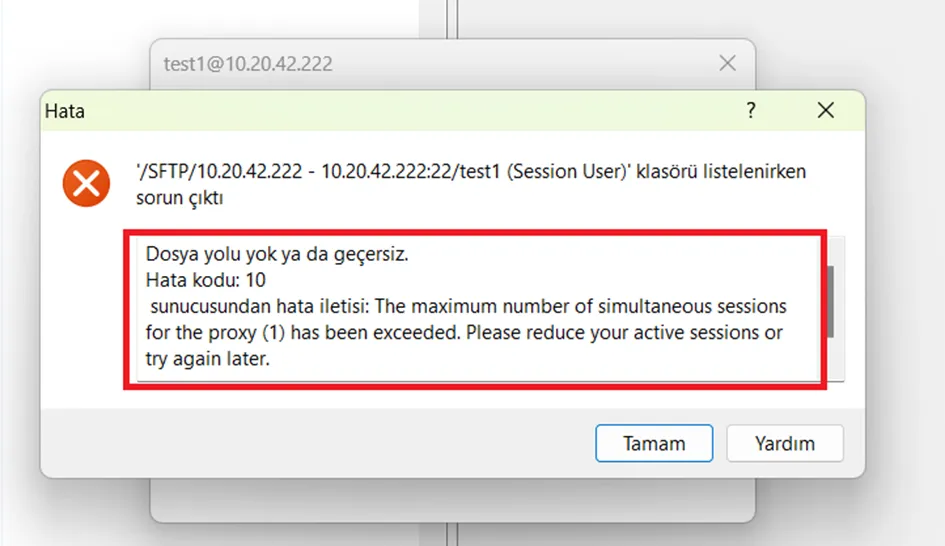
If a user tries to exceed their session limit, they will receive the following message: “The maximum number of simultaneous sessions for the proxy **** has been exceeded. Please reduce your active sessions or try again later.”.
To enable this feature;
- Navigate to Users > User Groups > Releated User Group > Custom Properties > Add New Property.
- Set SimultaneousSessionLimitSFTPProxy as Parameter Key and choose a number as value.
- If this parameter is not set, there will be no restrictions on the number of active SFTP Proxy sessions a user can have.