Notifications for Account
Notifications can be set for dynamic accounts and dynamically configured static accounts, using the Vault screen. If this option is set, notifications regarding the account are sent to the selected user groups. when one of the following happens:
- A user retrieves a password for an account.
- A Password Reset Failed error occurs during the account password reset.
- The password cannot be verified during the periodic check of the account password due to a Password Check Problem error.
- A new account is detected on a device with an account (The Discover New Usersnew account detection feature depends on the configuration and can be disabled for specific accounts).
To activate the notifications on Accounts:
- Navigate to Secrets > Vault.
- Open the Vault tab.
- Select the account, click the Options button, and select Configure Notifications.
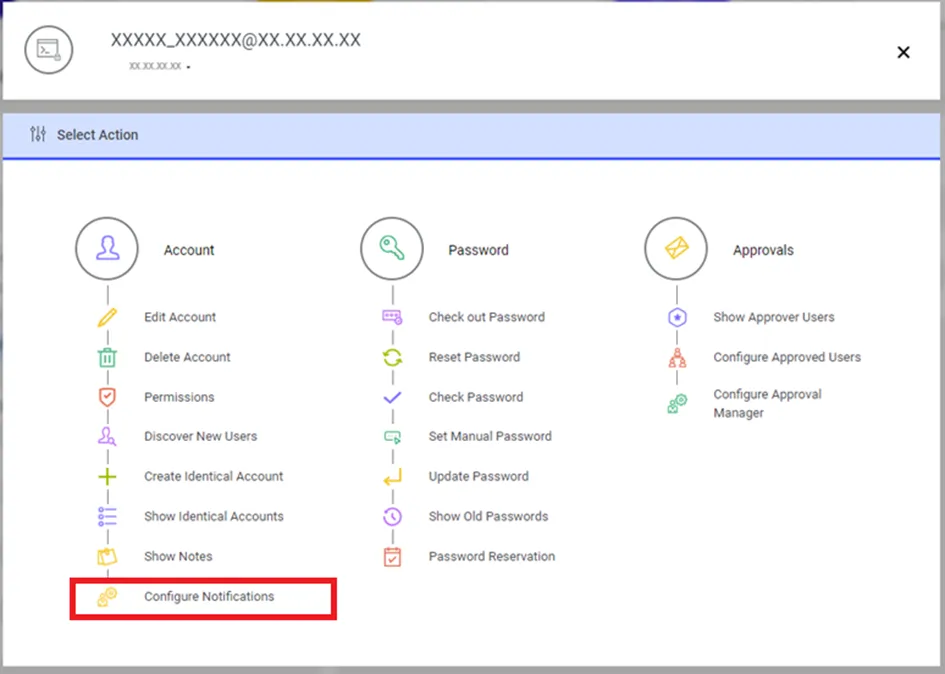
Configure Notifications for Accounts
- Select the User Group.
- Click Save.
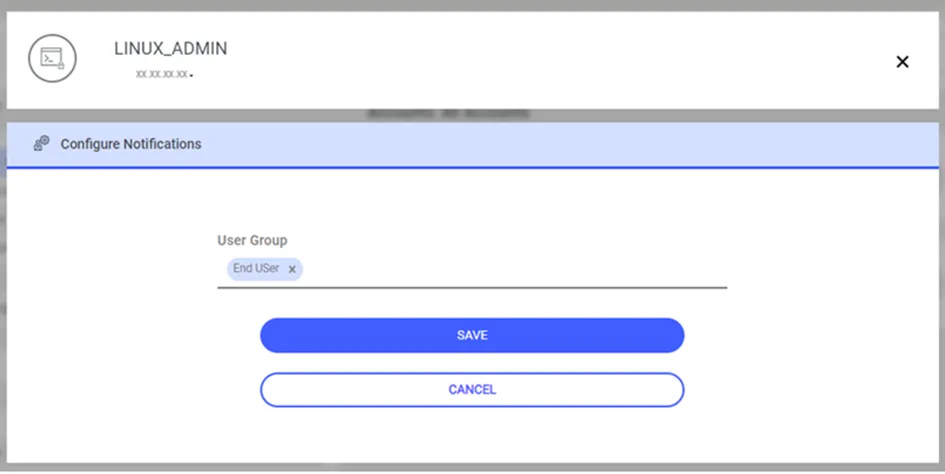
Configure Notifications for Account