Language Settings
To change the interface language, click on the User Preferences option in the top right corner of the Kron PAM Web GUI, and choose your preferred language.
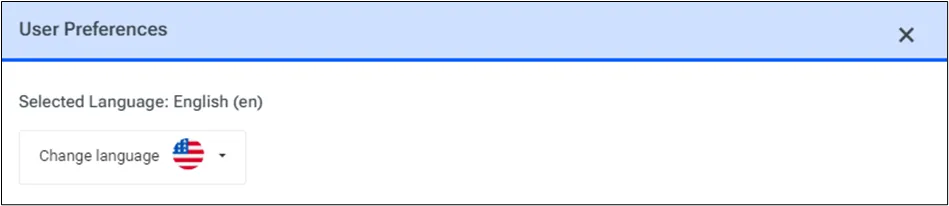
User Preferences
While other languages are supported, Kron PAM’s default language is English.
To set which languages are listed as available choices:
- Navigate to Administration > System Config Man.
- Set the aioc.languages parameter with the preferred language from the currently available options below (More than one language preference can be added using a comma “,” without a space to separate them. Ex: en_US,ru_RU,ko_KR):
Supported Languages | Code |
|---|---|
English | en_US |
Korean | ko_KR |
German | de_DE |
Turkish | tr_TR |
French | fr_FR |
Arabic | ar_AR |
- Connect to Kron PAM’s CLI and restart the Web Portal service using the command systemctl restart pam-gui .