Creating Script Group
Script Groups organize scripts for execution on target devices in Privileged Task Automation. This section explains how an authorized user can create a Script Group.
To create a script group:
- Navigate to Privileged Task Automation.
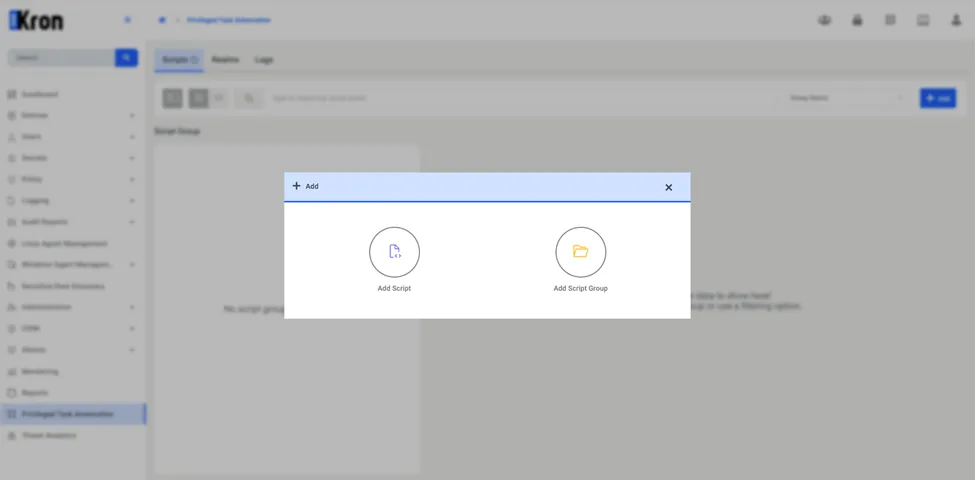
- Click the Add button located in the upper-right corner of the Scripts tab. From the options that appear, select Add Script Group.
- In the Add Script Group window, enter the group name.
- Click Save to confirm and create the Script Group.