Sending the MFA QR Code to Users
Each user has a QR code to help generate OTPs. Users need to get the QR code and scan it with the Kron PAM Mobile Client. Kron PAM admins can send QR codes to users and need to scan the QR code for themselves as well, if they are also in a user group with MFA enabled.
To send the QR code:
- Navigate to Administration > MFA.
- Open the User Token Management tab.
- Search the user by name; open the user’s Options menu and select Send Token.
- A pop-up window will display options to send the QR code via SMS and/or e-mail. Select the desired method to send the QR code.
QR codes can automatically be sent to the new users in user groups with MFA enabled, by scheduling the MFATokenEmailSendJob job on the Administration > Job Scheduler page.
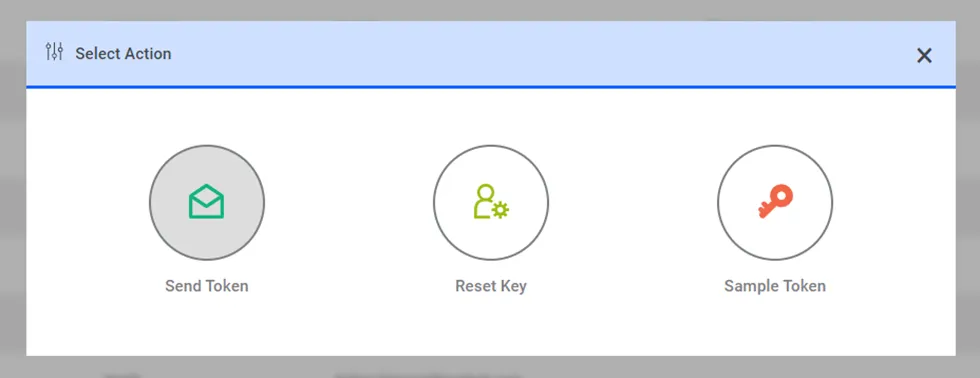
Sending the MFA QR Code to a user