HTTP Proxy Logging
There are HTTP policies with Allowed, Denied, and Filter Log criteria. All Denied access attempts are logged as such. For Allowed addresses, HTTP Proxy checks if the address is included in any of the Filter Log policy entries. If it matches the Filter Log, it will not be logged. If it does not match the Filter Log, it is logged in the HTTP Proxy logs. All logs can be viewed by following these steps:
- Navigate to Logging > HTTP Proxy Logs.
- Enter the search criteria and search for the logs.
All HTTP requests, responses, headers, and contents sent and received during the session are logged.
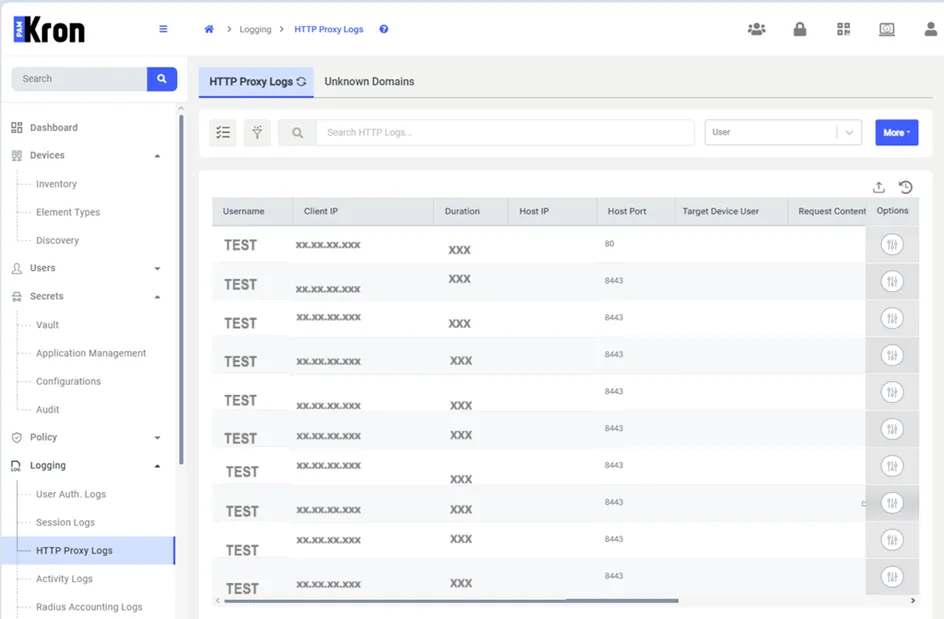
HTTP Logs