Anomaly Options Menu
An options menu on the right side of the anomaly log entries can be accessed. The Anomaly Options menu available choices are :
- Session
- Risk Score Detail: Displays the individual scores that make up the Total Risk Score.
- Session Details: Displays the session logs of the anomaly in text format.
- Play Session: Displays the session’s video recording.
- Actions
- Automated Actions: Displays the actions automatically taken based on the severity of the anomaly. Other available actions are also displayed on the menu. If the user finds the automated response to a detected anomaly insufficient, it is possible to manually execute any action by clicking it and confirming.
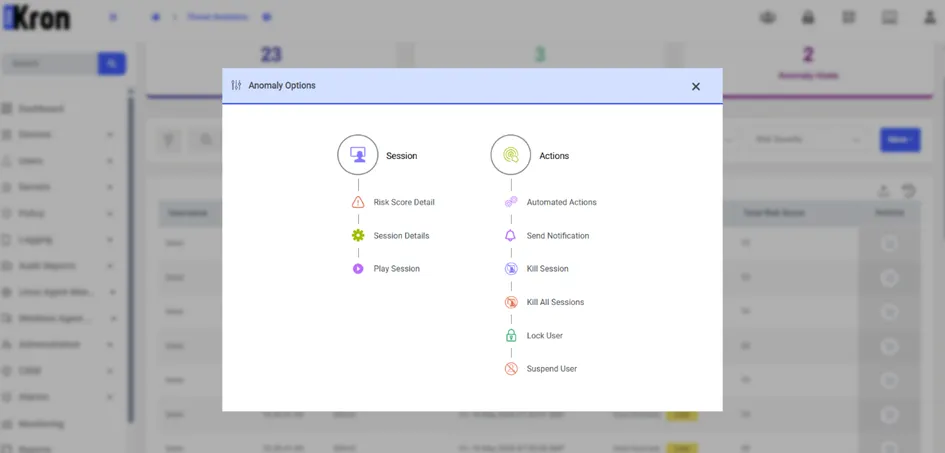
Anomaly Options Menu