SSH Passphrase Connections
Kron PAM allows users to establish an SSH connection with a valid passphrase. To use an SSH Key, the Direct Credential Username and Private Key Passphrase need to be defined for the Device Group:
- Navigate to Devices > Device Groups.
- Click the device group and select the Properties option.
- Click Edit then Next buttons.
- Set the privileged target device username under Direct Credentials as a Username.
- Set the SSH Key and its passphrase as Private Key and Private Key Passphrase.
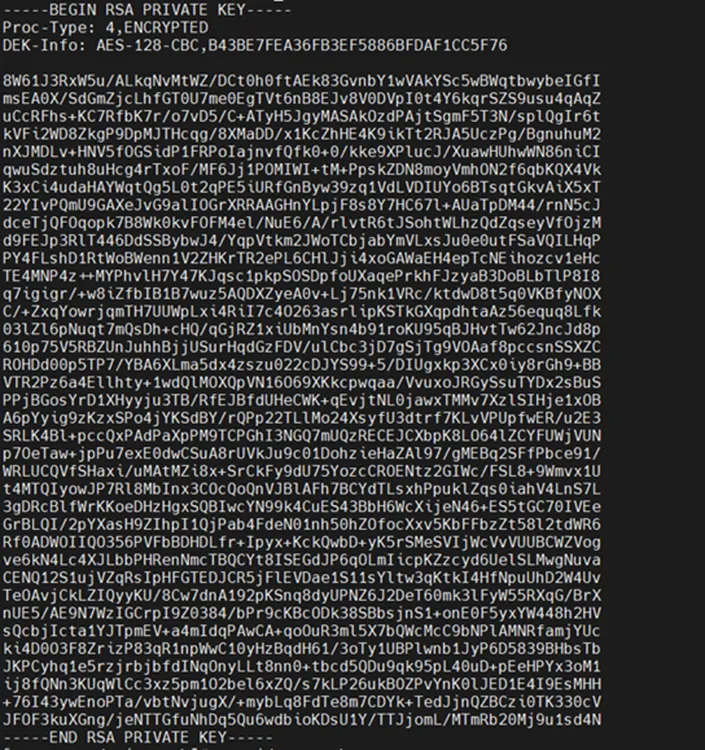
Output of Private Key with Passphrase Usage