Changing the Kron PAM Desktop Client Language and Tabbed View Usage
0 min
Follow the steps below to change the language and tabbed view usage of Kron PAM Desktop Client:
- Open the Kron PAM Desktop Client.
- On the login screen, click the Settings button.
- Select the language from the Language drop-down.
- Set the Use tabbed view for connection windows option to On to allow Kron PAM Desktop Client to handle sessions on multiple tabs using the same window. Otherwise, Kron PAM Desktop Client handles each session in a separate window.
- Click the Save button.
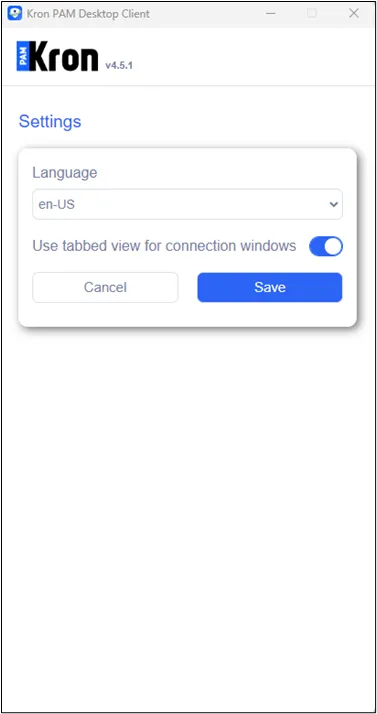
Change Language and Tabbed View Usage