Agent Folders
1 min
When the agent is installed on an endpoint, two main folders are created:
1-C:\ProgramData\KronClient
The owner of the KronClient folder is the System user. Even users with local administrator rights have read-only access to this folder. This directory contains the agent's local database and the logs it generates.
To collect these locally generated logs, follow the steps below:
When the end user clicks “Collect Log” from the tray application icon, the logs will be saved under the C: drive, and a popup notification will appear on the screen.
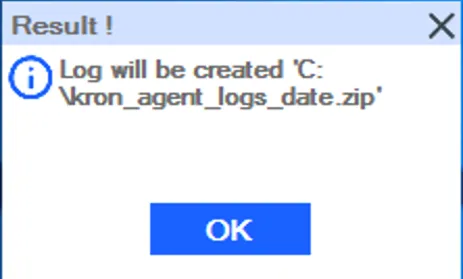
Collecting Logs from the tray app icon
2-C:\Program Files\Kron
Kron folder is a regular installation folder administrator has full access. And there are installation binaries under this directory.