Logging in with Kron PAM User
1 min
To access or create tokens, give approval, or authorize your users, you need to log in with your Kron PAM user.
- Open the Kron PAM Mobile Client Application and tap on the Password Manager or Approval Management screen. It will direct you to the login page.
- Enter your username and password – both are set on the Connection Settings.
- Click Login.
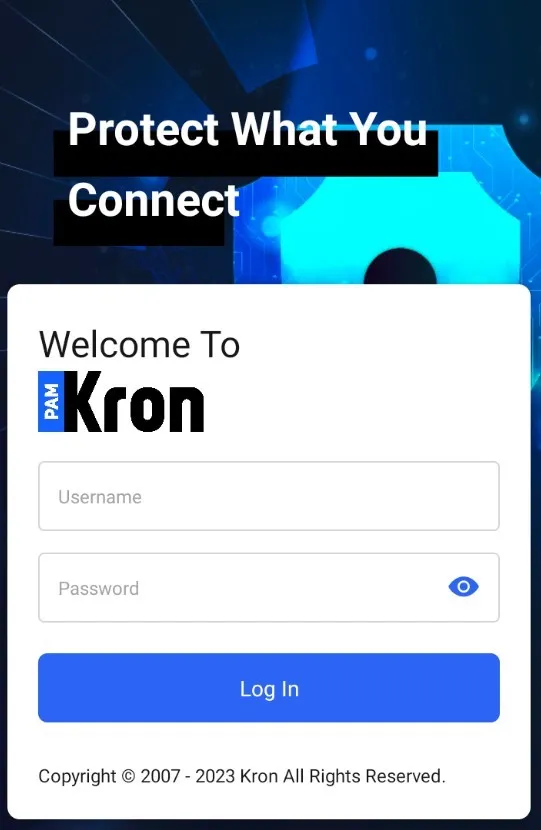
Login Page