Configuring a Server
2 min
Follow the steps below to configure a server to connect to:
- Open the Kron PAM Desktop Client, and click Connections on the Login Screen.
- Click Add. The Add Server window opens. Configure Kron PAM server settings:
- Enter Kron PAM’s server IP in the Address.
- Change the Port value according to the server type. For Kron PAM servers with an HTTP web GUI, the port should be 80. For the HTTPS web GUI, the port is 443. Make sure to toggle the Use SSL option.
- (Optional) Toggle the Make Default Connection if you want this server selected by default on the Login screen.
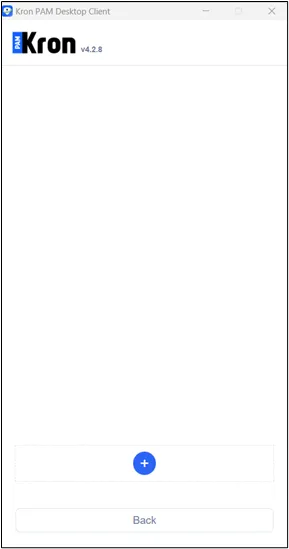
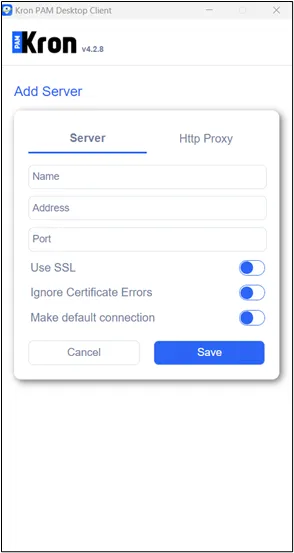
- Click Save. After you add the server successfully, it will show in the server list.
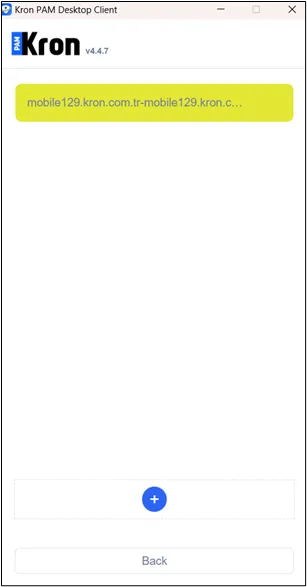
Server is added successfully.
- Click Return to go back to the Login screen.