Admin Message and Kill Session
2 min
An Admin can send a message to the user and kill the session.
To send a message:
- Navigate to Policy > Active Sessions.
- Choose the desired Active Session.
- Click the Send Admin Message.
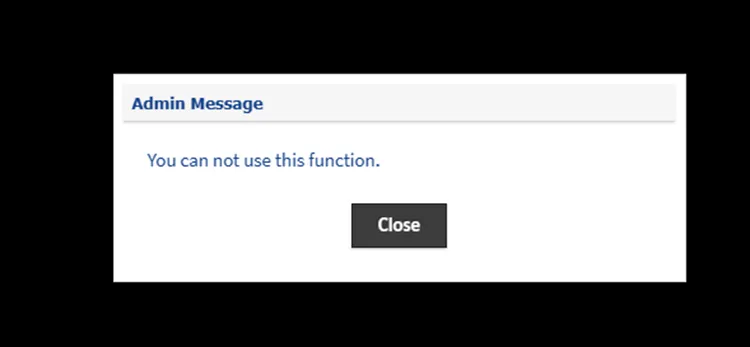
Message from Admin
To kill the session:
- Navigate to Policy > Active Sessions.
- Choose the desired Active Session.
- Click the Kill Selected Sessions.
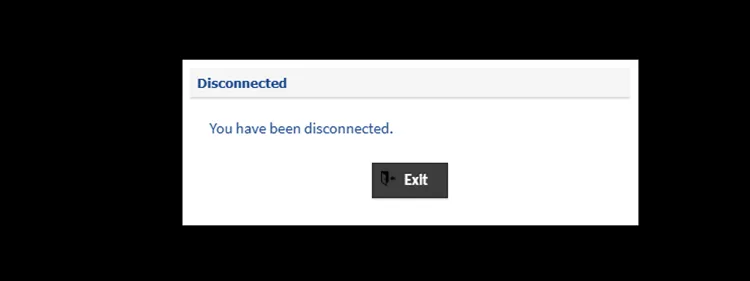
Admin Kill session Message