Offline Token
2 min
Follow the steps below to add an offline toke
- Log in to Kron PAM Web GUI.
- Navigate to Administration > Multi-factor Authentication > User Token Management. To generate a new QR, select the option and click Send Token button. You can select at least one of the send token options (Via SMS, via Email, or Via Access Link) and click the SEND button.
- Open the Kron PAM Mobile Client and log in with your Kron PAM user.
- Navigate to Offline Token- QR Code, Enter Manually or Register Token.
- Generate a token with any of the following methods:
- Scan QR code – you must allow the Kron PAM Mobile Client to access and use the camera
- Enter the code manually with your username
- Register token (OTP should be set for the user).
You will see your generated tokens on the Offline Token screen.
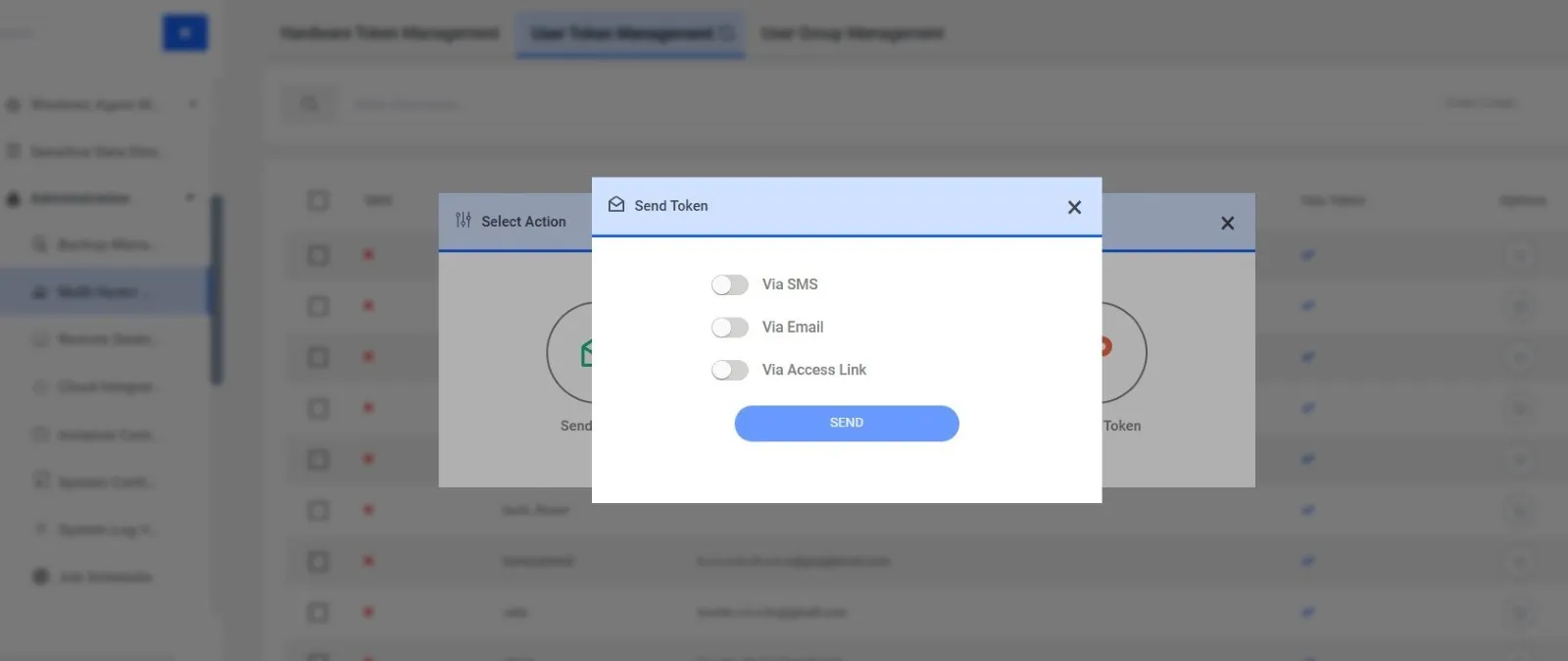
Sending a QR Code via User Token Management
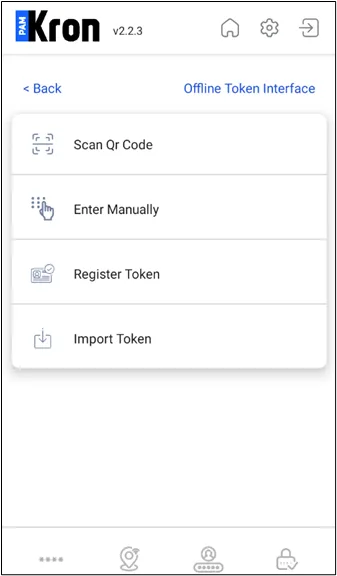
Offline Token
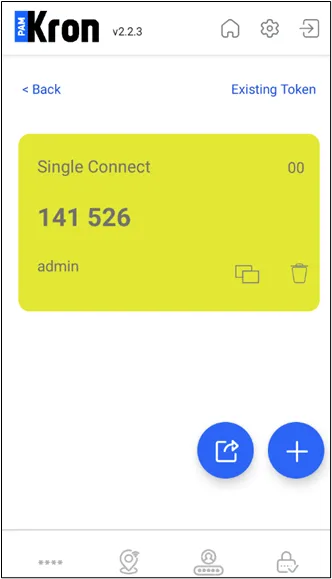
Offline Token