Managerial Approval for Connections
The Connection Approval feature is used for setting up and managing user authentications in device connections (in RDP Proxy, SSH Proxy, SFTP Proxy, and HTTP Proxy). Admins can configure an approval process so that users will require managerial approval to connect devices. Connection approvals may be given by managers or members of user groups.
Managerial approval can be configured for either user groups or device groups:
- If managerial approval is configured for a user group, all users in that group will require managerial approval.
- If managerial approval is configured for a device group, all users will require managerial approval to connect to that device group.
To enable managerial approval for a user group:
- Navigate to User Management > User Groups.
- Click the Search button to list all groups
- Click the Options button and select Show Properties.
- Set the approvalRequiredForConnection parameter as True.
To enable managerial approval for a device group:
- Navigate to Device Management > Device Groups.
- Click the Search button to list all groups.
- Click the Options button and select Show Properties.
- Set the approvalRequiredForConnection parameter as True.
If you want to set up an approval process to manage connections of a specific group to a specific device group, you should configure an Approval Workflow instead of setting up User Group or Device Group parameters. Refer to the Approval Workflow chapter for details.
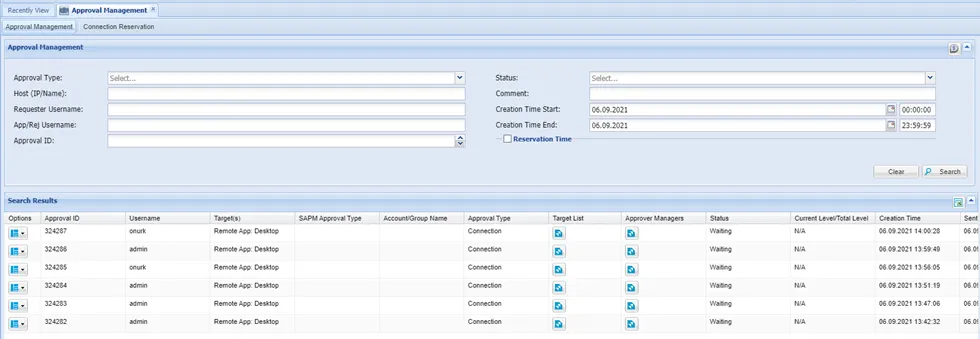
The Approval Management page shows request details and the Approver Manager, which helps know who will be approving the request.