Global Username/Password Connections
1 min
Privileged users (such as Administrator) in the target device are called Global Users. To establish an RDP connection using these accounts and to make the global user’s password invisible to the local user, the configuration below is required, allowing Single Connect to store the Global User credentials in its database and use it for the connection.
- Navigate to Device Management > Device Groups.
- Right-click the device group and select the Show Properties option.
- Set the privileged target device username as globalUsername.
- Set the account password as globalPassword.
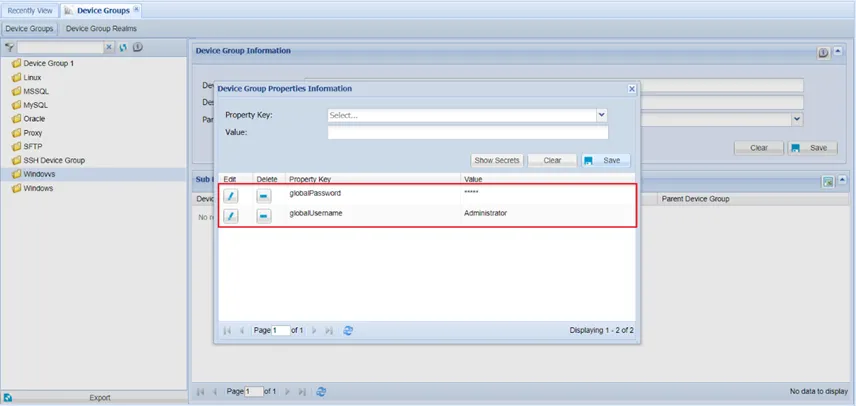
Device Group Properties